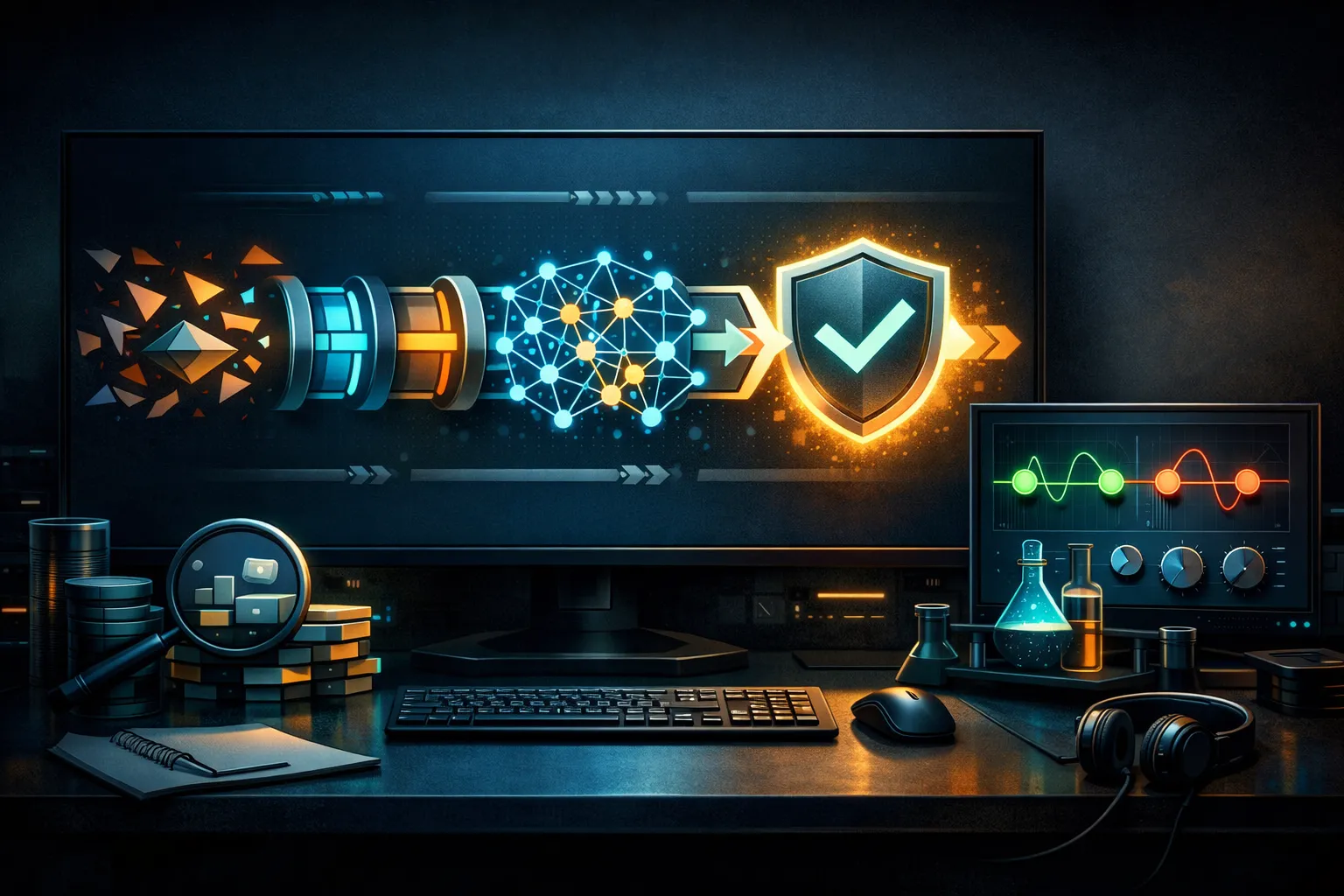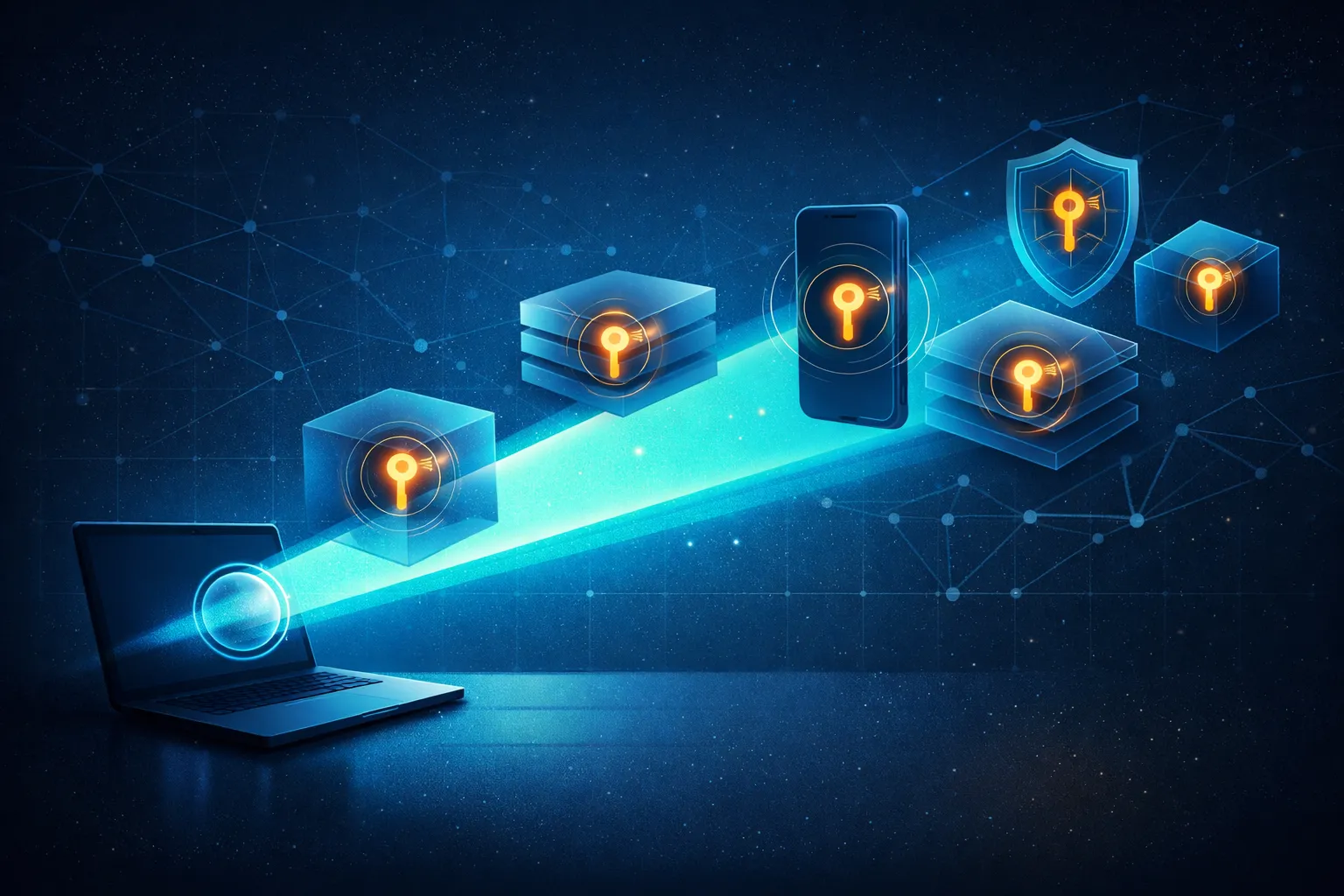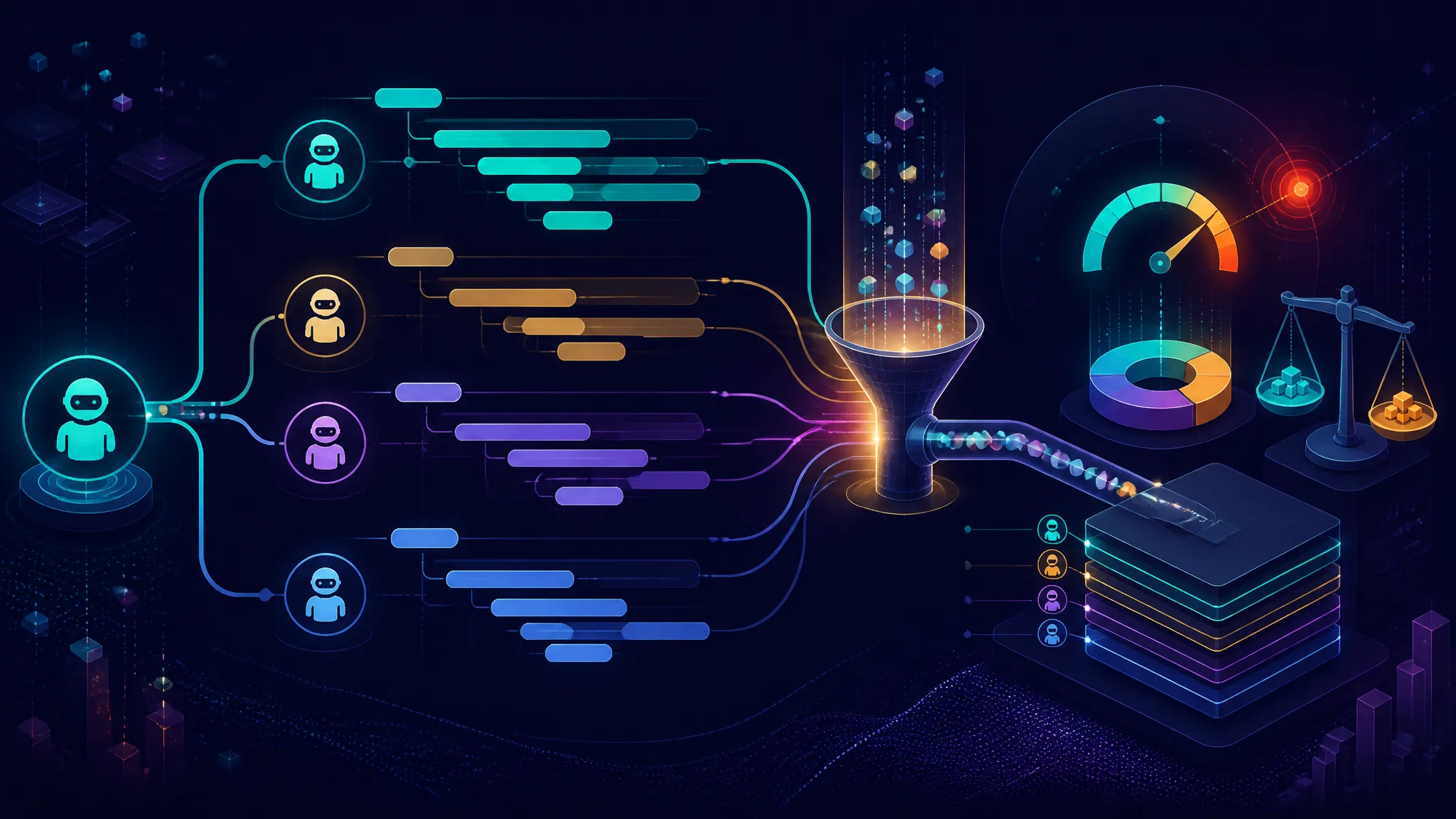
From Prompt to Payload: How Gemini CLI Enables Rapid Botnet Construction
Lead and scope of the report
What the source claims happened
The report says a hacker used Gemini CLI to build a live command-and-control botnet in about six minutes. I am treating that as a reported claim, not something I independently reproduced.
That distinction matters. The security issue is not whether one operator had a clever prompt. The more interesting point is that an AI CLI tool can sit close enough to the shell, filesystem, and network that model output can turn into executable action almost immediately.
Why this is a real security story, not just AI hype
This is not just another “AI made hacking easier” headline. If the report is accurate, it points to a workflow problem:
- the model can generate useful operator steps
- the CLI can hand those steps to a local environment
- the environment may already have the permissions needed to do damage
That is a failure in the execution layer, not only in the model. I would rank that as more serious than a browser-only prompt injection story because the attacker does not need a copy-paste bridge. They may get direct access to local tooling.
What Gemini CLI changes in attacker workflow
From chat prompt to local command execution
A chat model can suggest a command. A CLI wrapper can go further: it can run commands, write files, inspect the local tree, and iterate from the output. That shortens the loop from:
- ask for help
- copy the answer
- paste into shell
- read output
- repeat
to something closer to:
- prompt the CLI
- execute
- observe
- adjust
- execute again
That compression is the real force multiplier.
Why CLI access is different from browser-only prompt injection
Browser-only prompt injection is dangerous, but it usually needs another step before it affects the host. The attacker still has to cross a boundary: trick the user, exfiltrate data through a web action, or push work into a connected tool.
A CLI assistant is already on the wrong side of several boundaries:
- it can see local files if permitted
- it can invoke the shell if permitted
- it can often reach internal services
- it may inherit user credentials and environment variables
So the risk is not just the text the model produces. It is the trust the surrounding tool chain places in that text.
The fast path from assistance to automation
The six-minute claim, if accurate, is operationally important because it suggests the attacker did not need custom infrastructure from scratch. The tool itself reduced setup cost.
That is the part defenders should care about. Any time an AI assistant can help generate scaffolding, config, scripts, and control logic in one place, abuse gets cheaper. Cheap abuse scales faster than polished abuse.
Reconstructing the reported botnet workflow at a safe level
The likely steps: instruction, generation, execution, and control loop
I cannot verify the exact prompts or binaries from the report, so the safest reconstruction is high level:
- The operator asks the CLI to help build some remote-control workflow.
- The assistant generates code, shell commands, or configuration.
- The operator runs or adapts that output locally.
- The operator uses the same environment to test connectivity and iterate.
- The loop becomes a lightweight control plane for multiple nodes.
At a technical level, that is enough to create a crude C2-like system even if the implementation is messy.
What a command-and-control setup needs technically
At a minimum, any C2-style setup needs a few building blocks. I am describing these as defensive concepts, not as instructions.
| Function | What it does | Defensive signal |
|---|---|---|
| Task intake | Receives work for an agent | Unexpected polling or inbound listener |
| Command execution | Runs local actions | Shell spawned from an AI CLI process |
| Result return | Sends output back | Repeated outbound connections with small payloads |
| Control loop | Adjusts based on response | Tight request/response cadence |
| Persistence | Survives restart | New autorun entry, cron job, launch agent |
If a CLI tool is allowed to create or manage those pieces, the line between “assistant” and “operator” gets blurry very quickly.
Where the article must stay careful about unverified details
The report gives a headline and a time window, but not enough to confirm the exact mechanics. I would not assume:
- which model capabilities were enabled
- whether shell execution was automatic or manual
- whether the operator used a wrapper script
- what transport carried the control traffic
- whether the environment was personal, lab, or enterprise
Those details matter. Without them, the safest claim is that the CLI appears to have accelerated the workflow, not that the model independently constructed a fully autonomous botnet.
Why six minutes matters operationally
Speed as a force multiplier for low-skill abuse
A lot of attacker tooling is useful because it removes friction, not because it is elegant. Six minutes is short enough to matter because it compresses experimentation into a single session. That lowers the skill floor.
The practical effect is that someone who understands intent but not implementation can still get something running. That is more dangerous than a polished framework in the hands of a specialist, because it broadens who can attempt abuse.
Impact on incident response windows
If hostile setup is that fast, defenders lose time at the front of the attack chain. By the time a user notices the tool acting strangely, the operator may already have:
- created a listener
- tested reachability
- established persistence
- validated command flow
That means response teams need to look earlier in the chain, not just after obvious exfiltration or ransomware stages.
What changes when AI collapses the setup cost
AI does not need to invent new attack classes to matter. It only needs to reduce the cost of assembling old ones.
That is the practical lesson here: C2, automation, persistence, and remote execution are not new problems, but AI CLI tools can make the assembly process fast enough that weak controls become visible in production.
What I would verify first if I were defending this environment
CLI audit logs, shell history, and process telemetry
My first pass would be local telemetry around the CLI process and anything it spawned.
grep -nE 'gemini|curl|wget|nc|ncat|socat|bash -c|python -c|node -e' ~/.bash_history 2>/dev/null
ps -eo pid,ppid,user,tty,etime,cmd | grep -Ei 'gemini|curl|wget|nc|ncat|socat|bash -c|python -c|node -e'
ss -tpn
journalctl --user --since "24 hours ago" | grep -Ei 'gemini|shell|exec|network'
A suspicious result is not just “the CLI was used.” It is a parent-child chain where an AI tool launches a shell, then the shell launches network utilities, then those utilities talk to an unfamiliar host.
Representative output to look for:
18422 ? 00:01:12 gemini-cli
18441 ? 00:00:03 bash -c ...
18444 ? 00:00:02 curl https://198.51.100.24/...
Network indicators that should stand out
I would look for:
- repeated short-lived outbound connections
- beacon-like timing from a single host
- unusual DNS lookups right after CLI activity
- loopback services that should not be present
- connections to rare hosts or freshly registered domains
The key is correlation. If a CLI session starts and the host immediately begins polling a remote endpoint on a tight interval, that is not normal assistant behavior.
Host artifacts and persistence checks
Then I would check for the boring stuff that attackers rely on:
- new cron entries
- shell profile edits
- launch agents or systemd units
- dropped binaries in temp directories
- scripts in unexpected working directories
- modified
.bashrc,.zshrc, or startup hooks
I would not assume a sophisticated implant. If the workflow was assembled quickly, the persistence may be equally sloppy.
Defensive controls for AI-assisted command-line tools
Sandboxing, least privilege, and explicit allowlists
Treat AI CLI tools like privileged automation, not like a chat box. They should run in a restricted context with:
- no ambient admin rights
- minimal filesystem visibility
- no broad network access
- explicit allowlists for commands or tools
If the assistant can reach everything the user can reach, then it can become everything the attacker wants.
Blocking network and filesystem reach by default
The default posture should be deny, not allow.
For example:
- restrict outbound traffic from the CLI process
- mount only the workspace it actually needs
- block access to credential stores
- separate the tool from secrets by design
This is basic containment, but it is exactly what gets skipped when teams treat AI tools as harmless productivity helpers.
Human approval for destructive or external actions
A good control is not “the model promised to be careful.” A good control is a hard approval step before:
- executing shell commands
- opening network connections
- writing startup hooks
- touching secrets
- modifying security-sensitive files
The review should happen at the tool boundary, not after the fact.
Detecting prompt-to-command abuse in enterprise telemetry
I would add detections for:
- AI CLI process spawning shells
- shell spawning network clients immediately afterward
- prompt sessions followed by file creation in temp or startup locations
- repeated command bursts with little human interaction
- child processes that do not match approved workflows
A simple rule of thumb: if the assistant is driving the shell faster than a person can reason about the output, log it and slow it down.
The broader lesson for developers and security teams
Treat AI CLI tools as privileged automation, not just assistants
This is the mistake I see most often: teams classify the tool by interface, not by capability. A CLI with file, shell, and network reach is not a note-taking assistant. It is privileged automation with a language interface.
That classification should change how you deploy it.
Put guardrails around tool invocation, not only model output
Filtering the model’s words is not enough. The dangerous action is the tool call that follows the words.
You need controls around:
- command execution
- file writes
- network access
- credential access
- escalation paths
If the surrounding platform is weak, the model can be safe and the deployment can still be unsafe.
Why policy and logging matter more than model promises
Model promises are cheap. Audit trails are expensive, but useful.
If an incident starts with a prompt and ends with a process tree, you want to be able to answer:
- who ran the tool
- what it launched
- what it touched
- what it connected to
- what it persisted
Without that, you are guessing after the fact.
What is confirmed, what is inferred, and what remains open
Confirmed from the report
The report claims that Gemini CLI was used to build a live C&C botnet in six minutes. That is the only part I can treat as sourced here.
Inference based on the reported behavior
Based on how CLI assistants work, the likely risk is that local execution and iteration collapsed the usual barriers between suggestion and action. That would make the tool materially more dangerous than a chat-only interface.
Details that would need primary-source verification
I would still want confirmation of:
- the exact prompt flow
- whether execution was automatic
- what permissions were available
- what artifacts were created
- how “live C&C” was defined in the original write-up
Until that exists, the safe position is to treat the report as a credible warning sign, not as a complete technical postmortem.
Conclusion
The practical takeaway for defenders
My view is simple: this is not an AI novelty story. It is a privileged-execution story with AI in the middle.
If you allow a CLI assistant to touch the shell, the filesystem, and the network, you are already relying on policy, telemetry, and least privilege to keep that tool honest. If those controls are weak, the assistant becomes a fast path from prompt to payload.
Defend the tool boundary first. Then worry about the model text.