AsyncAPI's Compromised npm Packages: Practical Steps to Harden Your Dependency Supply Chain
My read is simple: this is a supply-chain incident first, and a package-quality issue second. If a maintainer path or publish workflow gets compromised, normal npm install becomes the delivery channel. That is why dependency trust needs to be treated like a control surface, not a convenience.
What the report says, and what is actually confirmed
The reported AsyncAPI npm package compromise and the 2 million weekly download context
The public report says malware was injected into AsyncAPI npm packages, and that those packages together account for about 2 million weekly downloads. That download figure matters because it sets the blast radius: even a short-lived compromise can spread fast through downstream installs.
What I can confirm from the source material here is narrower:
- the incident was reported as an npm supply-chain attack affecting AsyncAPI-related packages
- the report said malicious code was injected into the packages
- the packages were described as having very high weekly download volume
What I cannot confirm from the provided source alone:
- the exact package names
- the exact malicious behavior
- whether the compromise came from a stolen token, maintainer account, CI pipeline, or another path
- the exact window in which malicious versions were published
- whether an official AsyncAPI or npm statement had already been published
That distinction matters. Security writeups often blur “reported compromise” into “fully explained incident,” and that is how teams end up fixing the wrong thing or missing the real problem.
Separate confirmed facts from open questions so readers do not overstate the incident
A good incident summary keeps evidence and inference apart.
| Category | What is safe to say | What needs confirmation |
|---|---|---|
| Confirmed by report | AsyncAPI npm packages were reported as compromised | Exact packages and versions |
| Confirmed by report | Malware was said to be injected into published packages | Payload behavior and scope |
| Confirmed by report | The packages had roughly 2 million weekly downloads | Whether that figure refers to one package or a package set |
| Still open | N/A | Publish path, root cause, dwell time, and official remediation details |
If your team reads this as “someone shipped a bad version,” you are missing the security lesson. The right reading is “the registry and publish chain are part of production.”
Why this is a supply-chain problem, not just a bad package release
How a compromised maintainer path can reach downstream apps through normal installs
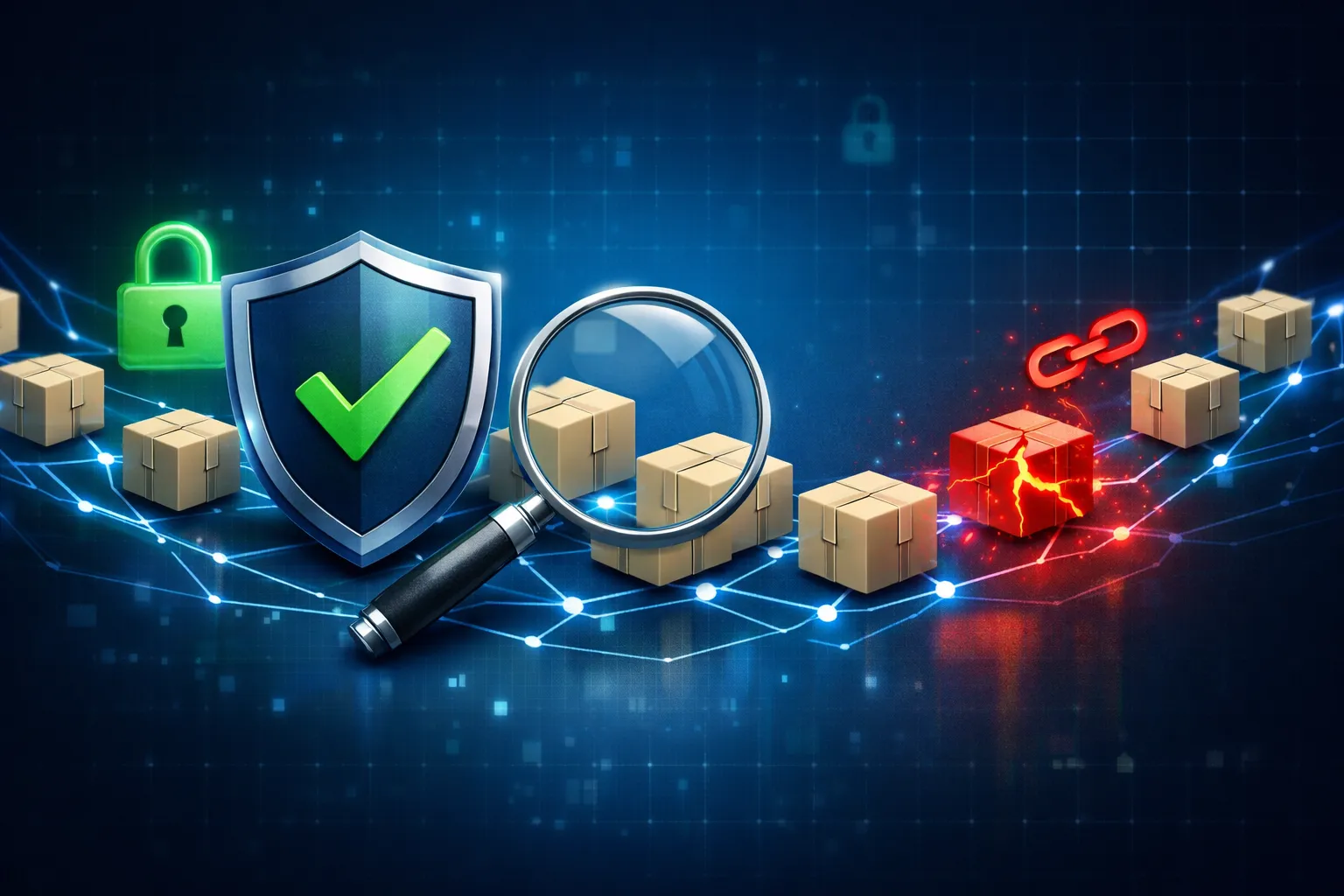
The dangerous part of npm supply-chain incidents is that the attacker does not need a foothold in your app. They only need a way to get malicious code into a package your install process already trusts.
A typical path looks like this:
- a maintainer account, token, or CI publish job is compromised
- a malicious package version is published to the registry
- downstream projects install it through ordinary
npm install,npm ci,pnpm install, oryarn install - install-time scripts, build steps, or runtime imports execute the code
That is why the impact can go beyond the package itself. If the malicious package runs during install, it can potentially read environment variables, touch local files, or alter build outputs before your app even starts.
Why lockfiles reduce drift but do not erase trust in the package registry and publish process
Lockfiles help, but they are not a substitute for trust.
They help you:
- keep repeat installs consistent
- reduce accidental dependency drift
- make diffs easier to review
They do not help you if:
- the malicious version was already locked
- a transitive dependency got updated during a routine refresh
- a fresh clone resolves to a compromised version before you notice
- your CI uses a new lockfile or regenerates one from the registry
So yes, pinning and lockfiles matter. They just do not remove the need to verify what got published, what got installed, and what ran during install.
How to check whether your project depends on the affected packages
Find direct and transitive AsyncAPI dependencies with npm, pnpm, or yarn
Start by mapping your dependency tree. Do not assume you only care about direct dependencies.
npm ls asyncapi
npm ls @asyncapi/*
npm explain asyncapi
If you use pnpm:
pnpm why asyncapi
pnpm why @asyncapi/*
If you use Yarn:
yarn why asyncapi
yarn why @asyncapi/*
You are looking for both direct and transitive exposure. A package can enter your tree through a code generator, a documentation tool, or another dependency that pulls in AsyncAPI tooling.
A useful rule: if you cannot explain why a package is there, treat it as a review item, not background noise.
Inspect lockfiles and integrity fields for unexpected changes
Your lockfile is often the fastest place to see whether a dependency set changed in a way you did not intend.
Look for:
- new AsyncAPI package entries
- version bumps you did not approve
- integrity hash changes
- registry URL changes
- a new package subpath or tarball reference
For example:
git diff -- package-lock.json pnpm-lock.yaml yarn.lock
If you want to narrow the search:
grep -n "asyncapi" package-lock.json pnpm-lock.yaml yarn.lock
When you see a changed integrity hash, do not treat it as proof of compromise by itself. It may just reflect a legitimate version update. The point is to correlate the lockfile change with your change request, dependency bot PR, or release notes.
Recreate the install in a clean container and compare the resulting tree
If you want a low-noise check, reproduce the install from scratch in an isolated environment.
docker run --rm -it -v "$PWD:/app" -w /app node:20-slim bash
Inside the container:
npm ci --ignore-scripts
npm ls --all > /tmp/tree.txt
find node_modules -maxdepth 2 -type f | sort > /tmp/files.txt
Then compare against your local environment or a known-good baseline:
diff -u baseline-tree.txt /tmp/tree.txt
diff -u baseline-files.txt /tmp/files.txt
This does not prove a package is malicious. It does show whether the install result is stable, which is the first thing you want before you start chasing a compromise theory.
What a safe verification workflow looks like in practice
Use commands such as npm ls, npm explain, and git diff to map package exposure
A practical workflow is usually:
- identify the package names
- see where they enter the tree
- compare the installed tree against the lockfile
- inspect release notes or advisories
- decide whether install-time execution risk exists
A minimal review session might look like this:
npm ls @asyncapi/*
npm explain @asyncapi/parser
git diff -- package-lock.json
Example output you are looking for:
[email protected] /work/my-app
└─┬ @company/[email protected]
  └── @asyncapi/[email protected]
That tells you the package is not coming directly from your app code. It is coming through a documentation or build dependency, which changes where you should patch.
Look for install scripts, postinstall hooks, and unexpected network or filesystem behavior
The biggest install-time risk is not just “package imported by app code.” It is “package executed before the app starts.”
Check package metadata for scripts:
npm view @asyncapi/parser scripts
npm view @asyncapi/parser bin
At the repository level, inspect your own dependency scripts:
jq '.scripts' package.json
You want to know whether a dependency can run code during:
preinstallinstallpostinstall- build steps in CI
- code generation hooks
If you are doing deeper verification in a lab, watch for outbound network calls and unexpected file writes. I would not do that on a production machine. Use a disposable container or VM.
Record observed output so the team can distinguish evidence from assumption
The easiest way to keep an incident review honest is to write down what you actually saw.
| Check | What you saw | Interpretation |
|---|---|---|
npm ls | package appears under @company/docs | transitive exposure |
git diff | lockfile changed in same PR as dependency update | likely expected change |
npm view ... scripts | postinstall present | install-time execution exists |
| container reinstall | tree matches baseline | no drift in that environment |
If you cannot show an output, do not phrase the result as if you verified it. Say “I did not test that” or “this needs confirmation.”
The controls that actually reduce package risk
Pin versions deliberately and review dependency updates instead of auto-merging them
Auto-merge is convenient until it is not. If a package is part of your build, release, or install path, treat updates like code changes.
My preferred baseline is:
- pin direct dependencies
- review dependency PRs instead of auto-approving them
- require a human look at lockfile changes for build-time packages
- keep a short list of high-trust packages that deserve extra scrutiny
Restrict registry access, scope automation tokens, and protect publish workflows
If an attacker can publish as you, you have already lost the first half of the game.
Defensive controls that matter:
- scope npm tokens to the minimum needed
- use short-lived automation credentials where possible
- separate human publish access from CI publish access
- enforce MFA on maintainer accounts
- protect release branches and tags
- limit who can modify package publishing workflows
This is boring control work, but it blocks the most common compromise paths.
Prefer provenance, trusted publishing, and CI policies that make tampering harder
If your ecosystem supports it, use provenance and trusted publishing so the registry can verify where a package came from.
Also add CI policy around:
- who can publish
- which workflow can publish
- whether release artifacts must match source tags
- whether signatures or provenance statements are required before promotion
The goal is not perfect trust. It is making tampering visible and expensive.
If your team already installed the affected package, what to do next
Reinstall from a known-good lockfile, clear caches, and rotate secrets if install-time execution is possible
If there is a chance the malicious package ran during install, do not just bump a version and move on.
Start with:
rm -rf node_modules
npm cache clean --force
npm ci --ignore-scripts
If you use pnpm or Yarn, do the equivalent clean install from a known-good lockfile.
If install-time code may have executed, rotate anything that could have been exposed during the install process:
- API keys
- CI tokens
- npm tokens
- cloud credentials
- deployment secrets
Check for unusual outbound traffic, unexpected new files, or changed build artifacts
Look at the system as well as the source tree.
Questions worth asking:
- Did the install make network calls it should not have made?
- Did any new files appear outside the normal build output?
- Did generated artifacts change when the source did not?
- Did your CI logs show commands or downloads you do not recognize?
In a real incident review, I would prioritize these artifacts over vague “the machine felt weird” reports. Logs beat hunches.
Decide whether the incident is a cleanup task or a full credential-response event
If the package was installed but did not execute anything sensitive, this may be a cleanup task: remove the version, reinstall, and monitor.
If the package executed during install or build, treat it like a credential-response event:
- rotate secrets
- review CI and release logs
- inspect recently published artifacts
- check for follow-on changes in source control and package registry settings
That distinction is the difference between a routine patch and an incident response.
The practical lesson for JavaScript teams
Treat dependency trust as a control surface with monitoring, review, and response steps
JavaScript teams often think of dependencies as a build detail. They are not. They are part of the application’s trust boundary.
A mature dependency program has:
- visibility into what is installed
- review of updates before merge
- controls around publish credentials
- monitoring for unexpected install behavior
- a response plan for compromised packages
That is the bar I would use here. Anything less is hoping the registry stays clean.
Put the fastest fixes first: visibility, pinning, and publish-path hardening
If you want the highest return on effort, I would do these first:
- map where AsyncAPI packages enter your tree
- pin or freeze versions that matter to your build
- review lockfile diffs instead of auto-merging them
- enable trusted publishing or provenance where available
- protect maintainer accounts and CI release workflows
That order matters. Visibility tells you whether you are exposed. Pinning limits spread. Publish-path hardening reduces the chance that the same compromise happens again.