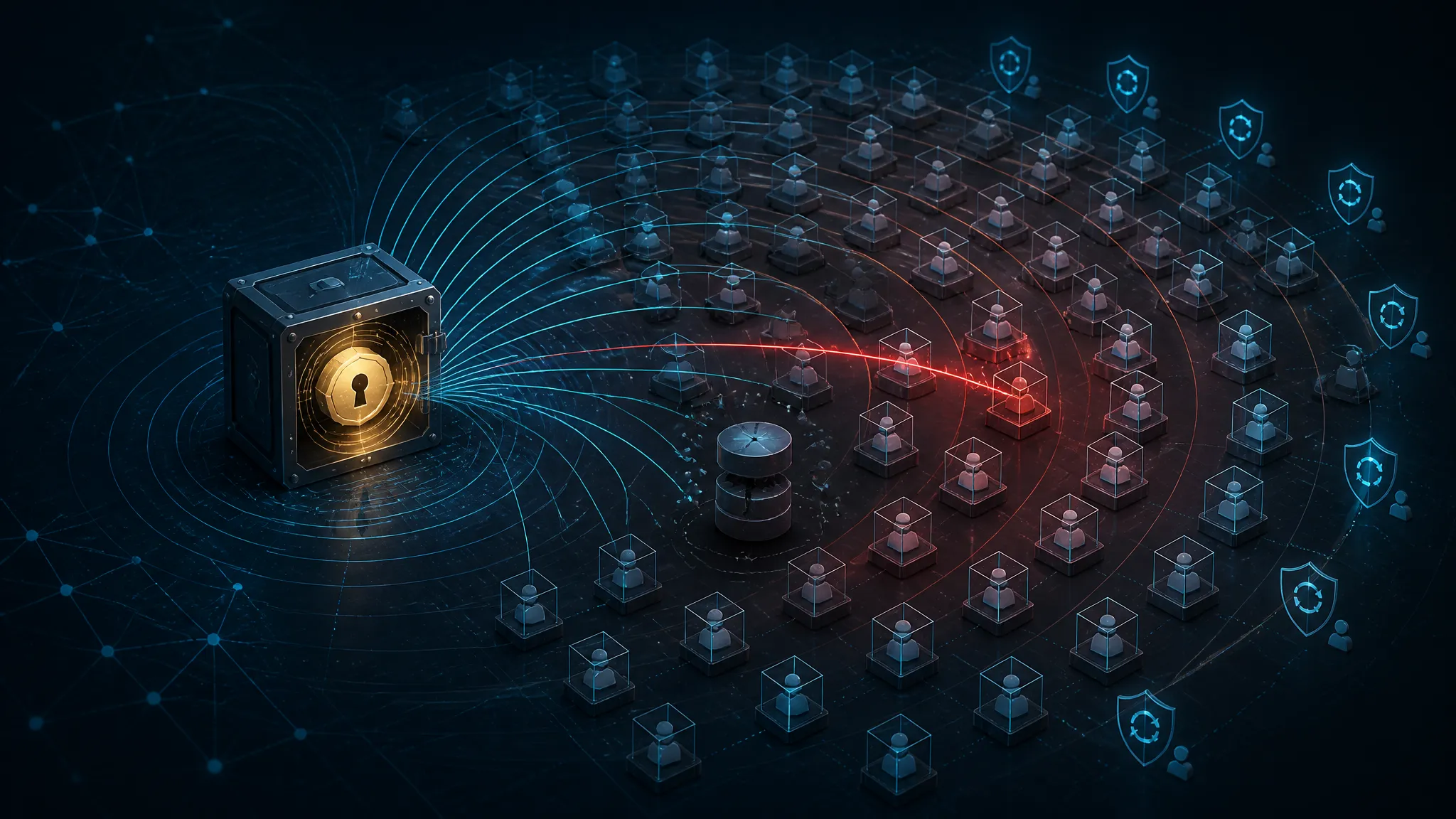
What to Check When CISA Adds Seven More Actively Exploited Flaws
What CISA's seven-flaw KEV addition means in practice
The confirmed part is simple: CISA added seven more flaws to its Known Exploited Vulnerabilities catalog, which means it has enough evidence that they are being exploited in the wild. Secondary reporting also says some attackers are using those footholds to drop reverse shells and crypto miners.
What I did not confirm from the public summary alone is the exact seven CVEs or product names. I am not going to guess them. For response work, that missing detail is not the main problem anyway. Once a flaw lands in KEV, the question stops being “is this severe?” and becomes “are we exposed, and can an attacker reach it right now?”
Separate the confirmed event from the threat-report framing
There are two different claims here:
- Confirmed: CISA updated KEV with seven more actively exploited vulnerabilities.
- Reported by secondary coverage: attackers are deploying reverse shells and crypto miners after exploitation.
That second claim matters, but it should not drive the response plan by itself. Reverse shells and miners are post-exploitation signs. They tell you the attacker got execution and wanted either remote access or money. They do not tell you the initial bug class, and they do not tell you whether your environment is affected.
My view is simple: once a bug shows up in KEV, treat it as an active defense queue, not a news item. The response order changes that day.
Why KEV entries should change your patch order the same day
CVSS is useful. KEV is different. It says “this is being used now.”
That changes the priority math in a few ways:
- A medium-scoring flaw on an internet-facing appliance can outrank a high-scoring flaw on a sealed internal host.
- A bug with a known exploit chain and public attacker use deserves same-day owner notification, even if the patch window is usually weekly.
- If the service cannot be patched immediately, isolation and compensating controls are part of the fix, not an optional extra.
If your patch queue still sorts by CVSS first, you are probably fixing the wrong thing first.
Start with exposure, not CVSS
The first question should be: Can the vulnerable component be reached without already owning the network?
That is the real triage line.
Internet-facing services and edge appliances come first
Anything reachable from the public internet should move to the top of the queue:
- VPN gateways
- file transfer appliances
- web admin consoles
- reverse proxies
- SSO gateways
- exposed container ingress points
- remote management portals
These are the assets that tend to show up in KEV-backed intrusions because they sit at the edge and take attacker-controlled input all day.
If the vulnerable product is an appliance or service that terminates traffic directly, I usually assume exploitation is easier than the vendor docs make it sound. That is an inference, but it is a safe one to act on.
Internal-only assets still matter if they can be reached laterally
“Internal” does not mean safe. It usually means one hop away from trouble.
A host becomes relevant if any of these are true:
- it trusts a segment that includes user workstations
- it is reachable from a compromised jump box
- it accepts admin traffic from a flat management VLAN
- it can be hit by a service account or API key from another system
I have seen too many response plans ignore internal targets until an attacker uses exactly that path. If a KEV bug can be reached from a compromised endpoint, it is not really internal from a defender’s point of view.
Rank by reachability, exploitability, and blast radius
A practical ordering is:
| Factor | Higher priority signal |
|---|---|
| Reachability | Public exposure or easy lateral access |
| Exploitability | Known exploitation, low interaction, pre-auth if applicable |
| Blast radius | High-value data, admin access, shared infrastructure |
| Recovery cost | Hard-to-rebuild appliances, stateful systems, fragile legacy apps |
I would patch the asset with the worst mix of those four first, even if its CVSS is lower than something else in the backlog.
Build a trustworthy inventory before you chase fixes
You cannot defend what you cannot map. KEV work gets messy because the product name in the advisory rarely matches the thing in your CMDB.
Map products to hosts, containers, and managed services
Start by linking the vulnerable software name to every place it actually exists:
- physical and virtual hosts
- container images and running pods
- managed services or SaaS integrations
- gold images and templates
- test and staging clones
If you only search endpoint inventory by hostname, you will miss the container image built from an old base, or the managed appliance that never registered cleanly.
For the first pass, I like a plain but reliable approach:
## Linux: quick inventory signals
uname -a
cat /etc/os-release
ss -lntp
systemctl list-units --type=service --state=running
That is not enough for full asset management, but it often finds the “we forgot this box existed” problem fast.
Catch shadow deployments, stale appliances, and forgotten test systems
The ugly KEV truth is that the vulnerable thing is often not the production app. It is the forgotten copy:
- a test appliance still reachable through a VPN rule
- a proof-of-concept deployment someone left in a cloud account
- a stale VM with a public IP because the security group was copied from prod
- a backup admin panel exposed for convenience
This is where inventory drift turns into an incident. If your scanner says “none found” but packet capture or DNS records say otherwise, trust the latter first and reconcile later.
Triage the seven vulnerabilities as an operational queue
Because the source summary does not list the exact seven flaws, I would not pretend to triage them by product. I would triage them by asset state.
Which assets can be patched immediately
Patch immediately when all of these are true:
- the service can be restarted safely
- there is a tested update path
- the asset is not part of a fragile cluster
- there is no active exploitation signal on the host
For those systems, the right move is boring: upgrade, restart, confirm version, rescan.
Which assets need service shutdown or isolation first
If the asset is already internet-facing and you suspect exploitation, patching alone may be too slow. Isolate first if:
- the process tree already looks suspicious
- you see a reverse shell pattern
- the service is unstable or in an unknown state
- the vendor fix requires downtime anyway
A live compromise changes the order. I would rather take a short outage than let an attacker keep a shell while I schedule maintenance.
Which assets need compensating controls while you wait
Some systems will not patch cleanly in the first window. For those, use temporary controls:
- block external access at the edge
- restrict admin interfaces to a jump host
- disable unused features or plugins
- rotate credentials tied to the exposed service
- add WAF or reverse-proxy filtering where it actually fits
Do not mistake a temporary rule for a fix. If the vulnerable service is still reachable from somewhere meaningful, the risk is still live.
What the reverse-shell and crypto-miner activity should trigger
The secondary reporting matters because it hints at the attacker’s playbook. A reverse shell means interactive control. A miner means someone is trying to monetize spare CPU after compromise.
Look for outbound command-and-control, unusual child processes, and persistence
For a first pass on Linux, I would look for:
ps -ef --forest
ss -pant
last -a | head
crontab -l
sudo ls -la /etc/cron* /var/spool/cron
systemctl list-timers --all
Red flags include:
- a web service spawning
bash,sh,python,perl, orcurl - long-lived outbound connections to odd hosts or high ports
- new cron entries or systemd units
- modified startup scripts or shell profiles
On Windows, check process creation, scheduled tasks, and service changes:
Get-CimInstance Win32_Process | Select-Object ProcessId,ParentProcessId,Name,CommandLine
Get-ScheduledTask | Select-Object TaskName,State
Get-Service | Where-Object {$_.StartType -eq "Automatic"}
A reverse shell can look boring for a few minutes and then become obvious in the parent-child chain.
Hunt for mining indicators like sustained CPU spikes and suspicious pools
Crypto miners are louder than attackers think. Common signs:
- sustained CPU or GPU usage on a server that should be mostly idle
- fan noise or thermal throttling on edge boxes
- outbound traffic to known mining pool patterns
- repeated process respawns after termination
If you do not have a pool list, hunt behavior first. A miner often shows a process that:
- runs as a service account or root
- reconnects on failure
- writes into tmp-like paths
- creates persistence to survive reboot
Check both Windows and Linux logs, because the attack path changes
Do not assume the same exploit path across platforms. The initial bug may be in the same product family, but post-exploitation on Windows and Linux looks different.
| Platform | High-value logs |
|---|---|
| Linux | auth logs, syslog, journalctl, cron, shell history, SSH logs |
| Windows | Security, Sysmon, PowerShell, Task Scheduler, Service Control Manager |
| Network | DNS, proxy, NetFlow, firewall denies, egress logs |
If the report says reverse shell activity, I would check the outbound connection first, then work backward to the process that spawned it.
A practical hunt checklist for the first pass
Network telemetry to review
Start with:
- outbound connections from servers that normally do not browse the web
- DNS queries to newly seen domains
- connections to suspicious high ports
- traffic to mining pools or paste sites
- unusual egress from DMZ appliances
Endpoint telemetry to review
Review:
- process creation events
- child processes of web servers and schedulers
- new services, timers, or scheduled tasks
- file writes under web roots,
/tmp,%ProgramData%, and user profile paths - privilege escalation or service account logons
Auth, web, and scheduler logs to review
Check:
- successful logons at strange hours
- repeated admin logins from the same source
- web requests that trigger command execution endpoints
- scheduled task creation around the suspected exploit window
- config changes that line up with first callback traffic
If you find a shell, stop treating the case as patch-only.
What to collect before cleanup so you do not lose evidence
Process trees, hashes, network connections, and modified files
Before you restart or wipe anything, capture:
- process tree
- loaded modules or command line
- running network connections
- hashes of suspicious binaries
- file timestamps for recently modified artifacts
A minimal Linux collection looks like this:
ps -ef --forest > ps.txt
ss -pant > sockets.txt
find /tmp /var/tmp /dev/shm -type f -mtime -3 -ls > recent-temp-files.txt
sha256sum /path/to/suspicious/file > hashes.txt
Persistence mechanisms and account changes
Also collect:
- new local users
- SSH authorized keys
- crontab entries
- systemd services
- scheduled tasks
- registry run keys on Windows
- newly granted admin roles in identity systems
A miner often leaves persistence behind even if the original payload is removed.
When to preserve a disk image or memory capture
If any of these are true, preserve evidence before cleanup:
- you suspect credential theft
- the host handles sensitive data
- you need to understand the initial foothold
- the process tree is volatile or hidden
- legal or incident-response requirements apply
Memory capture is especially useful when you suspect a live reverse shell or in-memory loader. If you cannot safely capture memory, document why and move quickly to containment.
Patch, contain, and verify in the same change window
Why patching alone is not enough if the service stays exposed
A patched binary behind the same public endpoint is better, but only if the patch is actually live and the vulnerable path is gone. If the service remains exposed and the rollback path is unclear, I would not call the issue closed.
Containment and patching need to happen together:
- isolate or restrict access
- patch or upgrade
- restart if required
- verify the version and behavior
- rescan from a separate toolchain
How to confirm the vulnerable version is actually gone
Do not trust only the patch ticket. Check the running state:
- package version
- service binary path
- container image digest
- plugin version
- web app build number
- vendor status page or admin UI if it shows the active release
If the binary was replaced but the service was not restarted, you may still be running the old code.
How to re-scan without assuming the scanner is truthful
One scanner finding is not proof of safety. I prefer at least two checks:
- a version check from the host or service itself
- an external scan from another segment
If they disagree, trust the one closer to the actual runtime state, then investigate the mismatch.
What I would change in the vulnerability-management program after this
Turn KEV into a hard SLA with owner and exposure metadata
My default recommendation is:
- KEV entry + internet-facing asset = same-day triage
- KEV entry + reachable internal asset = next business day triage
- KEV entry + no exposure = track, but do not ignore
That only works if the ticket already knows:
- business owner
- technical owner
- exposure state
- patch path
- rollback path
- compensating controls
Without that metadata, the queue turns into a spreadsheet exercise.
Pre-stage compensating controls for high-risk software classes
For products that often show up in KEV, pre-build the controls:
- admin access through a bastion
- allowlist-based egress
- emergency WAF rules
- maintenance playbooks
- tested rollback bundles
- offline inventory of appliances and VM templates
This is less glamorous than threat hunting, but it saves time when the alert drops.
Use incident-response playbooks for actively exploited bugs, not generic patch tickets
A KEV event is not an ordinary remediation ticket. It should trigger an incident-style workflow:
- verify exposure
- check for exploitation
- preserve evidence if needed
- isolate if suspicion is high
- patch and validate
- document blast radius and lessons learned
That is the right response when attackers are already using the flaw.
Bottom line: treat KEV as a defensive response queue, not a news feed
My takeaway is straightforward: when CISA adds seven more actively exploited flaws to KEV, the useful question is not “what happened in the abstract?” It is “which of my assets are reachable, which are already noisy, and which need to be contained before I touch them?”
The reverse-shell and crypto-miner angle makes the priority even clearer. That is post-exploitation behavior, which means some defenders are already behind the attacker’s timeline.
If you want the exact catalog entries, check the live CISA KEV page directly. If you want the right operational response, start with exposure, verify inventory, hunt for callback behavior, and patch inside the same change window.
Share this post
More posts
When WordPress Patches Aren’t Enough: Incident Response for Live Exploitation of Recent Bugs

Rebuilding Routing Thresholds and RAG Fan-Out for Claude Haiku 5.5's New Pricing