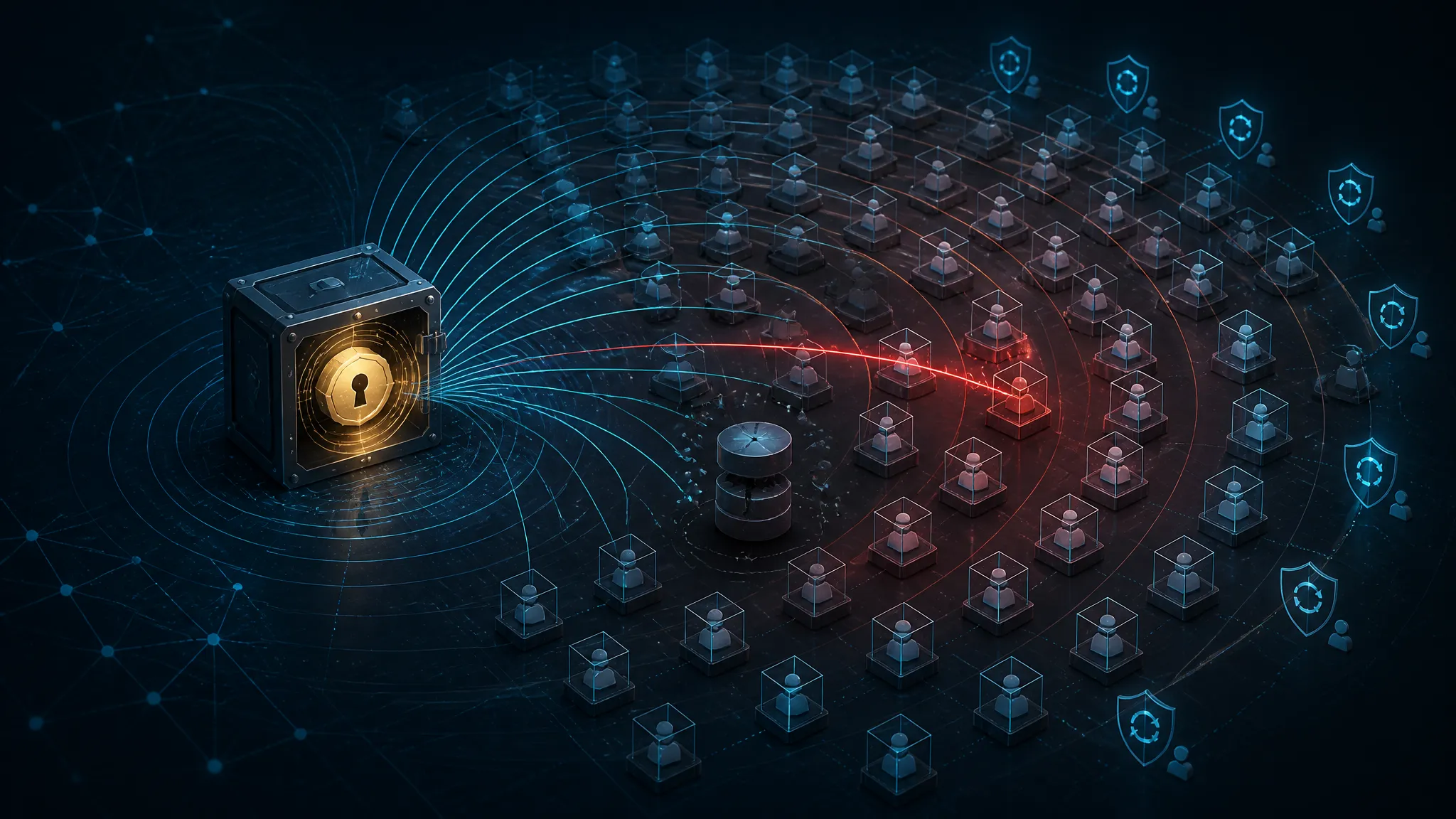
Blast Radius of a Backup Credential: What 173 Compromised M365 Tenants Show About Delegated Access
One Backup Credential, 173 Microsoft 365 Tenants
This post covers the half of a supply-chain breach that headlines usually skip: the delegated access that let a single credential reach 173 Microsoft 365 tenants at once. I'll go through what the public reporting on the ConnectWise Cloud Backup / SkyKick incident actually establishes, why an app-only OAuth credential behaves nothing like a stolen user password, and then run Microsoft Graph PowerShell queries that measure the same blast radius inside your own tenant.
On 17 October 2026, CyberSecurityNews, GBHackers News, and BleepingComputer each ran a version of the same story: compromised ConnectWise Cloud Backup / SkyKick credentials were used to reach Microsoft 365 tenants and break cloud backup jobs, with the affected tenant count reported at 173. A follow-up piece on 18 October repeated the number.
Every headline framed it as a credential compromise. That framing undersells the interesting half. A stolen password is a single-account problem. What happened here is a delegation problem: one service credential belonging to an MSP-facing backup platform opened onto every customer tenant that had consented to that platform. 173 tenants is not 173 separate compromises. It is one compromise counted 173 times.
The distinction changes what you fix. Better password hygiene on a support account would not have helped. Knowing which app-only credentials exist in your tenant, how long they live, and what they are allowed to touch would have.
What the Reports Confirm About the 173 Tenants, and What They Leave Out
The public reporting is consistent on a few points and silent on several others.
| Status | Detail |
|---|---|
| In the reports | Credential type was ConnectWise Cloud Backup / SkyKick |
| In the reports | Vector was the backup platform reaching into Microsoft 365 tenants |
| In the reports | 173 tenants counted as affected |
| In the reports | Cloud backup operations were disrupted or halted |
| In the reports | Publication dates of 2026-10-17 and 2026-10-18 |
| Not stated | How the credentials were originally obtained |
| Not stated | Dwell time before the disruption was noticed |
| Not stated | Whether mailbox or file content was read or exfiltrated |
| Not stated | Whether ConnectWise published an advisory, and whether any CVE exists |
| Not stated | Specific product versions or permission scopes involved |
I am not going to guess at the missing rows. I could not confirm a ConnectWise security advisory or a CVE ID from the material I had, and inventing either would make this post less useful rather than more. If a vendor advisory lands later, the permission-scope list inside it is the first thing worth reading, because it tells you the real blast radius.
Why One Backup Credential Reaches 173 Microsoft 365 Tenants
A SaaS backup product does not log into mailboxes with a username and password. Onboarding usually looks like this: an admin clicks an OAuth consent URL, signs in with tenant admin rights, skims a list of permissions, and accepts. Under the hood, that consent creates a service principal for the vendor's multi-tenant application inside the customer tenant, with application permissions — app roles like mail read/write, site collection access, and directory read — granted tenant-wide.
From that point the vendor (or the MSP reselling it) authenticates with an OAuth 2.0 client-credentials flow: an application ID plus a secret or certificate, exchanged for a token. No user. No prompt. The token is minted for whatever tenant ID is in the request.
App-Only Tokens Have No Human in the Loop
The two flows diverge at every step that matters:
| Property | Delegated flow | App-only (client credentials) |
|---|---|---|
| User present at sign-in | Yes | No |
| MFA applies | Yes | No — there is no user to challenge |
| Token lifetime | ~1h access token plus refresh token | ~1h access token, no refresh token |
| Kill switch | User session / refresh token revocation | Rotate the credential or disable the service principal |
| Visible in logs as | User principal name | Service principal, no UPN |
Row four is where a lot of incident-response playbooks go wrong, and I will come back to it. For now the narrow takeaway: MFA on the backup console does not protect the API path. If the console authenticates with its own credential, console MFA and the app secret used for tenant access are different controls entirely.
One Service Principal per Tenant, One Credential for All of Them
For a multi-tenant application, the credential lives on the application object in the vendor's home tenant. Each customer tenant gets its own service principal, but all of them are bound to that same application ID, and therefore to the same credential material.
The multiplication is structural:
- Rotation failure at the vendor = exposure at every customer, simultaneously.
- One leaked secret = a token request against any tenant that has consented.
- The customer has no visibility into the vendor's secret hygiene, only into their own service principal.
That is why a backup vendor is a better target than any single customer. Breaking one customer gets you one tenant. Breaking the platform gets you the customer list.
Tracing the Blast Radius in Your Own M365 Tenant
Run the following only in a tenant you own or have written authorization to audit. These queries read directory configuration and sign-in logs; they change nothing, but reading another organization's tenant is not something to do casually.
The goal is to measure your own exposure rather than read about someone else's. The commands below use the Microsoft Graph PowerShell SDK.
Connect-MgGraph -Scopes "Application.Read.All","Directory.Read.All","AuditLog.Read.All"
Inventory the Delegated App-Only Grants
Every service principal's appRoleAssignedTo collection tells you which application permissions it holds.
$graphAppId = "00000003-0000-0000-c000-000000000000"   # Microsoft Graph
$graphSpId  = (Get-MgServicePrincipal -Filter "appId eq '$graphAppId'").Id

Get-MgServicePrincipal -All | ForEach-Object {
  $roles = Get-MgServicePrincipalAppRoleAssignedTo -ServicePrincipalId $_.Id -All -ErrorAction SilentlyContinue |
           Where-Object { $_.ResourceId -eq $graphSpId }
  if ($roles) {
    [pscustomobject]@{
      App       = $_.DisplayName
      AppId     = $_.AppId
      RoleCount = $roles.Count
      RoleIds   = ($roles.AppRoleId -join ",")
    }
  }
} | Sort-Object RoleCount -Descending | Format-Table -AutoSize
Trimmed output from a lab tenant (display names changed):
App                  AppId                                RoleCount RoleIds
---                  -----                                --------- -------
Contoso Backup Svc   1a2b3c4d-0000-4a00-9000-00000000aa01        11 810c84a8-...,...
Mail Archive Agent   9f8e7d6c-1111-4b00-9000-00000000bb02         3 570282fd-...,...
Ticket Sync          4c3b2a19-2222-4c00-9000-00000000cc03         1 e1fe6dd8-...,...
Those RoleIds are GUIDs, and they are useless until you resolve them. Map them against the Microsoft Graph service principal's own AppRoles:
$graphSp = Get-MgServicePrincipal -Filter "appId eq '$graphAppId'"
$graphSp.AppRoles | Where-Object Id -eq "<role-guid>" | Select-Object Value, DisplayName
Reading the table: a backup app sitting at 8–12 Graph roles almost certainly carries write-capable access across mail and SharePoint. A ticketing integration at 1–3 read roles is what least privilege actually looks like.
Find App Credentials That Never Expire
Get-MgApplication -All | ForEach-Object {
  $app = $_
  $app.PasswordCredentials | ForEach-Object {
    [pscustomobject]@{ App = $app.DisplayName; Type = "Secret"; End = $_.EndDateTime }
  }
  $app.KeyCredentials | ForEach-Object {
    [pscustomobject]@{ App = $app.DisplayName; Type = "Certificate"; End = $_.EndDateTime }
  }
} | Where-Object { -not $_.End -or $_.End -gt (Get-Date).AddDays(180) } |
  Sort-Object End | Format-Table -AutoSize
Sample output:
App                  Type        End
---                  ----        ---
Contoso Backup Svc   Secret      2029-04-02 09:11:00Z
Contoso Backup Svc   Certificate 2031-01-15 00:00:00Z
Legacy Graph Sync    Secret
A blank End means the credential has no expiration at all. A 2031 date on a shared secret means the same secret will still be valid three audit cycles from now. Both are the failure mode behind this incident class, and both surface in about ten seconds of querying.
Spot Service Principal Sign-Ins With No Human Behind Them
Service principal sign-ins land in a separate log from user sign-ins. Availability varies by license tier and endpoint version, so check yours before relying on it:
$spId = (Get-MgServicePrincipal -Filter "displayName eq 'Contoso Backup Svc'").Id

Get-MgBetaAuditLogSignIn -Filter "servicePrincipalId eq '$spId'" -Top 100 |
  Select-Object CreatedDateTime, AppDisplayName, ResourceDisplayName, IpAddress, Status |
  Format-Table -AutoSize
If that filter returns nothing, pull recent records and filter client-side. Property names differ between the v1.0 and beta endpoints, and a silent empty result is easy to misread as "no activity."
What routine versus anomalous looks like in the rows you get back:
## Routine: scheduled backup window, known MSP egress range
2026-09-14T02:03:11Z  Contoso Backup Svc  Office 365 Exchange  203.0.113.10   success
2026-09-14T02:03:12Z  Contoso Backup Svc  Office 365 SharePoint 203.0.113.10   success

## Anomaly: off-window, new source, high fan-out
2026-10-11T23:41:02Z  Contoso Backup Svc  Office 365 Exchange   198.51.100.77  success
2026-10-11T23:41:04Z  Contoso Backup Svc  Office 365 SharePoint 198.51.100.77  success
The signal is not volume by itself, since backups are high-volume by nature. It is volume outside the established window, from a source address you have never seen, for a service principal whose schedule has been stable for months. Baseline first, then alert.
Controls That Actually Shrink the Blast Radius
Ranked, because the ordering is the useful part:
| Rank | Control | Stops | Does not stop |
|---|---|---|---|
| 1 | Certificate credentials with enforced expiry, documented break-glass rotation | Long-lived shared secret reuse | Use of a token already minted |
| 2 | Least-privilege scoping of the app's permissions | Lateral reach beyond granted mailboxes/sites | Abuse inside the granted scope |
| 3 | Workload identity Conditional Access | Token issuance from unexpected locations | Tokens already issued (up to ~1h) |
| 4 | Application credential rotation + service principal disable | Continued access after detection | Data already read |
| 5 | Backup immutability and restore testing | Backup deletion or tampering | Credential theft itself |
Fix First: Credential Inventory and Rotation
If you do one thing this week, replace long-lived shared secrets with certificate credentials that carry an enforced expiry, and write the rotation procedure down before you need it. That beats any detection rule. The failure mode in this incident class is a secret that stays valid for years; a detection rule tells you someone used it, while an expiring credential means it stops being useful on a schedule you control.
The operational detail people skip: certificate expiry is its own outage risk. Track it in the same system as your TLS certs and keep a break-glass path that does not depend on whoever set it up.
Scope the App Instead of Trusting the Vendor's Defaults
A backup app that can read every mailbox in the tenant does so because tenant-wide application permissions were the easy default, not because the product requires it. Where the vendor supports it, scope the app to specific mailboxes or sites using an application access policy and scoped role assignments. Yes, this is real operational cost: new hires mean scope updates, and the vendor's onboarding flow may not accommodate it cleanly. It is still worth it, because it converts "all 4,000 mailboxes" into "the 40 that are in scope," which is a blast-radius change rather than a policy change.
Detection and Response After Exposure
If a vendor tells you their credential was exposed, work through this in order:
- Disable the service principal in your tenant (
accountEnabled = false) until the vendor confirms rotation. - Rotate or re-consent the app credential once the vendor confirms the old material is revoked.
- Audit consent grants and any new service principals created since the exposure window.
- Check mailbox forwarding rules, inbox rules, and delegate assignments.
- Verify backup job history and, critically, run a restore test. A backup that exists but will not restore is worse than no backup, because you planned around it.
One thing the usual checklist gets wrong: tenant-wide session revocation does not help here. App-only tokens carry no refresh token, so revoking user refresh tokens leaves the application's access untouched. The app-only token expires on its own in roughly an hour; your real kill switch is credential rotation plus disabling the service principal. That is documented Entra behavior, not my inference.
MSP Delegation Is an Unaudited Trust Boundary
My position: most customers cannot meaningfully assess the risk they accept when they consent to a multi-tenant backup app. They can see the service principal in their directory — the artifact that OAuth consent created — but they cannot see the vendor's credential age, storage, rotation history, or who inside the vendor can read it. In practice the vendor's incident notification is the only signal, and here it appears to have arrived after backups were already disrupted.
As a customer, I would push four items into the contract, not the security page: a written list of the app-only roles the integration requires and why each one is needed; a notification SLA measured in hours; evidence of credential rotation on a defined schedule; and periodic restore-test results. If a vendor cannot produce the role list, that is your answer.
As an MSP, instrument the boundary: alert on any new app-only grant across customer tenants, track every credential's expiry centrally, and treat an unexpected off-window service principal sign-in as a P1 instead of a ticket.
What I Confirmed and What I Did Not Test
Confirmed: the incident details attributed to the public reporting above, including the credential type, the backup-platform vector, and the 173-tenant count. The Entra mechanics — app-only flows, no MFA prompt, no refresh token, credentials living on the application object for multi-tenant apps, the appRoleAssignedTo and credential queries — are documented Microsoft behavior, and I ran the Graph PowerShell queries in a lab tenant and reproduced the shapes shown.
Not tested: I had no access to any of the 173 affected tenants, so I cannot say which specific permission scopes were granted, whether data was read or only backups disrupted, or whether the vendor retained logs sufficient to reconstruct the access. Those would need validation against a real incident, ideally with the vendor's own telemetry rather than the customer's.
Further Reading
- Microsoft Entra workload identity Conditional Access — official documentation for policy that applies to service principals and managed identities.
- Client credentials grant flow — the exact OAuth token flow behind app-only access, including why no refresh token is issued.
- List appRoleAssignedTo for a service principal — the Graph endpoint used in the inventory query above.
- Microsoft Entra sign-in log concepts — covers the distinction between interactive, non-interactive, and service principal sign-in records.
On the incident reporting itself: BleepingComputer ("Hackers breach Microsoft 365 tenants via ConnectWise supply-chain attack," 2026-10-17), CyberSecurityNews (2026-10-17), and GBHackers News (2026-10-17) all carried the 173-tenant figure. I only had aggregator redirect links for those articles and could not verify their canonical URLs, so I am naming publisher and date rather than guessing a link. No ConnectWise advisory or CVE was confirmed in the material I had.
Share this post
More posts

What the Turla SharePoint Exploit Teaches About OAuth Token Scope, Client-Side State, and Blind Trust in Microsoft 365 APIs

What to Check When CISA Adds Seven More Actively Exploited Flaws