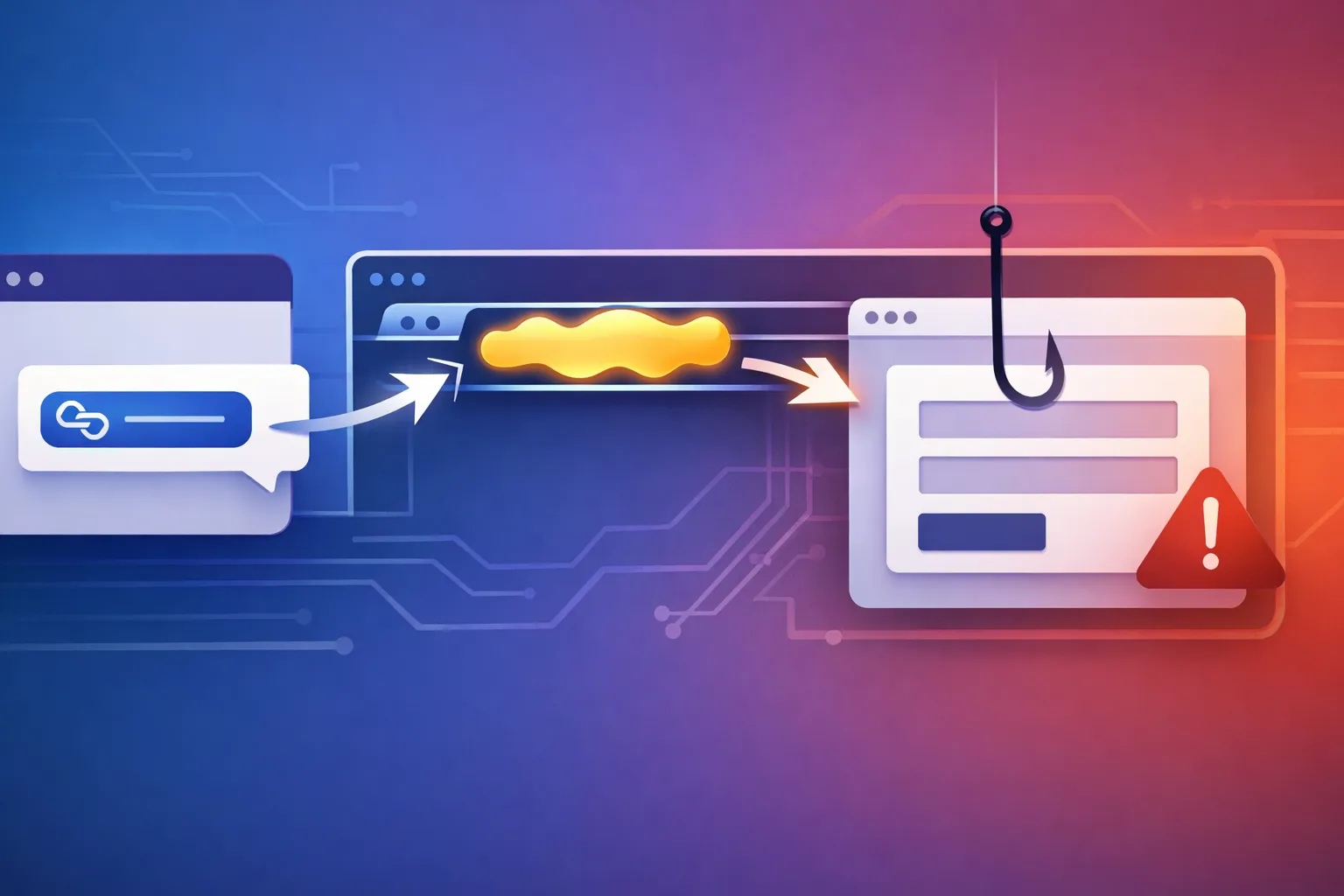
Testing Self-Mutating Phishing Pages with a JavaScript Runtime Monitor
The headline claim is small, but the operational consequence is not. If phishing pages rebuild their JavaScript every time someone opens them, then a single screenshot, hash, or blocked URL is much less useful than it used to be. I would treat that as a runtime-analysis problem, not a static-review problem.
I am treating the mutation claim as confirmed because the report states it. Everything below about how the page works is inference unless I say otherwise.
What the report says, and what I would not assume
The confirmed claim: phishing pages change code on each open
The source report says the phishing page changes its code every time someone opens it. That is the one fact I am comfortable treating as established from the material I was given.
A clean way to separate that from everything else is:
| Status | Claim |
|---|---|
| Confirmed | The reported phishing pages mutate their code on each open. |
| Confirmed | Static inspection alone becomes less reliable against that behavior. |
| Inference | The mutation is probably produced by server-side generation, client-side assembly, or both. |
| Inference | The goal is likely to frustrate hashes, signatures, and one-shot URL blocklists. |
What is still inference: how the mutation is implemented
I would not assume the page is “self-modifying” in only one specific way. Several common patterns could produce the same effect:
- the server emits a fresh HTML or JavaScript payload for each visit
- the page receives a per-session token and builds scripts from that token
- the page loads a small bootstrap that pulls in a second-stage payload from an ephemeral path
- the page rewrites itself in the browser using
document.write,eval, blob URLs, or DOM injection
All of those are plausible. The report I saw does not prove which one is in use, so I would not name a specific mechanism without runtime evidence.
Why this matters more than ordinary obfuscation
Ordinary obfuscation is annoying, but it still tends to leave a stable sample behind. Once you decode it, you can often hash it, compare it, and write a rule.
Live mutation is different. The thing you scan at 09:00 may not exist at 09:05. The page becomes a moving target, and the investigator has to capture behavior, not just source text.
Why self-mutating phishing breaks static review
Hashes, signatures, and URL reputation lose value fast
If each open produces a different script body or script path, then a detector that depends on a static hash will keep missing new variants.
The same issue shows up in URL reputation. A scanner may block example.bad/payload.js, but the next visit uses example.bad/payload-41a9.js or a short-lived CDN path that never existed in the previous scan. In that case, the indicator was real, but it aged out before anyone could operationalize it.
One-time tokens and per-session script generation
A common trick is to put a one-time token in the HTML and let that token determine the rest of the page. From a defender’s perspective, that is enough to make the content unstable even if the campaign itself is unchanged.
That instability matters because a mail gateway, web proxy, or sandbox may only see one visit. If the page binds its payload to a token that expires after first use, you get a sample that cannot be reproduced later unless you capture the runtime context too.
The difference between packed JavaScript and live mutation
Packed JavaScript is not the same thing as self-mutating content.
| Property | Packed JavaScript | Live-mutation phishing |
|---|---|---|
| Source changes between visits | Usually no | Yes |
| Unpacking possible offline | Often yes | Sometimes no |
| Hash stability | High | Low |
| Value of one sample | Moderate | Often weak |
| Best analysis method | Decode and inspect | Observe in a live browser |
That last row is the important one. A packed script is still a file. A mutating phishing page is a process.
How to inspect the page at runtime instead of trusting the source
Capture the initial HTML, script URLs, and network requests
My default move is to load the page in a throwaway browser context and record the first response, every request, and every response that follows. I want the exact URLs, not a vague “page loaded” result.
A safe local workflow looks like this:
npm init -y
npm i playwright
npx playwright install chromium
Then point a small monitor at the page:
import fs from "node:fs/promises";


const url = process.argv[2];
const out = process.argv[3] || "visit.json";

const browser = await chromium.launch({ headless: true });
const context = await browser.newContext({
viewport: { width: 1280, height: 900 }
});

await context.addInitScript(() => {
window.__events = [];
const log = (type, data) => {
  window.__events.push({ type, data, ts: Date.now() });
};

const origFetch = window.fetch;
window.fetch = async (...args) => {
  log("fetch", { input: String(args[0]) });
  return origFetch(...args);
};

const origOpen = XMLHttpRequest.prototype.open;
const origSend = XMLHttpRequest.prototype.send;
XMLHttpRequest.prototype.open = function (method, requestUrl, ...rest) {
  this.__url = String(requestUrl);
  return origOpen.call(this, method, requestUrl, ...rest);
};
XMLHttpRequest.prototype.send = function (...args) {
  log("xhr", { url: this.__url });
  return origSend.apply(this, args);
};

const origEval = window.eval;
window.eval = (code) => {
  log("eval", { sample: String(code).slice(0, 120) });
  return origEval(code);
};

const origWrite = Document.prototype.write;
Document.prototype.write = function (...args) {
  log("document.write", { sample: String(args[0]).slice(0, 120) });
  return origWrite.apply(this, args);
};

const storageSetItem = Storage.prototype.setItem;
Storage.prototype.setItem = function (key, value) {
  log("storage", { key, value: String(value).slice(0, 120) });
  return storageSetItem.call(this, key, value);
};

const origPushState = history.pushState;
history.pushState = function (...args) {
  log("history.pushState", { url: String(location.href) });
  return origPushState.apply(this, args);
};

const origReplaceState = history.replaceState;
history.replaceState = function (...args) {
  log("history.replaceState", { url: String(location.href) });
  return origReplaceState.apply(this, args);
};
});

const page = await context.newPage();
const network = [];

page.on("request", (request) => {
network.push({ type: "request", url: request.url(), method: request.method() });
});

page.on("response", (response) => {
network.push({ type: "response", url: response.url(), status: response.status() });
});

page.on("framenavigated", (frame) => {
network.push({ type: "nav", url: frame.url() });
});

await page.goto(url, { waitUntil: "domcontentloaded" });
await page.waitForTimeout(2000);

const snapshot = await page.evaluate(() => ({
html: document.documentElement.outerHTML,
events: window.__events,
location: location.href,
cookie: document.cookie
}));

await fs.writeFile(out, JSON.stringify({ network, snapshot }, null, 2));
await browser.close();
That monitor is intentionally boring. It observes, records, and exits. No exploit logic, no payload staging, no interaction beyond page loading.
Hook fetch, XMLHttpRequest, eval, and DOM writes
The point of the hooks is not to catch every evasive trick. The point is to force the page to leave a trail:
fetchshows late-stage network pullsXMLHttpRequestcatches older code paths and a lot of ad hoc loadersevaltells you when code is being assembled and executed dynamicallydocument.writeexposes bootstrap pages that inject follow-on scripts- storage hooks reveal state that may control which variant loads next
If a sample changes from one run to the next, those hooks often show where the change starts.
Record storage, cookies, and redirects before the page settles
I also want the browser state at the end of the load, not just the requests. Cookies and storage often carry the token that makes the next visit different.
For redirects, I care about the chain, not just the final URL. A phishing page that bounces through a sequence of ephemeral paths is doing something operationally different from a static landing page.
A safe JavaScript runtime monitor workflow
Run the page in an isolated browser profile or container
Do not run this in your daily browser profile. Use a fresh browser context, a disposable user-data directory, or a container with no access to your real accounts.
Even a defensive test can leak cookies, open trusted tabs, or pick up ambient login state if you reuse your normal browser profile.
Snapshot the DOM and network graph after each load
I prefer to save three artifacts per visit:
- the final DOM as text
- the network event log
- the browser event log from the hooks
That gives me something I can diff later without rerunning the sample.
Diff two visits and look for unstable script paths or payloads
A simple diff is often enough to prove mutation.
node monitor.mjs http://127.0.0.1:8000/ visit-1.json
node monitor.mjs http://127.0.0.1:8000/ visit-2.json

jq -r '.snapshot.events[] | [.type, (.data.sample // .data.url // .data.key // "")] | @tsv' visit-1.json > visit-1.tsv
jq -r '.snapshot.events[] | [.type, (.data.sample // .data.url // .data.key // "")] | @tsv' visit-2.json > visit-2.tsv
diff -u visit-1.tsv visit-2.tsv
Example output from a harmless local test page:
- document.write    <script src="/assets/app.91c2.js"></script>
+ document.write    <script src="/assets/app.a7f4.js"></script>
- request   http://127.0.0.1:8000/assets/app.91c2.js
+ request   http://127.0.0.1:8000/assets/app.a7f4.js
That is enough to prove runtime mutation without keeping or analyzing a real phishing payload.
Example monitor output that proves mutation without triggering abuse
A good report should show the unstable pieces side by side. In my own lab, I would keep the evidence small and explicit:
| Visit | Initial DOM note | Network note | Runtime note |
|---|---|---|---|
| 1 | script tag points to one asset path | request for app.91c2.js | document.write logged a matching path |
| 2 | same base page, different script path | request for app.a7f4.js | document.write logged a new path |
That is the kind of proof I would trust. A screenshot alone would not be enough.
What to look for when the page mutates every visit
Server-rendered variation versus client-side self-modification
These two cases look similar from the outside, but they matter differently in analysis.
If the server renders a new page every time, then the variability is probably in the campaign backend. If the client mutates itself after load, then a small bootstrap may be hiding a larger second stage.
I would not assume which one is true until I see the runtime trace.
Hostname churn, ephemeral paths, and short-lived resources
The report’s claim about changing code fits a broader pattern I have seen in malicious campaigns: hostnames move, paths disappear, and resources expire quickly. That behavior is usually meant to outlast one scan and frustrate the next.
The practical defense is to collect the exact request set during the visit. If you only keep a URL string, you lose most of the context.
Login forms that rewrite action targets or credential collectors
One thing I would watch closely is form handling. A page can look like a normal login form and still rewrite its action target, post credentials somewhere unexpected, or swap collectors between visits.
That is one reason I prefer browser runtime logs over static HTML reviews. The interesting part is often what happens after the page has already loaded.
Defensive takeaways for security teams
Prefer runtime evidence over single-scan verdicts
If your pipeline makes a decision from a single page fetch, you are going to miss samples like this. I would rather have one good detonation record than ten shallow hashes.
That means collecting:
- rendered DOM
- network requests and responses
- final redirect chain
- storage and cookie state
- any dynamic code execution event
Add browser-layer and mail-layer controls, not just blocklists
Blocklists still matter, but they are not enough when the page keeps changing. You need controls that can inspect behavior in the browser and correlate it with mail or proxy telemetry.
The best signal is often not “this URL is bad.” It is “this page keeps producing different code paths for different visitors.”
Escalate to dynamic analysis when content fingerprints keep changing
If a page fingerprint changes every time you scan it, stop trusting the fingerprint. Escalate it to a sandbox, a headless browser workflow, or a human review that includes runtime artifacts.
That is the technical position I would take: repeated instability is itself a signal.
What this means for developers building security tooling
Log artifacts in a reproducible form the team can diff later
If you build tooling, make the output diff-friendly. JSON with stable keys works better than a screenshot attachment that nobody can search later.
I would keep:
- normalized request logs
- DOM snapshots
- extracted script URLs
- hashes of the final DOM and fetched scripts
- timing data for the first few seconds of execution
Treat page mutation as an analysis signal, not a curiosity
It is easy to shrug and call it obfuscation. That misses the point.
Mutation means the page is actively trying to be a moving target. For defenders, that should raise the priority of the sample, not lower it.
Keep the monitor scoped so it observes without becoming a risk
A monitor should not execute arbitrary user code outside the browser, and it should not start interacting with forms or sending credentials anywhere. Observation is enough.
If the tool needs to prove mutation, it can do that by recording the evidence the page emits on its own.
Conclusion: the real failure is static thinking, not just phishing
The report’s claim is believable because the tactic makes defensive shortcuts fail. A page that changes on each open is trying to outrun the workflow most teams still rely on: fetch once, hash once, block once.
My view is simple: the right response is not a fancier static scanner. It is a repeatable runtime monitor that captures behavior, stores the artifacts, and makes variation visible.
If you can diff two visits, you are already ahead of the page.