TeamCity as an Initial Access Vector: The JetBrains Cadence AWS Credential Theft
What the report says happened
The public reporting says attackers reached JetBrains Cadence through an unpatched TeamCity instance and then pulled out AWS credentials. That is the part worth focusing on. A TeamCity foothold is not just “another server compromise”; in a lot of shops, it is the shortest route to the most sensitive material around: build secrets, signing keys, deploy tokens, cloud roles, and the logs that quietly print all of it.
My view is straightforward: if a CI/CD server is exposed and behind on patches, treat it like a production incident in progress. In many environments, it is a more valuable target than the app server itself.
The reported path from TeamCity to Cadence
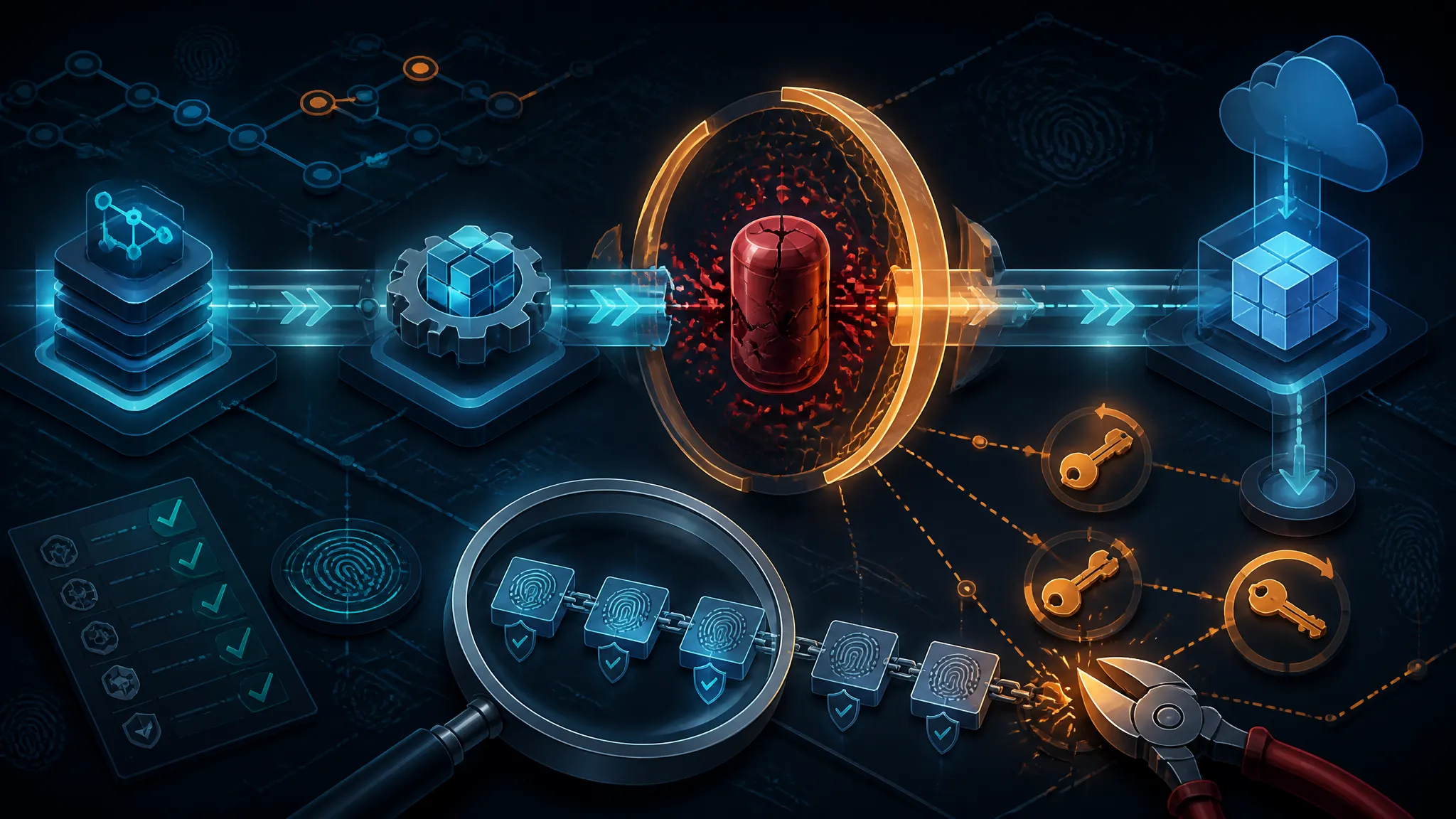
Based on the report, the rough chain was:
- Attackers reached TeamCity.
- TeamCity was unpatched.
- From there they obtained AWS credentials tied to Cadence-related infrastructure.
That is enough to make the incident serious even without every internal detail. Once AWS credentials are stolen, the attacker does not need to keep working through the original Java app or UI. They can move sideways into storage, compute, secrets managers, and CI/CD itself.
What is confirmed by the public reporting versus what is inferred
| Category | What is confirmed | What is inferred |
|---|---|---|
| Entry point | Public reporting says TeamCity was the initial foothold | The exact exploit path and access method are not public here |
| Impact | AWS credentials were extracted | Which AWS services were reachable, and how far the access went, is not confirmed in the source seed |
| Scope | JetBrains Cadence is the named target in the report | Whether the attacker also touched code, artifacts, or deployment pipelines is unknown |
| Remediation | The report implies patching mattered | Rotation, IAM cleanup, and server rebuilds would likely be needed, but that is not stated in the seed |
That split matters. I do not want to pretend the public seed says more than it does.
Why TeamCity is a high-value foothold
Build servers often sit close to source code, secrets, and cloud roles
TeamCity and similar systems usually have access that app servers do not. They need to fetch private repositories, run deploy jobs, sign artifacts, call package registries, and often assume cloud identities for release steps. That means the blast radius of a compromise is usually bigger than the blast radius of a single web app.
In practice, a build server may have all of the following:
- repository credentials
- environment variables containing deploy secrets
- access to artifact repositories
- cloud provider keys or role tokens
- agent workspaces with checked-out source and generated files
- build logs that accidentally print secrets
That is why CI/CD compromise is so dangerous. It is not just another box on the network. It is where trust gets concentrated.
Why an unpatched CI system can outrank the app server itself
If an attacker gets the application server, they may still need to fight auth, session boundaries, and least-privilege controls to reach anything useful. If they get the CI server, the machine is often already authorized to do the boring but powerful things: read secrets, deploy builds, and talk to cloud APIs.
That is the real asymmetry.
A neglected app server is bad. A neglected CI server can become a secret siphon. In my view, that makes unpatched CI software one of the fastest paths from “internet exposure” to “cloud compromise.”
How AWS credentials usually get exposed in CI/CD environments
Environment variables, build logs, agent access, and artifact leaks
AWS credentials in CI/CD environments usually leak through ordinary operational paths, not exotic malware.
Common places to look:
- environment variables injected into build steps
- shell traces that echo
exportlines - build logs that include debug output
- agent workspaces with copied config files
- archived artifacts that accidentally contain
.envor credential files - plugin configs and shared parameters
- cached files under build directories
A leaked key often starts as a harmless-looking string in a log line. Once you can read the logs, you can often read the secrets.
A quick search in a TeamCity backup or a mounted agent directory can be enough to surface the problem:
rg -n --hidden -S 'AKIA[0-9A-Z]{16}|ASIA[0-9A-Z]{16}|aws_secret_access_key|AWS_SESSION_TOKEN' \
  /var/lib/teamcity /opt/teamcity/logs /home/build-agent
A suspicious hit may look like this:
/opt/teamcity/logs/build.log:184: export AWS_ACCESS_KEY_ID=AKIA...REDACTED
/opt/teamcity/logs/build.log:185: export AWS_SECRET_ACCESS_KEY=REDACTED
That alone does not prove abuse. It does prove that a build system has been asked to handle cloud credentials in a place where logs can see them.
What an attacker would look for after landing on a build server
If I were auditing the attacker’s likely next steps, I would expect them to search for:
.aws/credentialsor profile files- CI environment variables
- service account JSON or token files
- SSH deploy keys
- repo access tokens
- cloud role session data
- cached secrets in workspace directories
- scripts that call
aws sts assume-role,docker login, orkubectl
That is why the first defensive assumption should be: if the CI server is compromised, any secret it ever handled is suspect.
Reconstructing the likely attack chain
Initial access through the TeamCity exposure
The public report says the TeamCity instance was unpatched. That is enough to support a likely chain: exposed management surface, weakness in the server, then privilege on the CI host or inside the TeamCity process context.
I am intentionally not speculating about the exact vulnerability. The important point is more boring and more useful: unpatched CI software is a standing invitation to attackers because it combines internet exposure with privileged access to downstream systems.
Credential discovery and extraction opportunities
Once inside, the attacker likely had several chances to collect AWS credentials:
-
Build environment variables
Many pipelines inject cloud keys directly into the process environment. -
Logs
Debug output, failed deploys, and printed commands can leak both access keys and session tokens. -
Agent filesystem
Agents often write checkout data, cached dependencies, and temporary config files to disk. -
Artifacts and archives
A build artifact can accidentally package a credentials file or.envsnapshot. -
TeamCity configuration data
If the instance held build parameters or integration settings, those may have pointed to reusable credentials.
That is the mechanism I would assume until proven otherwise. It is also why “we rotated the key” is not the end of the story.
Why AWS keys are especially dangerous once stolen
AWS access keys are not interesting because they are long strings. They are dangerous because they can become durable programmatic access if they are attached to a user with broad permissions.
Once stolen, a key can be used to:
- enumerate IAM permissions
- read secrets from Parameter Store or Secrets Manager
- access S3 buckets
- launch compute
- inspect logs and backups
- create new credentials or persistence paths, if IAM allows it
A useful first check is to see whether the key was still active and what it touched:
aws iam get-access-key-last-used --access-key-id AKIAEXAMPLE1234567890
Representative output:
{
  "UserName": "ci-deployer",
  "AccessKeyLastUsed": {
    "LastUsedDate": "2026-09-04T21:18:02+00:00",
    "ServiceName": "ec2",
    "Region": "us-east-1"
  }
}
If the access pattern does not match the expected CI workload, treat that as evidence of compromise rather than noise.
What security teams should verify first
Patch status, exposed admin surfaces, and agent inventory
My first pass would be:
- confirm the TeamCity version
- check whether the server is internet-facing
- list every agent and where it runs
- verify whether administrative endpoints are reachable from untrusted networks
- review plugin inventory and update history
A small inventory table helps keep the review honest:
| Check | What you want to know | Why it matters |
|---|---|---|
| TeamCity version | Is it current and supported? | Old builds are the easiest initial access path |
| Internet exposure | Is the UI or admin API public? | Public exposure multiplies risk |
| Agent count | How many systems can run builds? | Each agent is another secret-processing node |
| Plugins | Are third-party plugins installed? | Plugins expand attack surface |
| Auth settings | SSO, local users, tokens, 2FA | Weak auth makes foothold recovery easier |
Secret scope, rotation status, and cloud IAM blast radius
Then move to the cloud side:
- identify every AWS key that TeamCity ever handled
- check whether keys are long-lived or temporary
- review IAM policies attached to those identities
- rotate anything that touched CI secrets
- inspect CloudTrail or equivalent logs for unusual use
If a CI server held a key with broad IAM permissions, the problem is not just theft. It is overprivilege.
Defensive checks you can run in a lab or on internal systems
Search for leaked credentials in logs, configs, and build histories
If you have authorization to review the environment, start by searching for known secret patterns in logs and workspaces:
rg -n --hidden -S 'AKIA[0-9A-Z]{16}|ASIA[0-9A-Z]{16}|aws_secret_access_key|AWS_SESSION_TOKEN|BEGIN PRIVATE KEY' \
  /var/log/teamcity /opt/teamcity /data/teamcity-agent
What I would treat as a finding:
- access key IDs in logs
- session tokens in temporary files
.envfiles archived into artifacts- plaintext cloud profiles in workspace caches
What I would not treat as proof by itself:
- a single pattern match without context
- an old test key in a sandboxed job
- a key that is obviously redacted or dummy data
Review TeamCity roles, plugins, and authentication settings
A second check is to review what TeamCity users and plugins can do. Look for:
- admin roles granted too broadly
- disabled MFA on privileged accounts
- stale local accounts
- plugins that can read settings or execute code
- token-based auth that outlives the people who issued it
If you can query TeamCity through the API, do it from an admin account and keep the output limited to inventory data. Do not try to “prove” compromise by making the system do anything risky.
Validate AWS access keys against expected usage patterns
For AWS, compare observed key usage to normal CI behavior.
Useful commands:
aws iam list-access-keys --user-name ci-deployer
aws iam get-access-key-last-used --access-key-id AKIAEXAMPLE1234567890
Questions to answer:
- Was the key used from the expected region?
- Did it touch services the pipeline normally uses?
- Was it active after rotation should have removed it?
- Did the key appear in CloudTrail from unfamiliar source IPs or user agents?
That is usually enough to decide whether you have a hygiene issue or an incident.
Hardening steps that actually reduce this risk
Treat CI/CD as production-grade infrastructure
If TeamCity can reach secrets, then TeamCity is production. That means:
- patch it like production
- restrict network access like production
- log it like production
- back it up like production
- monitor it like production
A build system should not be “the place where we can be a little lazy because it is just tooling.” That mindset is how tooling becomes the breach path.
Rotate and scope secrets so a single server cannot expose everything
Secret rotation is necessary, but rotation alone is weak if the same server still has broad access.
Better controls:
- use per-pipeline or per-environment credentials
- scope IAM policies to one job or one service
- avoid shared human-plus-machine secrets
- prefer secret managers over inline variables
- keep build logs from printing env dumps
Reduce standing access and prefer short-lived cloud credentials
Long-lived AWS keys are the easiest thing for an attacker to reuse. Short-lived credentials raise the cost of theft and limit replay.
Prefer:
- STS-assumed roles over static keys
- workload identity federation where possible
- session durations that match the job, not the quarter
- tightly bounded IAM policies
- automatic key revocation paths
What I would prioritize if this were my environment
Fix order: patch, rotate, audit, then tighten privileges
If this were my incident queue, I would do it in this order:
- Patch TeamCity or take it offline until patched.
- Rotate all credentials the server could reach.
- Audit logs, agents, and artifacts for leakage.
- Tighten IAM and CI roles so the same mistake is less damaging next time.
That order matters because a clean-looking server with stale credentials is still a compromise waiting to happen.
Why secret rotation without server remediation is incomplete
I do not trust rotation by itself if the original TeamCity exposure is still present. If an attacker still has a path back into CI, they can wait for new secrets to appear, harvest them again, or use the CI system to mint fresh access.
Rotation is cleanup. Remediation is closing the door.
Conclusion: CI/CD compromise is an initial access problem, not just a tooling problem
The reported JetBrains Cadence incident fits a pattern I keep seeing: the real damage comes from the trust a CI server already has. Once an attacker lands there, the path to cloud credentials is usually short and very ordinary.
That is why I would not describe this as “just a TeamCity issue.” It is an initial access problem, a secrets-handling problem, and an IAM design problem all at once.
Further reading: official TeamCity security advisories, AWS IAM best practices, and vendor incident write-ups
- JetBrains security bulletins — official vendor advisories and fixes
- TeamCity security documentation — TeamCity auth, roles, and hardening guidance
- AWS IAM best practices — scoping and rotation guidance from AWS
- AWS access keys documentation — how long-lived keys work and why they are risky