Practical Lessons from Microsoft's AI-Powered Security Scanner for Windows
Introduction: the practical question behind Microsoft's agentic scanning claim
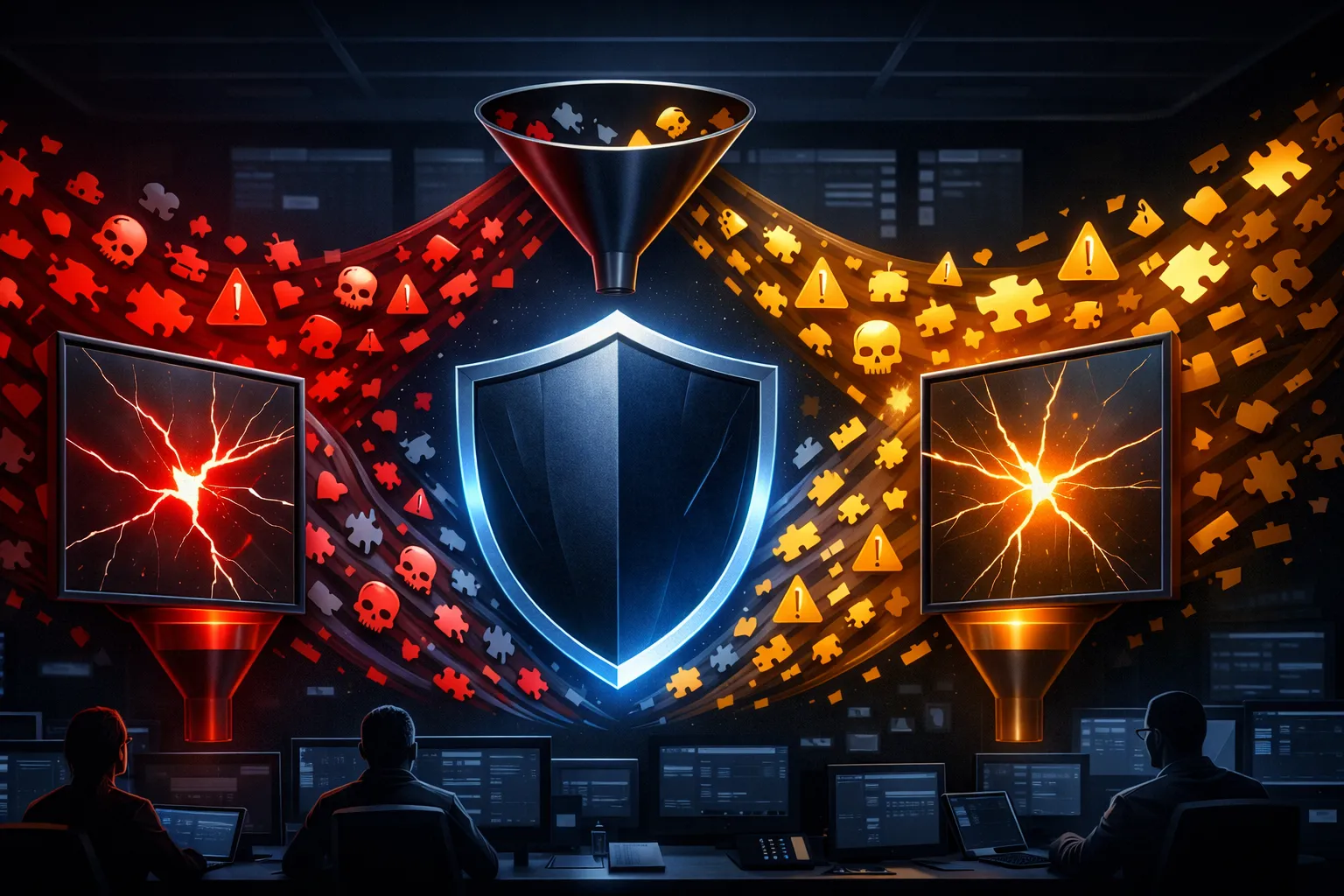
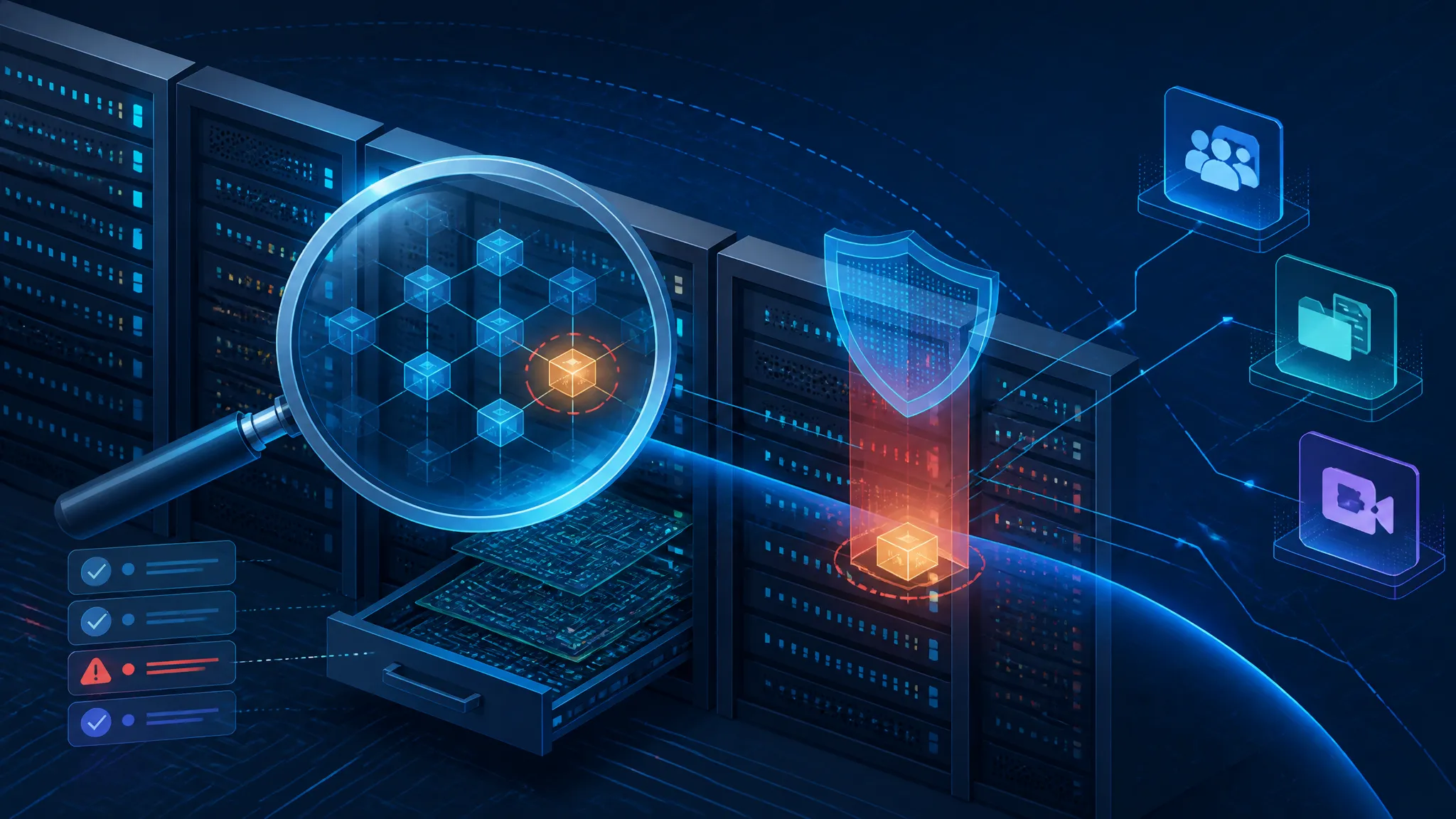
The report says Microsoft is using AI-powered, agentic scanning to find Windows security flaws and speed up patching. I treat that as a real signal, just not a magic headline.
The useful question is straightforward: if a vendor with deep Windows internals knowledge is leaning on agentic automation, what should defenders and developers expect it to do well? My view is that this kind of system is most valuable when it turns security review into a tight loop: explore, test, confirm, and feed the result back into patching. It is far less useful as a vague “AI found a bug” claim with no evidence behind it.
That matters because Windows is not a small target. The attack surface spans kernel code, services, drivers, update logic, admin tooling, and a long tail of APIs that are easy to misuse and hard to validate manually at scale.
What the report says, and what it does not prove
Confirmed point: Microsoft is using an AI-powered agentic scanning approach to look for Windows security flaws
From the source material, the confirmed point is narrow: Microsoft is reported to be using AI-powered agentic scanning to find Windows security flaws and accelerate patching.
That wording matters. “Agentic” implies more than a one-shot classifier or static lint pass. The scanner is presumably expected to decide what to try next, run actions, inspect results, and iterate. That is a different category from a model that only summarizes code or ranks alerts.
What I can safely take from the report is the direction of travel:
- Microsoft is applying automation to security discovery.
- The target is Windows, which means the surface is broad and deeply layered.
- The stated goal includes faster patching, not just bug discovery.
What I cannot prove from the source bundle is the implementation detail. I do not know the model, the internal tools, the exact scope, the coverage metrics, or how many findings were new versus duplicates.
Inference: the real value is probably speed, coverage, and earlier patch discovery, not magic vulnerability discovery
My inference is that the biggest win here is not “AI finds impossible bugs.” It is that a goal-driven scanner can work through repetitive and high-variance checks faster than a human team can.
That usually translates into three concrete benefits:
- Speed — the scanner can run many more test permutations and revisit them after each patch.
- Coverage — it can traverse more branches, states, and inputs than a manual review team can hold in working memory.
- Earlier patch discovery — when the system is wired into a product team, a finding can become a fix while the code is still fresh.
I would not read the report as proof that AI is replacing exploit research or code review. If anything, it suggests the opposite: the best use of AI here is to reduce the amount of dull, stateful, repeatable work that blocks humans from focusing on the hard parts.
Why Windows is a hard target for automated security scanning
Large attack surface across OS components, drivers, services, and developer-facing APIs
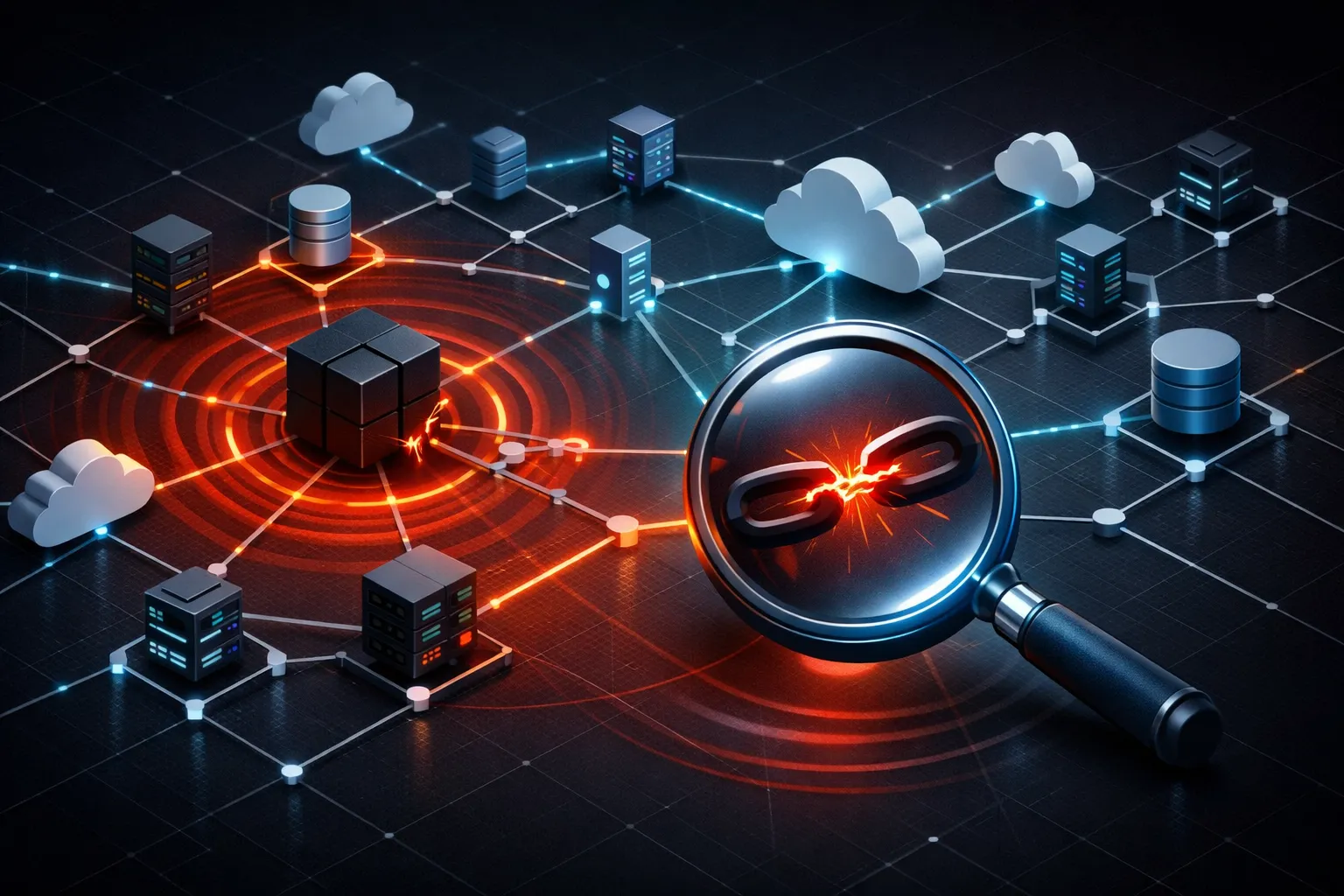
Windows is a rough environment for automation because the relevant bugs are spread across many layers with different failure modes.
A scanner has to deal with all of this at once:
| Surface | Why it is hard | Typical failure mode |
|---|---|---|
| Kernel and drivers | Privilege boundaries are strict and crashes are expensive | A bug only appears in a specific state transition |
| Services and scheduled tasks | Behavior depends on service configuration and identity | A scanner misses authorization bugs behind a service boundary |
| Update and installer logic | State changes across reboots and privilege levels | A fix looks safe in a clean VM but breaks on upgrade paths |
| Win32 and COM APIs | Huge compatibility surface and decades of edge cases | Inputs that seem harmless exercise rare branches |
| Admin-only features | Often invisible to low-privilege tests | Access checks are assumed, not verified |
This is why “just scan it” is a weak plan. The scanner has to understand state, privilege, and timing, not just syntax.
Why manual review alone does not scale well for patch triage and regression testing
Manual review is still essential, but it does not scale well for everything Windows generates.
Patch triage is a good example. A fix might touch a code path that affects multiple products, versions, or privilege boundaries. A human can inspect that path carefully, but not at the same speed as an automated system can rerun the same hypothesis across many builds.
Regression testing has the same problem. If a patch changes behavior in one place, you need to know whether it quietly broke a different path. That is where an automated scanner is genuinely useful: it can replay the checks after each patch, compare outputs, and flag drift.
My position is simple: automation should take over repetition, not judgment.
How an agentic scanner should work in practice
Build a goal-driven loop: explore, hypothesize, test, and record evidence
A useful agentic scanner should behave like a disciplined tester, not a chatty assistant.
At minimum, the loop should look like this:
- Explore the target surface and enumerate reachable paths.
- Hypothesize a failure mode, such as an authorization bypass or state confusion.
- Test the hypothesis with a controlled action.
- Record evidence from the actual output, not just the model’s explanation.
- Decide the next step based on the result.
That loop matters because it keeps the scanner from turning into a prose generator. The system should earn its conclusions from observed behavior.
A good finding record should be structured enough that a human can reproduce it without guessing what the model meant.
function validateFinding(finding) {
const required = [
  "component",
  "environment",
  "steps",
  "observed",
  "expected",
  "reproStatus"
];

const missing = required.filter((key) => !finding[key]);
if (missing.length) {
  throw new Error(`missing fields: ${missing.join(", ")}`);
}

if (!["reproduced", "not-reproduced", "partial"].includes(finding.reproStatus)) {
  throw new Error("invalid reproStatus");
}

return true;
}

module.exports = { validateFinding };
node finding-validator.js
That is a tiny example, but the point stands: if the scanner cannot emit evidence in a reproducible shape, I do not trust the result.
Keep the scanner grounded in reproducible checks instead of free-form claims
The failure mode I worry about most is a scanner that produces a confident narrative without showing the path from input to output.
For security work, the report should answer four questions:
- What component was touched?
- What action was taken?
- What did the system actually do?
- Can a human replay it in the same environment?
If those answers are missing, the result is not much better than a guess.
I would also want the scanner to preserve uncertainty. If a finding is only partially reproduced, say so. If the environment is incomplete, say so. If the result depends on a specific build or configuration, say so. Security automation gets dangerous when it hides uncertainty inside a smooth summary.
Use controlled environments and safe inputs so the tool does not become an abuse workflow
This part matters more than people admit.
An agentic scanner that can browse a filesystem, call tools, launch binaries, or hit network services can drift into behavior that looks a lot like an abuse workflow if it is not constrained.
The defensive setup I would want looks like this:
- throwaway VM or sandboxed host
- snapshots before each run
- least-privilege credentials
- blocked network egress unless explicitly required
- logging of every tool call
- human approval for destructive or privilege-changing actions
If the system is allowed to wander across real endpoints, its usefulness drops and its risk goes up.
What good results should look like
A finding should include the path to repro, the affected component, and the observed output
A good result is not “the model thinks this is exploitable.”
A good result is something like:
- affected component:
service.exeordriver X - trigger condition: the state or input that caused the issue
- observed output: crash, denied access, incorrect privilege, or unexpected state change
- reproduction path: enough detail for another engineer to confirm it safely
- environment: OS build, patch level, and relevant configuration
That is the minimum bar for a report I would use in engineering triage.
Coverage claims should be backed by metrics, not by vague confidence language
If Microsoft or any other team says the scanner accelerates patching, I want to see the measurement behind that statement.
The metrics I would ask for are boring on purpose:
| Metric | Why it matters |
|---|---|
| Repro rate | Shows whether findings survive a clean rerun |
| False positive rate | Tells you how much engineering time the scanner wastes |
| Duplicate rate | Shows whether the system keeps rediscovering the same issue |
| Time to confirmation | Measures triage speed, not just discovery speed |
| Time to patch | Shows whether the workflow actually improved delivery |
Without numbers like these, “accelerate patching” is just marketing language.
Where these systems fail
False positives from brittle reasoning or incomplete environment setup
The easiest failure is a false positive.
If the environment is missing a dependency, if a service is disabled, or if the scanner misreads a permission check, it can report a bug that only exists in its own setup. That is especially common when the agent assumes too much from partial evidence.
This is why I prefer results that separate “observed” from “inferred.” The first is evidence. The second is a hypothesis.
False negatives when the scanner misses stateful bugs, privilege boundaries, or chained conditions
The more dangerous failure is a false negative.
Windows bugs often hide in sequences:
- open resource A
- mutate state B
- cross privilege boundary C
- trigger action D after a reboot or timeout
A scanner that only tests isolated actions will miss those chains. Statefulness is where many real bugs live, and it is exactly what naive automation handles poorly.
The same is true for privilege boundaries. A bug that only appears in an admin context or during a service transition is easy to miss if the scanner never reaches that state.
AI-specific risks such as prompt drift, tool misuse, and overtrust in generated summaries
AI adds a few risks that are easy to underestimate.
Prompt drift happens when the agent starts with one hypothesis and slowly changes the test plan without clearly recording why. Tool misuse happens when the model makes a valid tool call for the wrong reason. Overtrust happens when humans read a polished summary and assume the evidence was equally strong.
My rule is simple: trust the trace more than the summary.
If the logs do not show the decision path, the result is too fragile to act on.
Practical lessons for defenders and developers
Use agentic scanning as a triage and regression aid, not as a replacement for code review or threat modeling
This is the main lesson.
Agentic scanning is useful for:
- broad regression checks
- repeated validation after patches
- surfacing candidate issues for human review
- reducing the time spent on mechanical test expansion
It is not a substitute for:
- code review
- architecture review
- threat modeling
- security sign-off on privilege boundaries
If you hand the whole problem to automation, you will miss design bugs that only a human reviewer is likely to notice.
Feed known vulnerable cases back into the workflow to measure precision and recall over time
If I were running this pipeline, I would build a small benchmark set from known issues and near-misses.
That gives you a way to measure:
- whether the scanner rediscovers known bad patterns
- whether it invents issues that do not hold up
- whether its performance improves after model or prompt changes
This is the kind of feedback loop that turns “AI scanning” from a demo into a tool.
Prioritize high-value surfaces first: auth paths, update logic, driver-adjacent code, and admin-only features
If you are deciding where to spend automation effort, start with the parts that break trust boundaries.
My priority order would be:
- authentication and authorization paths
- update and installer logic
- driver-adjacent and kernel-facing code
- admin-only features
- user-interface surface that gates security-sensitive actions
That order reflects impact, not novelty. The fastest win is usually in the place where a mistake crosses a boundary that should have been enforced elsewhere.
A defensive checklist for teams adopting this approach
Verify scope, logging, and human approval before allowing tool-driven actions
Before you trust any agentic scanner, answer these questions:
- What systems can it touch?
- What actions can it take?
- Are all tool calls logged?
- Does a human approve risky steps?
- Can you roll back to a known state?
If those answers are fuzzy, the tool is too powerful for the environment.
Require reproducible outputs and compare AI findings against manual validation
Every accepted finding should survive a second pass.
I would require:
- a clean rerun in the same environment
- manual confirmation by an engineer
- a recorded difference between expected and observed behavior
- a clear statement of what was not tested
That is the only way to keep the system honest.
Track whether the scanner shortens patch cycles without hiding important edge cases
The last check is the one teams forget to measure.
You want to know not just whether the scanner found something, but whether it changed the engineering workflow in a good way:
- faster triage
- fewer duplicates
- fewer regressions
- no increase in blind spots
If the tool makes the process faster but less trustworthy, that is a bad trade.
Conclusion: useful automation, but only if the evidence stays inspectable
My take is that Microsoft’s reported move is directionally right. Windows is too large and too stateful to rely on manual review alone, and agentic scanning is a sensible way to expand coverage and reduce triage time.
But the value is practical, not magical. The scanner only helps if it produces reproducible evidence, stays inside controlled scope, and feeds human review instead of trying to replace it. If the output cannot be replayed and audited, it is just a faster way to make uncertain claims.
For defenders, that is the real lesson: adopt the automation, but keep the evidence visible.