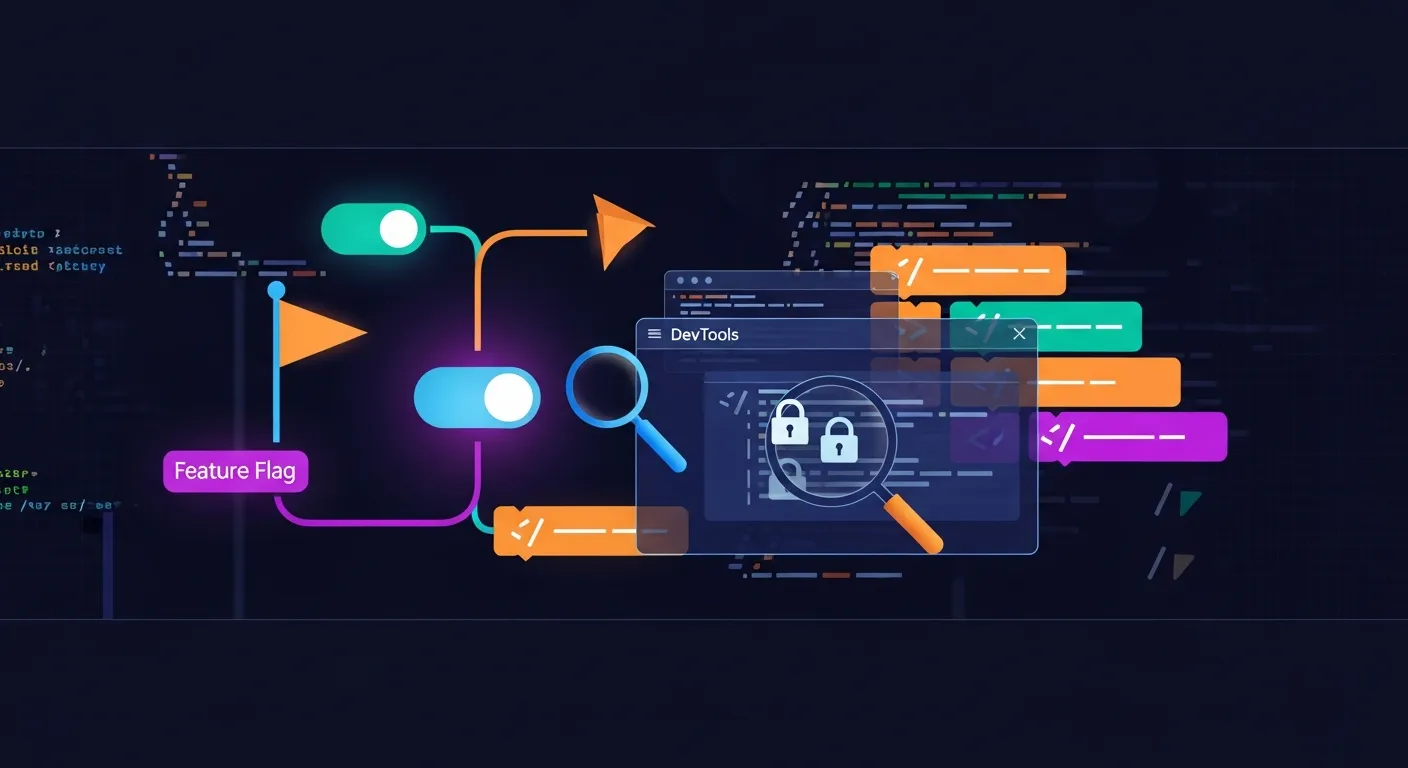
Client-Side Feature Flags: A DevTools Security Audit Walkthrough
Why client-side feature flags deserve a security check
Feature flags are usually treated as a release mechanism, not a security control. That is the trap. Once the browser gets enough flag data to decide what to render, it can also reveal what exists, what is hidden, and sometimes what the backend never bothered to enforce.
I usually start with one question: does the flag only affect presentation, or does it also steer access, actions, or data shape? If it does all three, you are not looking at a UI convenience. You are looking at a trust-boundary problem.
What to look for in DevTools
Network responses and bootstrap config
Open DevTools and inspect the first HTML response, then the early JSON or script payloads that hydrate the app. Flags often arrive in a bootstrap object like window.__INITIAL_STATE__, a /config endpoint, or an API response the app reads before rendering.
Look for:
- names that reveal unreleased features
- values that expose experiment groups or rollout percentages
- endpoints that return more than the UI needs
- sensitive metadata bundled with flags
A good habit is to compare a logged-out response, a normal user response, and a privileged account response. The differences usually show where the app started making decisions too early on the client.
Local storage, session storage, and cookies
Flags stored in localStorage, sessionStorage, or cookies are simple to inspect and just as easy to tamper with. That does not prove exploitation by itself, but it does show the client is trusted too much.
Check whether changing a value:
- reveals hidden buttons
- unlocks routes
- changes API behavior
- persists after refresh or across sessions
If the app uses a cookie for flag state, also check whether the server reads it as an input to authorization logic. That is where a UI hint turns into a real access control issue.
React props, globals, and hydration data
In React apps, flags often show up in props passed from server-rendered markup or hydration blobs. I look at the rendered DOM, then the page source, then any global object attached to window.
A common mistake is shipping internal state directly to the browser because “the component needs it.” Usually it does not need the raw value, only the final boolean. That difference matters when the flag reveals experimental product names, pricing logic, or admin-only paths.
Testing for trust-boundary mistakes
UI-only gating versus backend authorization
This is the check that matters most. If a flag hides a button but the backend still accepts the request, the control is only cosmetic.
Test it like this:
- Find the request behind the hidden action.
- Replay it with DevTools, a proxy, or the browser console.
- Remove the UI from the equation and see if the server still enforces the rule.
If a free account can call the same API as a paid account, the feature flag is not the bug. The missing authorization check is.
Flag-based exposure of hidden routes and actions
Feature flags often gate pages like /beta/admin, export actions, or internal APIs. The UI may hide links, but the route can still exist.
Check:
- direct navigation to hidden URLs
- route guards that only run in the client
- action handlers that trust a flag before sending a request
A hidden route is not safe just because it is unlinked. If the backend accepts the request, the route is real.
Build-time flags that leaked into production
Build-time flags are supposed to disappear after compilation, but they sometimes leak into bundles through debug code or dead-but-not-dead-enough branches.
Search the shipped JavaScript for:
process.envNODE_ENVfeatureFlagsdebug- internal names from the release process
If production bundles still contain verbose debug branches, you may also find logic that should never have shipped.
A practical DevTools walkthrough
Reproducing the app state with a clean profile
Use a fresh browser profile or an incognito window first. That removes stale storage, cached flags, and extension noise. Then load the app and record the initial network requests.
I like to note three things:
- what arrives before login
- what changes after login
- what changes after a role switch or feature rollout
That gives you a clean baseline for later comparison.
Tracing where a flag actually comes from
When you find a suspicious flag, trace it backward.
- Is it in the HTML?
- Is it in a bootstrap JSON payload?
- Is it in storage?
- Is it derived from a user attribute?
- Is it fetched from an API after login?
If you cannot explain where the flag came from, you probably cannot trust how it is used either.
Comparing the client view with server behavior
Once you know the source, compare what the client sees with what the server enforces. A simple proxy replay is usually enough.
For example, if the UI hides “export data” behind canExport: false, try the API anyway. If the server returns the file, the flag was only hiding the button.
// quick check in the browser console
fetch("/api/export", { credentials: "include" })
  .then(async (r) => ({ status: r.status, text: await r.text() }))
  .then(console.log);
Common weaknesses and their impact
Sensitive values shipped to the browser
Sometimes the flag payload includes rollout thresholds, internal project names, or even API URLs meant for internal use only. That is information leakage, even if no action is exposed.
Impact: attackers and testers learn where the interesting paths are, which makes later probing faster and more targeted.
Debug toggles left enabled
A debug flag can expose verbose error output, internal identifiers, or extra actions like test exports and impersonation helpers. These often survive because they were meant to be temporary.
Impact: a debug-only control becomes a production capability.
Stale flag values and inconsistent rollout logic
Client caches and server caches do not always agree. A user may see a feature as enabled in the browser while the backend still rejects the action, or vice versa.
Impact: inconsistent enforcement creates both security confusion and real bypass opportunities, especially when one layer assumes the other already checked access.
How to defend feature flag implementations
Move authorization to the backend
The backend should decide whether an action is allowed. The client can hide or show UI, but it should never be the final gate.
Minimize what the client receives
Send the smallest useful value. If the UI only needs a boolean, do not ship the full rollout rule, user segment, or internal flag name.
Add logging, review, and cleanup rules
Treat flags as temporary code. Track who owns them, when they expire, and whether they still matter. Review any flag that touches access, pricing, admin actions, or data export.
If a flag changes what data a user can reach, it needs the same review as any other authorization path.
Conclusion
Client-side feature flags are not automatically dangerous, but they are easy to overtrust. DevTools is enough to find most mistakes: inspect the bootstrap data, trace the source, and replay the underlying request without the UI.
If the server still makes the final decision, the flag is harmless enough. If not, you are looking at a broken trust boundary dressed up as a rollout tool.