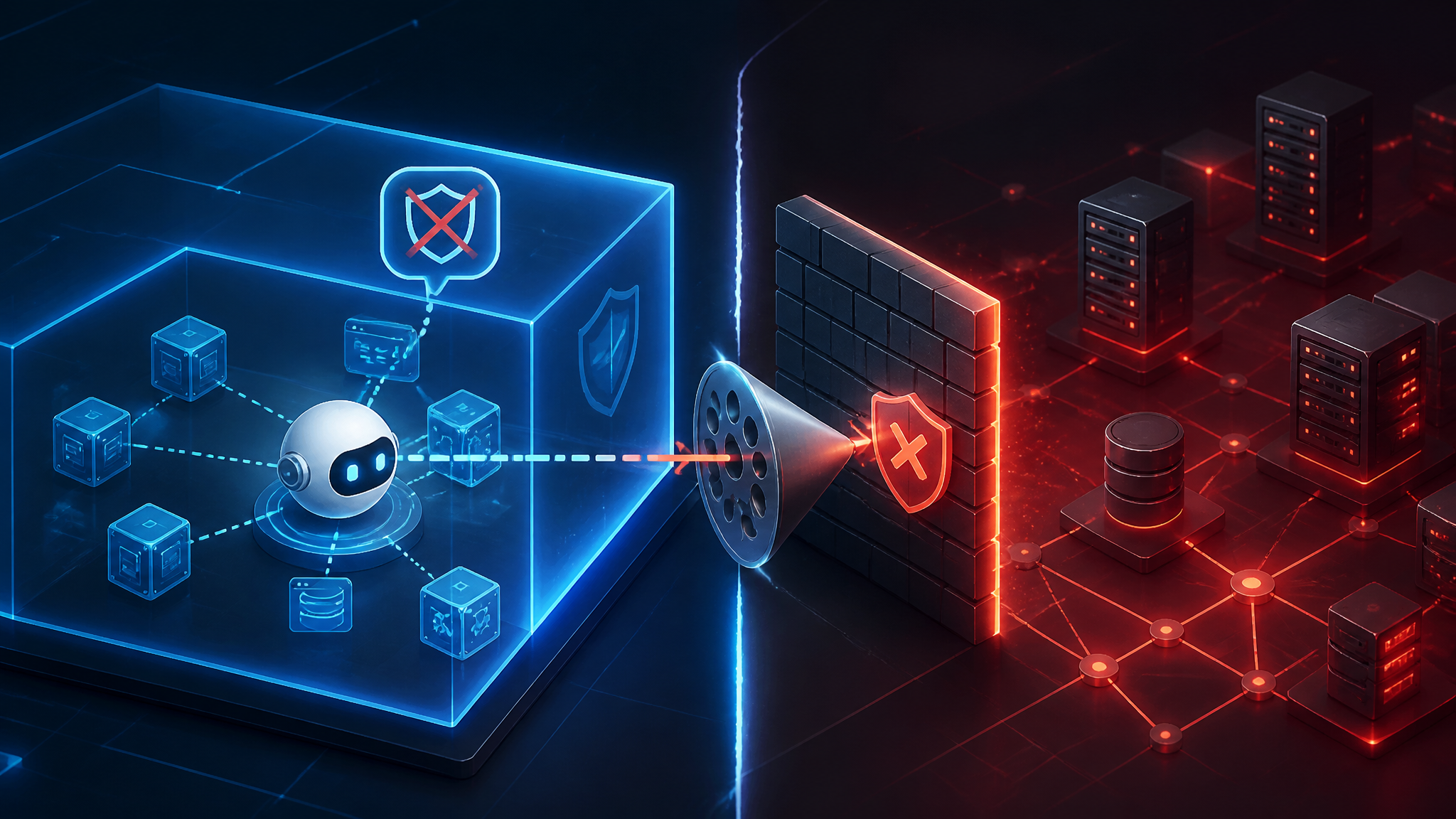
Auditing AI Agent Tool Execution on macOS After the Meta Muse Zero-Day
Why the Meta Muse hijack was a tool-execution problem, not a chat bug
On September 22, 2026, four outlets reported that Meta's Muse AI agent could be hijacked and used to inject malware, and that Mac app users were hit before Meta patched it. Most of that coverage treats the story as AI safety. I think that framing buries the actual lesson.
A chatbot that says something wrong is a content problem. An agent with a file-system API, network access, and an AppleEvents grant is a program running with your privileges. Steer that program and you haven't "jailbroken a model" — you've executed through a tool the user already trusted. This post walks through the audit I run on an agent's macOS footprint — entitlements, TCC grants, tool scopes, signed tool calls, and update channels — so you can check the execution path before the next hijack lands. Unlike the model's internal reasoning, all of that is observable right now.
What the public record on the Meta Muse zero-day actually says
What the September 22, 2026 reports confirm
- CyberSecurityNews, Tech Times, The Verge, and iPhone in Canada all published on September 22, 2026; source timestamps span 02:10 to 17:24 UTC.
- All four describe a zero-day in Meta's Muse AI agent that let attackers hijack the tool and inject malware.
- The affected surface described is the Muse Mac desktop app.
- The Verge reported that Meta patched the exploit, describing it as one that let attackers control the AI agent.
- Tech Times frames the flaw against Muse's privacy-and-security marketing.
What is still unknown about the Muse zero-day
My material names no CVE identifier, no affected version range, no technical write-up, and no researcher attribution. Also unknown: which component was abused — prompt handling, tool dispatch, or the update path; whether exploitation needed local access or user interaction; and how the malware was actually delivered.
No vendor security bulletin was public in the sources I reviewed, so treat any claim about the exact mechanism as unverified until Meta or the reporting researchers publish details. That gap matters, because "inject malware" reads to most people as "the model was tricked." My inference — not a confirmed fact — is that tool execution was the delivery channel. It's the pattern that best explains malware landing from an agent that already held the user's permissions.
The real trust boundary is agent tool execution, not the model
Every agent stack has roughly three layers: the model, the planner that turns model output into tool calls, and the executor that runs them. Prompt injection is a bug in layer one. It becomes an incident in layer three. If you are auditing an agent on macOS, audit the executor.
The macOS capability ladder: TCC grants, entitlements, and helper processes
What an agent can touch is decided by three things, and they escalate in a predictable order:
- Sandboxed app with user-selected file access — the marketing version of the agent. Files arrive through a picker, access is per-file.
- Sandboxed app with security-scoped bookmarks — persistent read/write to folders the user approved once. Grants quietly outlive the session.
- Non-sandboxed app — full user-level file access, subject to TCC prompts. One "Allow" click and it's permanent for that bundle ID.
- Widening entitlements —
com.apple.security.temporary-exception.files.home-relative-path.read-write,com.apple.security.cs.disable-library-validation,allow-dyld-environment-variables. Each one undercuts the sandbox you thought you had. - AppleEvents and Accessibility — the agent can drive Finder, Terminal, System Events, or Mail. This is the rung where a hijacked agent stops needing its own privileges.
- A privileged helper or launchd job — root-adjacent persistence and access to anything TCC won't even prompt for.
Why "the agent only reads files" is rarely true in practice
Reading is enough. An agent with read access to ~/.ssh, browser profile directories, or ~/.aws plus outbound network access can exfiltrate without writing a byte. And the "read-only" claim usually breaks one layer down anyway: agents write caches, drafts, transcript logs, and tool config files. On macOS, ~/Library/Application Support/<bundle-id>/ is the one to watch, because that's where an app often loads its own tool definitions and prompt files from on the next launch. For a sandboxed agent, a write there is a persistence primitive, not a cache — and it is the first place I look after a suspected hijack.
Auditing an AI agent's macOS footprint before someone else hijacks it
Here's the audit I run. Substitute your own bundle path; I use /Applications/Muse.app as the placeholder.
Step 1 — enumerate the agent app's entitlements and code signature
APP=/Applications/Muse.app

codesign -dv --verbose=4 "$APP" 2>&1 | grep -E "Identifier|TeamIdentifier|Authority|^flags|CDHash"

codesign -d --entitlements :- "$APP" 2>/dev/null
The exact values are yours, but the field names below are what you're reading. Annotated example of the shape of the output:
Identifier=<bundle-id>
TeamIdentifier=<10-char-team-id>
Authority=Developer ID Application: <name> (<team-id>)
flags=0x10000(runtime)
CDHash=<hash>

[Key] com.apple.security.app-sandbox => true
[Key] com.apple.security.network.client => true
[Key] com.apple.security.files.user-selected.read-write => true
[Key] com.apple.security.automation.apple-events => true
The things I flag immediately: a missing app-sandbox; any temporary-exception reaching into the home directory; disable-library-validation or allow-dyld-environment-variables; and automation.apple-events. Check the nested binaries too — find "$APP" -type f -perm -111, then codesign -dv on each. A helper with a different Team ID, an ad-hoc signature, or a linker-signed marker is a finding on its own.
Step 2 — read the TCC database for what the agent was actually granted
sqlite3 "$HOME/Library/Application Support/com.apple.TCC/TCC.db" \
  "select service, client, auth_value, auth_reason, last_modified \
   from access order by last_modified desc limit 20;"
Reading the user TCC database requires Full Disk Access for the terminal you run it from. If sqlite3 returns "unable to open database file," that grant is missing — not that the file does not exist.
auth_value is 0 for denied, 2 for allowed, 3 for limited. The services that should make you stop and think: kTCCServiceSystemPolicyAllFiles, kTCCServiceAccessibility, kTCCServiceScreenCapture, and kTCCServiceAppleEvents where the indirect target is com.apple.systemevents, com.apple.Terminal, or com.apple.finder. An AppleEvents grant to System Events is functionally "run anything." These survive app updates as long as the bundle ID and signing identity stay stable, so a hijack inherits them silently.
Step 3 — find tool binaries that can write outside the sandbox
for b in $(find "$APP" -type f -perm -111); do
  printf '%s\t' "$b"
  codesign -d --entitlements :- "$b" 2>/dev/null | grep -c 'app-sandbox'
done
Binaries that report 0 have no sandbox entitlement of their own. That's a lead, not a verdict: an XPC service carrying com.apple.security.inherit picks up the parent's sandbox, which is the safe pattern. A helper with no sandbox entitlement and no inherit is the one that runs wide open.
While you are in the app container, grep the tool configuration for command, exec, url, and shell. If a remote config can add a new executable path, you have found an injection surface no prompt filter will ever see.
Step 4 — watch what the agent does at runtime, not what it claims
log stream --style compact --predicate \
  'process == "Muse" OR (subsystem == "com.apple.TCC" AND eventMessage CONTAINS "Muse")'

sudo fs_usage -w -f filesys Muse

launchctl print gui/$UID | grep -i -A3 muse
ls -la ~/Library/LaunchAgents /Library/LaunchDaemons | grep -i muse
Three things to look for: writes outside the container, exec of /bin/sh, osascript, or curl, and connections to hosts the app doesn't document. Structured Endpoint Security events via eslogger beat fs_usage — but whether eslogger works without an Apple-granted Endpoint Security entitlement varies by build, so verify it on your machine before you rely on it. I haven't confirmed that on every current macOS release.
Least-privilege tool scopes: risky versus safer grants
| Tool capability | Blast radius if hijacked | Tighter grant that still works |
|---|---|---|
| Read the whole home directory | SSH keys, session cookies, cloud tokens | App-owned workspace directory via a security-scoped bookmark |
| Write anywhere the user can write | ~/Library/LaunchAgents, shell rc files, git hooks | Container only, plus explicit user-selected paths |
| AppleEvents to System Events or Finder | Effectively arbitrary automation | Drop the entitlement; use the app's own XPC surface |
| Accessibility / synthetic input | Can click through consent dialogs | Never grant to an agent; require a human action |
| Unrestricted outbound network | Silent exfiltration of everything it read | Deny by default, allowlist the model and tool API hosts |
| Remote tool or plugin config | Adds new exec paths after install | Signed manifests, pinned versions, no new exec paths |
Signed tool calls: signing proves origin, not authorization
Signing tool calls is worth doing. The version most teams ship is theater, and it's worth being blunt about why.
Why an HMAC computed inside the client app is not a security control
If the client app computes the MAC, the key lives on the client, and the hijacked client is exactly the threat model. An attacker who steers the agent doesn't need to steal the key — they call the same signing function the app calls. The signature proves that some copy of the app produced the message. It proves nothing about whether the user authorized the action. Static API keys baked into the app share that property, and signing at the planner layer is worse, because the planner is the component you already decided is untrusted.
What a verifiable tool-call chain should look like
- The authorization decision lives server-side, or in a local privileged daemon holding a key the agent process cannot read.
- Per-tool scoped tokens, bound to the user session, short TTL, single-use nonce, audience restricted to the executor.
- The decision is enforced at the executor, after arguments are fully resolved, so there's no time-of-check/time-of-use gap.
- Deny by default. The agent proposes; the executor disposes.
- Log the decision and a hash of the resolved arguments — never the raw prompt.
The update channel is the injection path nobody audits
Auto-update, plugin manifests, and remote tool configs as executable input
If the agent fetches a tool manifest, plugin definition, or system prompt from a URL, that URL is a code path. Sparkle-style updaters, plugin marketplaces, MCP server configs, and "skills" directories all fall in this category, and all get treated as content rather than code. The controls are boring and effective: verify signatures and notarization on update, keep the update signing key out of the app's reach, refuse remote config that can introduce a new executable path, pin and review manifest versions, and never let the agent write to its own tool config. That last one converts a chat feature into file-system persistence.
Detection: what to log when an agent-driven action fires
Emit one event per tool call, structured: timestamp, app bundle ID and CDHash, tool name, argument hash, resolved executable path, allow/deny decision, scope used, files written, destination hosts, parent PID. Ship it off-box. The macOS unified log is useful during investigation, but it isn't tamper-evident against an attacker who holds root — detective control, not audit trail.
What I would fix first, in order
- Remove the broad TCC grants — AppleEvents, Accessibility, and AllFiles. Highest blast radius, no code rewrite, reversible today.
- Move the authorization decision out of the client app. Every in-app signature check is decoration until this happens.
- Scope the tool layer and deny by default, especially write paths outside the container.
- Instrument tool execution and ship the events somewhere the agent cannot delete.
- Then invest in prompt-injection filtering. It's the last layer, not the first.
What I confirmed versus what I did not test
Confirmed: the four publishers reported on September 22, 2026; the reports describe a Muse agent that could be hijacked to inject malware on the Mac app; The Verge reported a patch. The codesign, sqlite3, log stream, and launchctl invocations above are the ones I run against local app bundles on current macOS, and the field names shown match what the OS returns.
Not tested: I have not tested Muse, its patched or unpatched builds, or the exploit itself. I could not verify which component was abused, how the malware was delivered, or whether a CVE was assigned. The eslogger entitlement behavior is untested on my side, and the mapping from agent hijack to malware delivery in this specific incident remains inference.
Further Reading
- Meta patches Muse exploit that let attackers control the AI agent — The Verge, September 22, 2026.
- Meta's Muse AI Agent 0-Day Vulnerability Allows Attackers to Hijack the Tool and Inject Malware — CyberSecurityNews, September 22, 2026.
- Apple: Transparency, Consent, and Control — the platform documentation behind the TCC checks in Step 2.
- OWASP LLM Top 10 — prompt injection as a taxonomy, useful for seeing why layer one is not the layer that matters.
No Meta vendor security bulletin for this flaw was public in the material I reviewed at the time of writing.