84 Packages, One Goal: Credential Theft from CI Builds in the TanStack Compromise
What Happened and Why It Matters
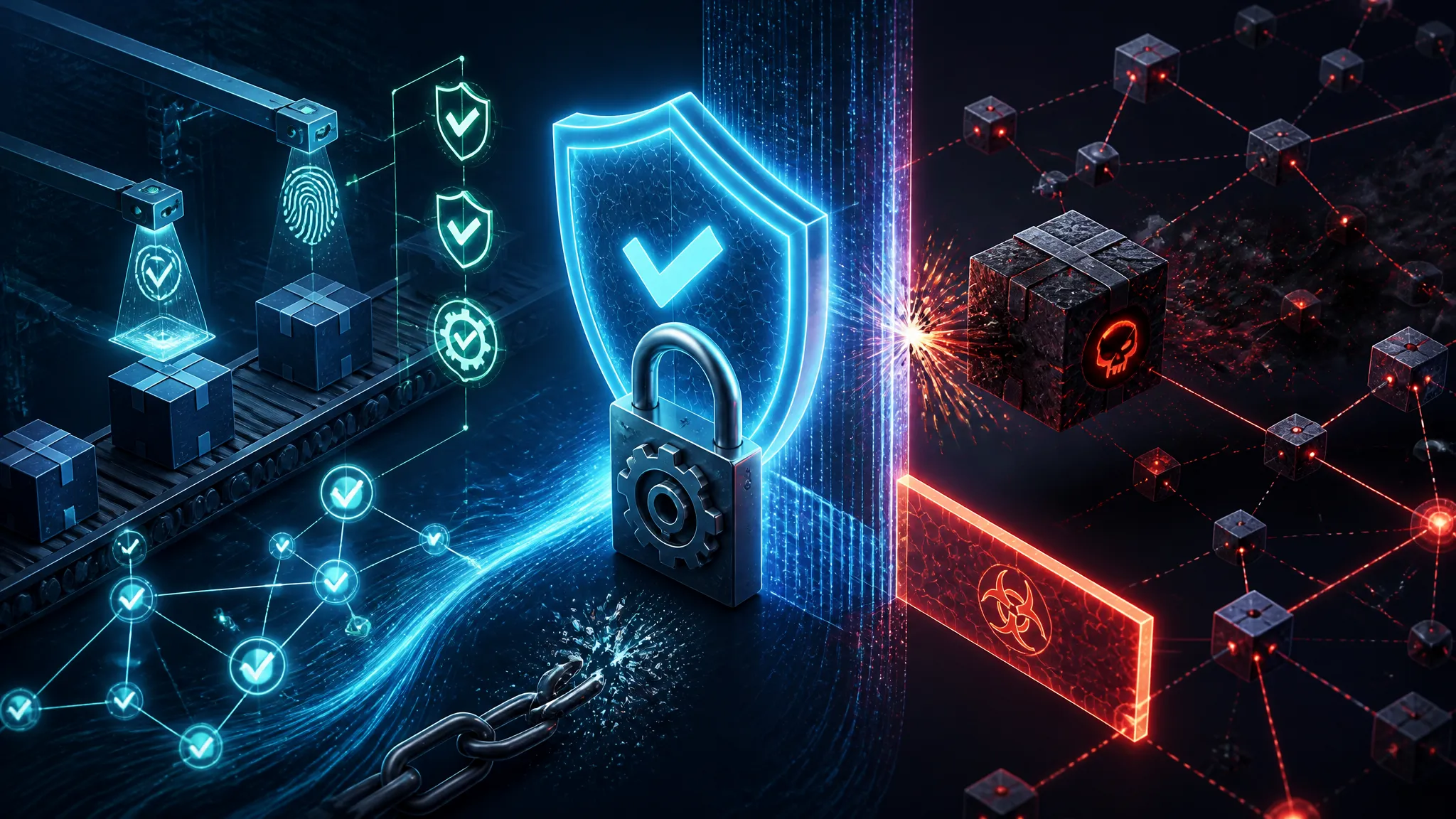
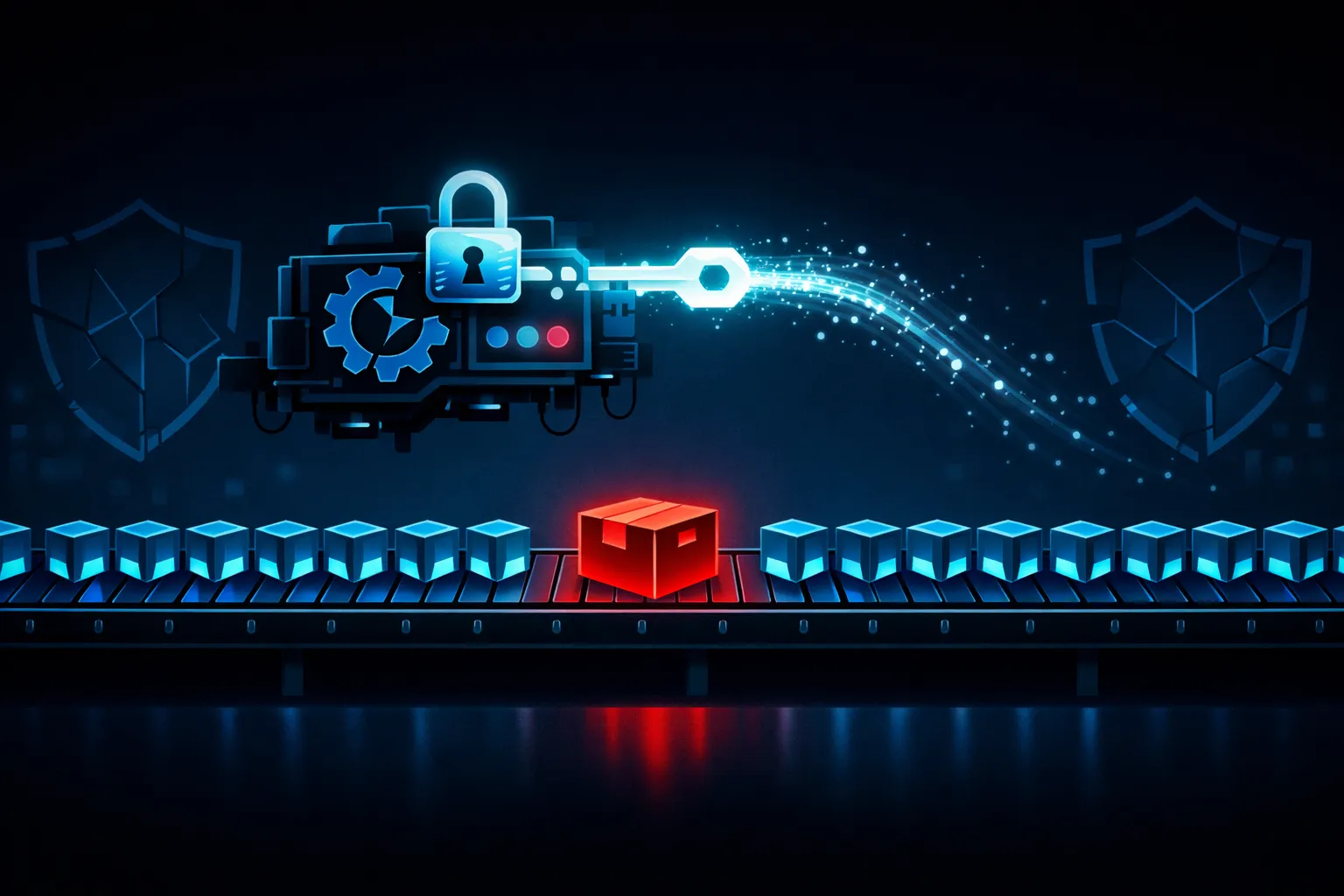
The TanStack compromise is a clear example of why package trust and build trust are not the same thing. Attackers compromised 84 npm packages, and the payload was aimed at credential theft from CI builds.
That matters because many JavaScript teams still treat npm install as a boring setup step. It is not boring anymore. The install phase can run code, reach the network, and touch secrets if the pipeline is loose enough. Once that happens, a package compromise becomes a pipeline compromise.
The Attack Path Through npm Packages
The reporting points to a supply-chain compromise that affected published packages, not a single app repo. That distinction matters. If your app depends on a package, and that package gets replaced or updated with malicious behavior, your source tree may still look clean while the build is already contaminated.
Package takeover versus package update abuse
There are two broad ways this happens:
- Package takeover: attackers gain control of a maintainer account or publishing path.
- Package update abuse: attackers push a malicious version through a compromised account, token, or release workflow.
For defenders, both look similar at install time. The dependency graph still resolves. The package name still matches. The version number still moves forward.
Why 84 packages changes the blast radius
A single bad package can hurt one project. Eighty-four packages means the attacker is not betting on one dependency tree. They are trying to intersect as many downstream builds as possible.
That multiplies the blast radius in three ways:
- more projects inherit the payload
- more CI systems execute it
- more secrets become reachable during install or test jobs
What SLSA Attestation Did and Did Not Protect
The reporting also tied the malware to SLSA-attested builds. That is where a lot of teams will overestimate their protection.
Attested build provenance is not the same as runtime safety
SLSA attestation helps answer, “Was this artifact built by the expected process?” It does not automatically answer, “Is this artifact safe to execute?”
If the build pipeline itself is compromised, or if malicious logic is introduced before attestation is generated, the attestation can still be valid for a bad artifact. Provenance is useful, but it is not a magic shield.
Where integrity checks can still be bypassed in practice
In practice, teams still get hurt when they rely on one layer only:
- lockfiles that are not enforced strictly
- provenance checks that are present but not verified in CI
- postinstall scripts that run before policy checks
- artifact trust that is assumed instead of validated
A signed or attested package can still contain behavior you do not want to execute in your build environment.
CI Credential Theft Was the Real Objective
The malware was not just trying to break builds. It was trying to steal credentials from CI. That is a better payoff than defacing a package or breaking one app.
Why attackers go after tokens instead of just users
CI tokens often unlock more than a single repository. In real pipelines, they can expose:
- package publish credentials
- cloud API keys
- deploy tokens
- GitHub Actions or GitLab runner secrets
- container registry access
Once an attacker gets a CI secret, they can move sideways into build systems, artifact stores, and release infrastructure. That is much more valuable than a one-off browser session token.
Common CI secrets worth stealing
The usual targets are predictable:
| Secret type | Why it matters |
|---|---|
| npm publish token | lets an attacker push malicious package versions |
| cloud access key | may expose storage, logs, or deployment controls |
| GitHub token | can read private repos or alter workflows |
| signing key | can make fake releases look legitimate |
| registry credentials | can poison container or artifact delivery |
If a malicious dependency can read environment variables or scrape local files during build, the pipeline becomes the target.
How to Audit a JavaScript Build Pipeline
Package-lock, provenance, and allowlist checks
Start with the basics:
- Pin dependencies with
package-lock.jsonornpm shrinkwrap. - Verify that CI installs with
npm ci, not a loosenpm install. - Fail builds if provenance or registry metadata does not match your allowlist.
- Track which packages are allowed to run lifecycle scripts.
That last part matters more than most teams admit.
Detecting suspicious install-time or postinstall behavior
Watch for packages that:
- add
postinstall,preinstall, orpreparescripts - spawn network requests during install
- read
process.envaggressively - write to temp files and then execute them
- dynamically load remote content
A safe dependency should not need to rummage through your environment during install.
Instrument CI logs so install-time network access and unexpected script execution are visible. If you cannot see it, you cannot triage it.
Hardening CI secrets and OIDC-based delivery
If your build still ships long-lived secrets into jobs, you are making the attacker’s job easier. Prefer:
- short-lived credentials
- OIDC federation for cloud access
- separate identities for build, test, and publish jobs
- masked and scoped secrets only where needed
Defensive Controls That Actually Help
Scoped publish rights and 2FA on npm
Use the smallest publish surface you can get away with. Enforce 2FA on package publishing and review who can rotate tokens. If a maintainer account gets phished, broad publish rights turn one compromise into many releases.
Ephemeral runners, least-privilege tokens, and secret rotation
The safest CI runner is the one that dies after the job. Ephemeral runners reduce persistence and make credential theft less reusable.
Also rotate secrets fast enough that a stolen token has a short shelf life. A secret that survives for months is not a control; it is a future incident.
Dependency pinning and artifact verification
Pin versions. Verify checksums where possible. Compare expected package metadata against what actually arrived in the registry. If your pipeline consumes artifacts from npm, treat that input as hostile until verified.
Practical Incident Response Checklist
What to revoke first
If you suspect exposure, revoke in this order:
- publish tokens
- CI secrets
- cloud credentials used by build jobs
- signing keys or registry credentials
- any long-lived personal access tokens in automation
What to search in logs and package history
Look for:
- unusual package version bumps
- unexpected install scripts
- outbound requests from build jobs
- new environment variable access in CI logs
- publish events from unfamiliar IPs or accounts
Also compare package history against your lockfiles and release tags. If a version was published during the window of compromise, assume it is suspect until you prove otherwise.
Closing Notes
The useful lesson here is not “npm is broken.” The lesson is narrower and more annoying: your build pipeline is part of your attack surface, and dependency trust ends where executable install-time code begins.
If you only verify signatures and never watch what the package does during CI, you are protecting the wrong layer. The attackers know that. That is why they went after secrets.