What Node.js Teams Should Actually Do After the Axios Compromise
The Axios compromise is a useful reminder that npm risk is not limited to the code you import at runtime. In this case, malicious Axios versions 1.14.1 and 0.30.4 were published on March 31, 2026, and Microsoft later reported that the malicious releases pulled in a second package, [email protected], which used a postinstall script to fetch a second-stage RAT from attacker infrastructure.
What changed in the Axios compromise
Malicious versions and the injected dependency chain
The important part is not just that Axios had bad releases. It is that the malicious publish changed the package graph. A normal review of your app's source would not show anything suspicious. The payload arrived through dependency resolution.
That means the incident lives in two places at once:
- the package version you asked for
- the transitive dependency chain npm actually installed
If your lockfile or CI job resolved either malicious version, you may have executed attacker-controlled code before your app started.
Why install-time execution mattered more than runtime imports
Most teams inspect runtime imports. That is the wrong layer here.
A require("axios") call is visible in code review. A postinstall script buried in a dependency is not. The malicious behavior could run during npm install, npm update, or a dependency bot PR, even if the application never imported the compromised package in production.
That distinction matters because install-time execution often happens in environments with broader access than the app itself.
How the payload likely reached your environment
npm resolution, postinstall scripts, and second-stage delivery
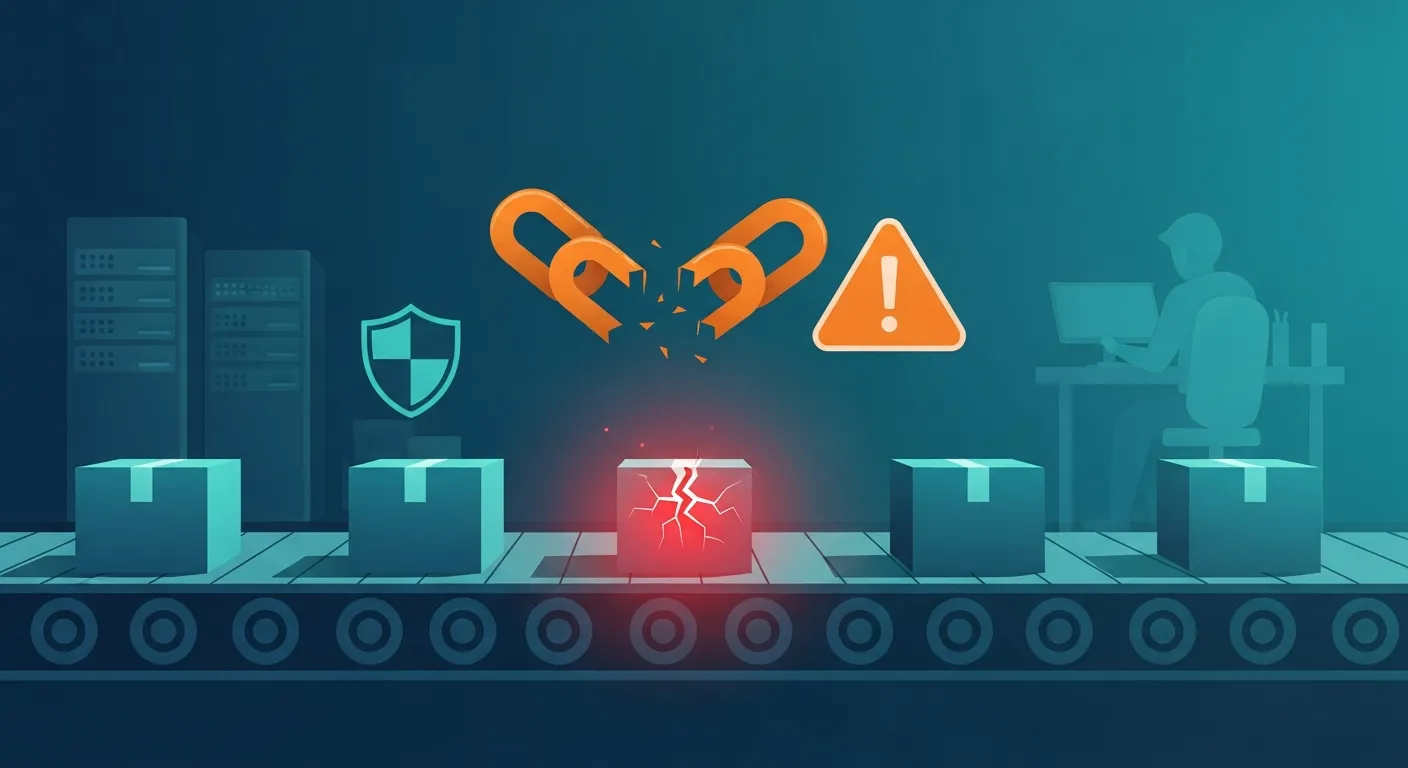
The chain was simple and ugly:
- npm resolved a malicious Axios release.
- That release added
[email protected]. - The dependency used
postinstall. - The script downloaded a second-stage RAT.
- The RAT reached out to attacker infrastructure.
This is the kind of thing that slips past teams that only scan source code or look for obvious runtime malware. The actual attack surface is the package lifecycle, not just the import statement.
Why CI/CD and developer machines were exposed
Build systems often have what attackers want most:
- registry tokens
- GitHub tokens
- cloud credentials
- deployment keys
- signing material
- access to internal networks
Developer laptops are also exposed because they usually cache package data and frequently run installs with active credentials. If the malicious package ran there, the blast radius may include both local secrets and anything reachable from that machine.
Do not assume “it was only a dev install” means low impact. Build-time environments often hold the same secrets used to ship production code.
What to check first after exposure
Search lockfiles, caches, logs, and dependency bot PRs
Start with evidence, not guesses. I would check:
package-lock.json,npm-shrinkwrap.json,yarn.lock,pnpm-lock.yaml- CI job logs and artifact logs
- local npm caches on developer machines
- dependency bot PRs and branch builds
- container image build history
You are trying to answer one question: did the bad versions ever get installed anywhere?
Look for egress to attacker infrastructure and suspicious build activity
Microsoft reported attacker infrastructure tied to the compromise and attributed it to Sapphire Sleet. That makes network logs useful. Look for:
- outbound connections during package install
- unusual DNS lookups from build agents
- build steps that took longer than normal
- shells or child processes launched by npm lifecycle scripts
Preserve logs before they roll off. The most annoying incident response failure is finding the signal after the retention window is gone.
Immediate containment steps
Pin or downgrade to known-safe Axios versions
If you are affected, move fast:
- downgrade to a known-safe Axios release
- remove floating ranges temporarily
- block surprise upgrades until the inventory is clean
This is not the time for ^1.x optimism. During an incident, exact versions are safer than convenience.
Force safe transitive versions with overrides or resolutions
If Axios or a related transitive package is pulled in indirectly, use the package manager's override mechanism to force the known-safe version. The exact syntax varies, but the goal is the same: stop a transitive dependency from drifting back to the compromised release.
Rebuild from clean environments and clear package caches
Assume old caches are contaminated until proven otherwise.
- clear npm caches
- rebuild containers from scratch
- recreate CI workspaces
- avoid reusing workspaces that may have executed the malicious script
If you cannot prove a clean install path, you do not have a clean build.
Secret rotation and blast-radius reduction
Which credentials may have been exposed during install
Rotate anything present on machines or jobs that installed the malicious version:
- CI tokens
- cloud access keys
- package publishing tokens
- GitHub or GitLab tokens
- deployment credentials
- internal API secrets
If the install happened on a developer workstation, include local credentials and SSH material in the review.
Why rotation must include CI tokens and cloud access keys
A lot of teams rotate app secrets and forget platform secrets. That is backwards. The attacker's first hop is often the build system, not the app server. If a pipeline credential can create a deployment, read artifacts, or mint more tokens, treat it as exposed.
Hardening the Node.js supply chain
Exact version pinning, lockfile enforcement, and npm ci
For critical packages:
- pin exact versions
- enforce lockfiles in CI
- use
npm ciinstead of ad hoc installs - block automatic upgrades until reviewed
This does not stop every compromise, but it reduces the number of times your build silently changes under you.
Restricting install scripts and outbound network access
Lifecycle scripts are the sharp edge here. Where possible:
- disable or restrict install scripts
- limit outbound network access from build jobs
- separate dependency resolution from secret-bearing steps
- keep package installation in a low-trust environment
If a package needs network access during install, that should be a review item, not background noise.
Trusted Publishing, provenance, and reduced token reliance
Trusted Publishing with OIDC reduces dependence on long-lived npm tokens. Provenance also helps consumers understand how a package release was built and published. Neither control is magic, but both make package abuse harder and incident review easier.
What AppSec and platform teams should change now
Build isolation and secret minimization
The rule is simple: the install step should not have more privilege than it needs. Minimize secrets in build jobs, isolate package installs from deployment credentials, and keep ephemeral environments truly ephemeral.
Dependency review rules for critical packages
I would add a few hard checks:
- no surprise major or minor changes for high-risk packages
- manual review for packages with install scripts
- alerts on new transitive dependencies in sensitive apps
- mandatory provenance checks where supported
Reporting and escalation guidance
What evidence is useful in an internal report
If you are writing this up internally, include:
- affected package versions and lockfiles
- install timestamps and CI job IDs
- network indicators and destination domains
- secret types present on the affected machine
- whether the bad version reached developer laptops, CI, or production builds
That is enough for responders to decide whether this is a containment problem, a credential problem, or both.
Conclusion
The Axios compromise is not just a package update problem. It is a reminder that your build system runs code before your app does, and that code may have access to secrets your runtime never sees.
If your controls only look at imports, you are checking too late.