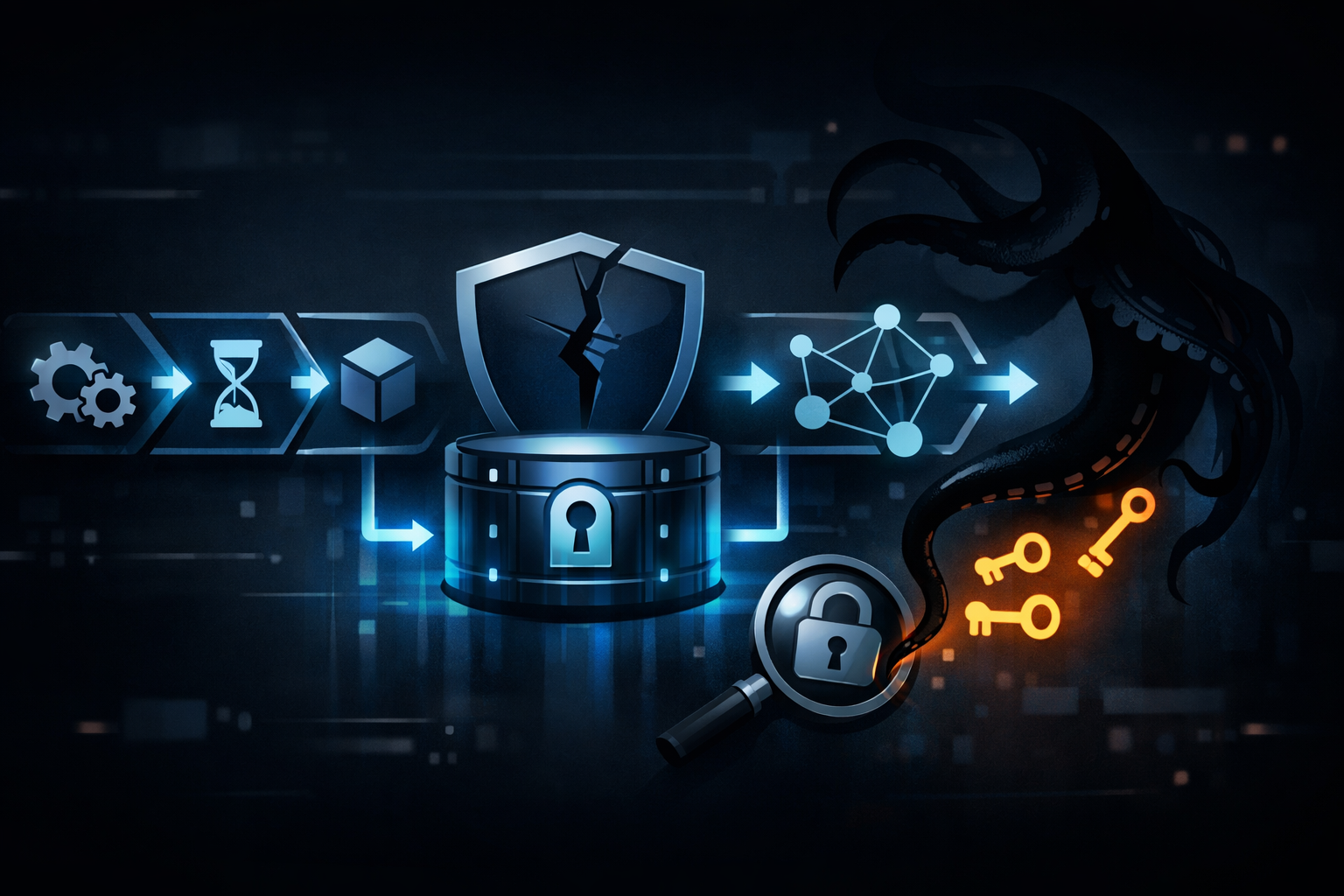
The LiteLLM CI/CD Hijack: Credential Harvesting and the GitHub Actions Settings That Allowed It
Why this LiteLLM incident matters to CI/CD security
My read is straightforward: this is not just a “bad action” story. It is a workflow trust story.
If a GitHub Actions job runs a poisoned third-party action, the attacker does not need to steal source code to get something valuable. The runner often already has repository tokens, package registry credentials, cloud federation tokens, signing secrets, or deployment keys. That makes CI/CD one of the best places for credential harvesting, because the job is already inside the trust boundary.
That is why the LiteLLM report matters. Resecurity described the incident as a supply-chain compromise involving a backdoored Trivy GitHub Action and linked it to a credential-harvesting campaign they call SANDCLOCK. Even if the public details are incomplete, the pattern is familiar: the action is the delivery mechanism, and the workflow environment is what gets taken.
The mistake teams make is assuming “we did not leak the repository” means “we did not leak anything important.” In CI/CD, that is often wrong.
What Resecurity reported about the LiteLLM compromise
Resecurity’s report says the LiteLLM compromise involved a backdoored Trivy GitHub Action and describes the activity as part of TeamPCP’s SANDCLOCK campaign. That is the confirmed public framing I can rely on from the source material provided.
What I cannot confirm from the source alone is the exact path from the malicious action to each credential, or the full list of exposed secrets. The summary points to credential harvesting, but the real blast radius would need the full write-up, workflow logs, or a repository review.
The role of the backdoored Trivy GitHub Action
The important technical detail is not that Trivy is a scanner. It is that a security scanner usually runs in a privileged part of the pipeline.
A scan job often has access to:
- the checked-out source tree
- the package lockfile and dependency graph
- CI environment variables
- repository-scoped tokens
- artifact upload permissions
- sometimes cloud or registry credentials
If the action itself is backdoored, the malicious code runs with the same context as the legitimate scan. That turns the scan step into a credential collection step.
I would treat that as a workflow runtime compromise, not just a bad dependency update.
How credential harvesting fits the SANDCLOCK campaign
Resecurity associates the activity with SANDCLOCK, which they describe as a credential-harvesting campaign. That framing makes sense technically.
A campaign like this does not need to destroy data or visibly alter code. It only needs a short execution window while the runner is live. In that window, a malicious action can:
- read environment variables
- inspect mounted files and workspace contents
- capture short-lived tokens
- call out to external infrastructure over HTTPS
- wait for downstream jobs to expose more credentials
That is why these incidents are easy to underrate. If the attacker only wants secrets, they may leave very little behind.
The GitHub Actions settings that made the attack possible
The attack surface here is mostly configuration. That is the uncomfortable part.
GitHub Actions is powerful because it lets a workflow execute code with repository context. That power becomes a problem when the workflow is too trusting about who gets to run, what gets to run, and which secrets are loaded.
Token permissions and workflow trust boundaries
The first thing I check in a repository audit is the default permission block.
A workflow that relies on broad GITHUB_TOKEN permissions gives an attacker more room to move once any step is compromised. A safer baseline looks like this:
permissions:
  contents: read
  actions: read
A risky baseline is to leave defaults broad, then sprinkle secrets everywhere because “the job needs them.” That pattern turns one compromised step into a general-purpose credential oracle.
Here is the trust boundary I use:
| Layer | What it can expose | Why it matters |
|---|---|---|
| workflow trigger | who can start the run | untrusted PRs can reach privileged code paths |
| job permissions | what the token can do | write access increases impact |
| secrets scope | what values are injected | long-lived secrets are easy to reuse |
| action provenance | who controls the code | a trusted name can still hide a compromised release |
If you only harden one of those layers, the others still matter.
Why secrets exposure is still possible even without source code theft
This is the part teams miss.
A malicious action does not need access to the source repository to steal useful credentials. If the workflow injects secrets into the job environment, the action can read them directly. If the job can mint OIDC tokens, the action may be able to request those too, depending on how tightly the subject and audience are constrained. If the runner can access cached artifacts or temporary files, those can leak context as well.
So the incident can be serious even if:
- the repository contents were never modified
- no branch was force-pushed
- the attacker did not open a backdoor in the application code
That is why I would call this a CI/CD credential incident first and a code compromise second.
How a poisoned action can exfiltrate CI/CD credentials
A poisoned action and a compromised repository are not the same thing.
Action supply chain versus repository compromise
In a repository compromise, the attacker changes files in the app itself. In an action supply-chain compromise, the repository code can stay clean while the workflow imports malicious behavior from elsewhere.
That difference matters because people review application diffs much more often than they review the runtime provenance of every uses: reference.
A workflow like this is the kind of thing I would flag immediately:
jobs:
  scan:
    runs-on: ubuntu-latest
    steps:
      - uses: actions/checkout@v4
      - uses: aquasecurity/[email protected]
      - run: npm test
The risk is not Trivy specifically. The risk is that a trusted scan step runs before you have reduced the job’s privileges.
Where the data likely moves inside a workflow run
Based on how GitHub Actions runners work, the likely exfiltration path is:
- The workflow starts with a token and injected secrets.
- The third-party action executes inside the runner.
- The action reads environment variables, files, or the token from local context.
- The action opens an outbound request to attacker-controlled infrastructure.
- Any exposed credentials can be replayed elsewhere until they expire or are revoked.
That is the likely path. I have not verified the exact mechanics in the LiteLLM case from the source material alone, so I would not claim more than that without the full report or workflow evidence.
What I would check first in a real repository audit
If I were auditing a repo for this class of issue, I would start with the workflow files, not the application code.
Action pinning and version provenance
First I would look for anything that uses a floating tag instead of a commit SHA:
grep -R "uses:" .github/workflows
A suspicious result is any third-party action pinned only to @v1, @v2, or another mutable reference. A safer pattern is pinning to a full commit SHA and reviewing the release provenance before updating it.
What I want to know for each action is:
- who publishes it
- whether the reference is immutable
- whether the release history looks normal
- whether the workflow has a clear reason to trust it
If the answer is fuzzy, the workflow is already too trusting.
Workflow triggers, pull_request_target, and reusable workflow exposure
The second thing I check is trigger choice.
pull_request_target is a common footgun because it runs in the context of the base repository. That can be fine for narrow use cases, but it becomes risky when maintainers combine it with secrets, write permissions, or unreviewed code paths.
I would also inspect reusable workflows and any place where secrets: inherit is used. That setting is convenient, but it widens the blast radius if the called workflow or action is compromised.
A practical rule:
- use
pull_requestfor untrusted contribution testing - reserve
pull_request_targetfor workflows that never execute attacker-controlled code - review reusable workflows as if they were imported code, because they are
Secret scope, environment protection, and OIDC usage
If a job really needs sensitive access, I prefer short-lived OIDC-backed credentials over long-lived cloud keys.
That said, OIDC is not magic. If the workflow is compromised, the attacker may still be able to mint a token unless the role trust policy is tightly scoped. The subject claim, repository, branch, and environment all need to line up with the intended use.
Environment protection rules help, but they are not a substitute for job isolation. If a build step runs before deployment in the same job, and that job has secrets loaded, the build step still inherits the sensitive context.
Defensive changes that actually reduce the blast radius
The good news is that the fix is not mysterious. It is mostly about narrowing trust.
Lock down GitHub Actions permissions by default
Start with the workflow-level default:
permissions: {}
Then add back only what each job needs. Most jobs do not need write access to the repository, package registry, or checks API.
A good pattern is:
- build job: read-only
- scan job: read-only, no secrets if possible
- deploy job: minimal required secrets, explicit approval, separate environment
That separation matters because a backdoored scan step should not automatically inherit deploy credentials.
Restrict third-party actions and require digest pinning
I would be conservative with third-party actions in sensitive repos.
My baseline rules are:
- prefer official or well-reviewed actions
- pin to a commit SHA, not a moving tag
- review updates before they land
- remove actions that do not justify their trust cost
If your team cannot explain why an action needs to run with your secrets, it probably should not.
Separate build, scan, and deploy jobs
This is the highest-leverage architectural fix.
Do not let one job do everything. If the build step needs no secrets, keep it clean. If the scan step only needs the artifact, feed it the artifact. If the deploy step needs cloud access, isolate it behind environment protection and release approval.
That way, a compromised scanner does not automatically inherit deployment power.
A safer structure looks like this:
jobs:
  build:
    permissions:
      contents: read
    steps:
      - uses: actions/checkout@v4
      - run: npm ci && npm test

  scan:
    needs: build
    permissions:
      contents: read
    steps:
      - run: ./scan-artifact.sh

  deploy:
    needs: scan
    environment: production
    permissions:
      contents: read
    steps:
      - run: ./deploy.sh
The point is not the exact YAML. The point is that compromise in one phase should not automatically reach the others.
What is confirmed, what is inferred, and what still needs verification
Confirmed
- Resecurity reported a LiteLLM-related supply-chain compromise involving a backdoored Trivy GitHub Action.
- The report ties the activity to TeamPCP’s SANDCLOCK credential-harvesting campaign.
- GitHub Actions workflows can expose secrets and tokens to code that runs inside the job context.
Inferred
- The malicious action likely used the runner context to collect secrets or tokens during workflow execution.
- The exact secrets exposed in the LiteLLM case are not established by the source summary alone.
- Whether the repository used tag pinning, broad permissions, or
pull_request_targetstill needs direct verification from workflow files or logs.
Still needs verification
- Which workflow triggered the compromised action
- Which permissions were granted to the job token
- Whether long-lived secrets or OIDC were in play
- Whether any deploy or signing credentials were reachable from the same job
My conclusion is that the workflow design is the real vulnerability class here. The malicious action is the trigger, but the loose permissions and secret placement are what make the compromise painful.
Further Reading
Share this post
More posts
How GHAPPIER Turned npm Trusted Publishing Into a Package Poisoning Pipeline

Testing Opera’s Paste Protect Against ClickFix: What Browser Mitigations Can’t Do and Where Your App Must Step In