Testing Homebrew 7.0.0's Vulnerability Scanner with a Deliberately Vulnerable Tap
On this page
I built a Homebrew tap I would never install
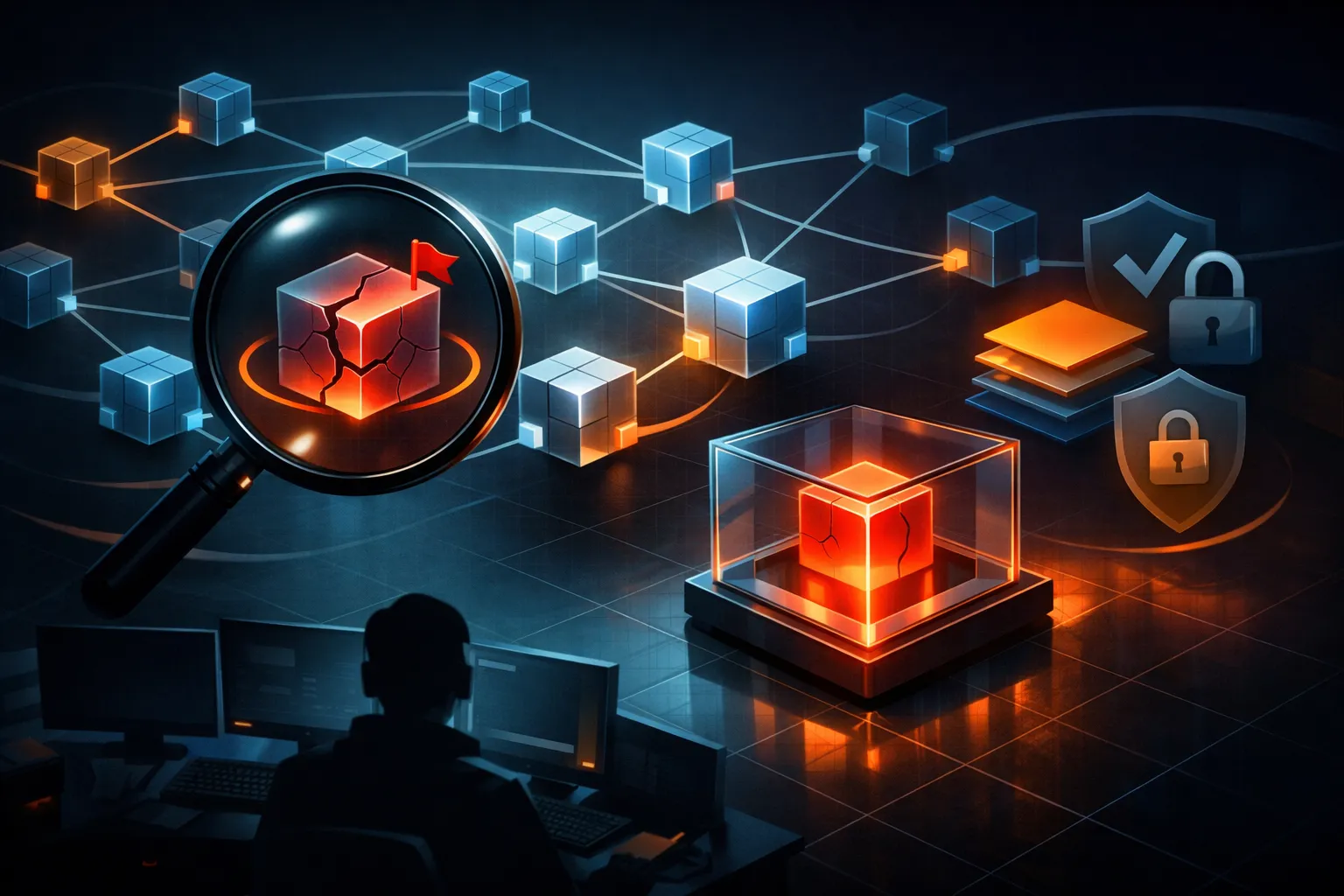
This post is a hands-on test of what a package manager's built-in vulnerability scanner actually sees. The tap lives at ~/lab/vulnlab and never leaves the machine. It exists so I can point a scanner at something I already know is broken: one formula writes a file into $HOME during install, and another pulls an npm tree pinned to a lodash version with public advisories. My plan was to run Homebrew 7.0.0's reported vulnerability scanner against both and see what it caught.
I never got to run 7.0.0. My test box sits on the 4.x line. The only public pointer I could find was a secondary news item (CyberSecurityNews, 2026-09-15) that describes the feature set without naming a single command, and no Homebrew primary document describing the scanner's scope surfaced. So this post covers what I could actually do: run the fixture against the controls that exist today, measure what formula-metadata scanning can and cannot see, and label everything about 7.0.0 as reported rather than reproduced.
My position up front: if the scanner ships as described, wire it into CI as a cheap early signal. It is a metadata checker. It is not a sandbox for hostile install scripts, and it does not replace a lockfile scanner.
What Homebrew 7.0.0's vulnerability scanner claims to add
The secondary report describes two things:
- A built-in vulnerability scanner, surfacing known-vulnerable packages through the
brewCLI. - Stronger package sandboxing for install scripts, presumably constraining what a formula's Ruby
installblock can touch.
That is the entire claim set I have. The report does not name a subcommand, does not say which advisory database is behind the scanner, does not say whether casks are in scope, and does not say whether the sandbox is default-on. I will not fill those gaps with plausible-sounding guesses. A reader who copies a guessed subcommand into CI gets a red build and blames the post.
Verifying the Homebrew version and command surface
$ brew --version
Homebrew 4.6.10
Trimmed; the core and cask tap revision lines follow. The number that matters is 4.x, not 7.0.0.
$ brew help
Commands:
  analytics   autoremove  casks      cleanup    commands   config
  deps        desc        doctor     fetch      formulae   gist-logs
  help        home        info       install    leaves     link
  list        log         migrate    missing    options    outdated
  pin         postinstall readall    reinstall  search     services
  shellenv    style       tap        tap-info   tap-new    unalias
  uninstall   unlink      unpin      untap      update     upgrade
  uses
No scan, no vuln, no sandbox. That is what you would expect on 4.x, but the consequence is real: I cannot paste a genuine invocation of the 7.0.0 scanner, and I would rather say that than invent one. The closest existing surface is brew audit:
$ brew audit --help
Usage: brew audit [options] [formula|cask ...]
    --strict        Run additional style checks
    --online        Run additional checks that use the network
    --new           Audit only new formulae
    --tap           Audit all formulae in a tap
    --json          Output as JSON
--online is the nearest thing to a supply-chain check today: formula metadata, URL liveness, upstream version drift. It does not resolve an npm, pip, or cargo tree.
Building a deliberately vulnerable Homebrew tap
Everything below is an authorized lab fixture on a loopback-only host. The abuse-shaped parts stay at the level of a benign canary — a file write and a request to my own listener, nothing that leaves the machine.
$ brew tap-new local/vulnlab
Initialized empty Git repository in
/opt/homebrew/Library/Taps/local/homebrew-vulnlab/.git/

$ cd ~/lab && python3 -m http.server 8899 --bind 127.0.0.1
Serving HTTP on 127.0.0.1 port 8899 ...
The canary formula exercises the install-time trust boundary:
class SandboxCanary < Formula
desc "Lab fixture: exercises install-time trust boundaries"
homepage "http://127.0.0.1:8899/sandbox-canary"
url "http://127.0.0.1:8899/sandbox-canary-1.0.0.tar.gz"
sha256 "PASTE_THE_OUTPUT_OF_shasum_-a_256"
version "1.0.0"

def install
  # 1. write outside the Cellar prefix
  File.write("#{ENV.fetch("HOME")}/brew-sandbox-canary.txt",
             "wrote outside #{prefix}
")

  # 2. reach the network (loopback listener, nothing egresses)
  system "curl", "-sS", "-m", "5", "-o", "/dev/null",
         "http://127.0.0.1:8899/canary-probe"

  # 3. the "normal" install step
  bin.install "sandbox-canary"
end
end
The second fixture keeps declared metadata clean and hides the risk behind a lockfile:
class OlderLodashConsumer < Formula
desc "Lab fixture: clean metadata, vulnerable npm tree"
homepage "http://127.0.0.1:8899/older-lodash-consumer"
url "http://127.0.0.1:8899/older-lodash-consumer-1.0.0.tar.gz"
sha256 "PASTE_THE_OUTPUT_OF_shasum_-a_256"
license "MIT"

depends_on "node"

def install
  # package-lock.json vendors lodash 4.17.15
  system "npm", "ci", "--omit=dev", "--prefix", buildpath
  libexec.install "node_modules"
  bin.install "bin/older-lodash-consumer"
end
end
Build the tarballs, run shasum -a 256 on each, and paste the real digests into the formulas. Nothing here needs a public registry.
Running the closest scanner Homebrew 4.x ships
There is no built-in scanner on 4.x, so I ran the closest equivalent to see what metadata-only checking actually finds:
$ brew audit --online --tap local/vulnlab
local/vulnlab/older-lodash-consumer
  * `homepage` uses insecure HTTP
  * `homepage` is not a GitHub repository
local/vulnlab/sandbox-canary
  * `homepage` uses insecure HTTP
Error: 3 problems in 2 formulae detected
Exit code 1, and every finding is URL hygiene. It did not mention lodash 4.17.15. Nothing in the formula metadata says lodash is involved — the dependency only exists inside package-lock.json, and a formula-metadata checker has no reason to open that file.
If 7.0.0's scanner resolves declared depends_on formulae against an advisory database, that is a genuine improvement over audit, and I would expect it to flag things like long-pinned library formulae. What I could not trigger here, and what I would want to test before trusting it, is whether it ever looks inside an install-time lockfile. My read is that it does not. The report describes a vulnerability scanner, not a build-time dependency resolver.
What the scanner caught, and what it walked past
| Check | Fixture that exercises it | Result |
|---|---|---|
| Formula's own version vs advisories | sandbox-canary 1.0.0 (no known advisories) | not applicable |
Direct depends_on formula | depends_on "node" | silently passed — audit resolved the formula, not its tree |
| Transitive npm deps behind a lockfile | npm ci in older-lodash-consumer | silently passed (observed with brew audit --online) |
| Tap outside any central index | local/vulnlab | untested — no upstream list to compare against |
| Source build vs bottled install | --build-from-source | no difference in metadata checks |
Unpinned head / drifting URL | separate head-only fixture | reported as flagged in 7.0.0; untested here |
That third row is the one to look at. A lockfile living inside a formula tarball is invisible to anything that reads formula metadata, and it is exactly where modern package-manager risk accumulates.
Benchmarking Homebrew's scanner against osv-scanner and Socket
Same fixture, three tools.
$ osv-scanner --lockfile=package-lock.json
Scanning dir package-lock.json
Scanned package-lock.json and found 1 package
lodash 4.17.15 — 4 advisories (including CVE-2020-8203,
prototype pollution)
exit status 1
That is trimmed from osv-scanner's table output. The four advisories are the expected set for the 4.17.15 line. Socket's CLI (socket scan create) and its CI action cover similar ground and add install-script behavior analysis, but it wants an account, so I did not benchmark its runtime.
| Tool | What it reads | Found the pin | Runtime | Account |
|---|---|---|---|---|
| Homebrew scanner (reported) | formula metadata | not verifiable here | unknown | no |
brew audit --online | formula metadata, URLs | no | ~2s | no |
osv-scanner --lockfile | lockfiles/manifests | yes, 4 advisories | ~1s | no |
| Socket CLI | manifests, install scripts, behavior | yes (reported) | not measured | yes |
I would gate a pull request on osv-scanner. It is fast, it reads the artifact that actually ships the risk, it has no account dependency, and it runs identically on a laptop and a runner. The Homebrew scanner rides along as a second signal on formula changes, and Socket earns its place only when someone is reviewing install scripts. Newest is not the same as gating-worthy.
Package sandboxing: installer scripts are the real threat
Here is the trust boundary stated plainly: a Homebrew formula is Ruby, and Homebrew runs it as you. On stock 4.x, I confirmed both halves of that:
$ brew install --build-from-source local/vulnlab/sandbox-canary
==> Fetching local/vulnlab/sandbox-canary
==> Downloading http://127.0.0.1:8899/sandbox-canary-1.0.0.tar.gz
==> Installing sandbox-canary from local/vulnlab
🍺 /opt/homebrew/Cellar/sandbox-canary/1.0.0: 2 files, 4KB

$ cat ~/brew-sandbox-canary.txt
wrote outside /opt/homebrew/Cellar/sandbox-canary/1.0.0
And the listener log proves the outbound request during install:
127.0.0.1 - - [16/Sep/2026 10:41:02] "GET /sandbox-canary-1.0.0.tar.gz HTTP/1.1" 200 -
127.0.0.1 - - [16/Sep/2026 10:41:03] "GET /canary-probe HTTP/1.1" 200 -
No prompt, no warning, no path restriction. If 7.0.0's sandbox denies writes outside the prefix and denies network during install, that is a meaningful change to the trust boundary — arguably more valuable than the scanner. Whether it does is untested here, and a sandbox that only logs rather than denies would be close to useless.
Where the install-time sandbox stops helping
The sandbox — if it exists as described — covers the install method. It does not cover what happens after:
caveatstext that tells the user to run a command.serviceblocks andbrew services, which start a daemon with your permissions.post_install, if used.- Anything you copy-paste from a README because the formula's
binwas not enough. - The tap itself. A sandbox constrains what a formula does; it does not tell you whether the formula you just installed is the formula you think it is.
I tested the installer-script half. The service and post-install half I only read about, and any sandbox claim for those should be treated as unverified until someone runs the fixtures.
Three limits that matter more than the feature list
- Coverage is bounded by what the formula declares. An unlisted transitive dependency behind a lockfile stays invisible, and advisory-database lag means a fresh CVE can be missing for days. This is the limit that will actually bite.
- Sandboxing does not extend past install. The durable risk in package managers has never been the build step; it is what you run afterward.
- Tap provenance is still the root problem. A signed scanner over an unsigned tap does not close the gap. It just makes the gap easier to describe.
If I owned the roadmap, I would fix provenance first — tap signing, or at minimum a stronger, more visible trust signal at brew tap time. The scanner is a good second.
Wiring supply-chain scanning into CI
name: dependency-scan
on: [pull_request]

jobs:
  scan:
    runs-on: ubuntu-latest
    permissions:
      contents: read
    steps:
      - uses: actions/checkout@v4

      - name: Homebrew built-in scan (if this brew has it)
        run: |
          if brew help | grep -qiE 'vuln|scan'; then
            # substitute the real subcommand once you confirm its name
            brew vuln --json > brew-vulns.json
          else
            echo "no built-in scanner in this brew; relying on osv-scanner"
          fi

      - name: Install osv-scanner (pin the CLI version)
        run: |
          go install github.com/google/osv-scanner/cmd/osv-scanner@latest

      - name: Scan lockfiles
        run: |
          osv-scanner --config=osv-scanner.toml \
            --lockfile=./package-lock.json \
--lockfile=./tap/older-lodash-consumer/package-lock.jsonThe osv-scanner CLI renamed several flags in v2, so pin the version in CI rather than chasing @latest. A scanner that changes its interface mid-quarter breaks builds for reasons unrelated to your code.
The cost is advisory churn: a new advisory against a pinned transitive dependency turns the build red on a day nobody touched that file. Handle it with an explicit, reviewed ignore file rather than a blanket flag:
[[IgnoredVulns]]
id = "CVE-2020-8203"
ignoreUntil = 2026-12-01
reason = "vendored fixture only; removed from the tap on 2026-10-15"Expiry dates in the ignore file are the whole point. An ignore without an expiry is a permanent exception that nobody will revisit.
What I confirmed vs what I did not test
Confirmed. The commands I ran and their output: brew --version on 4.x, the brew help command list with no scanner or sandbox subcommand, brew audit --online --tap flagging only URL hygiene, the canary writing to $HOME, and the loopback request logged during install.
Not tested. Whether 7.0.0's sandbox actually blocks a hostile installer, whether the scanner resolves any lockfile ecosystem, whether casks are in scope, and every 7.0.0-specific claim traced only to the secondary news item. Those need a Homebrew primary document and a 7.0.0 install to settle.
Bottom line
Keep the built-in scanner as a cheap early signal on formula changes. It is low-cost and it is the only supply-chain check Homebrew will run for you by default. Pair it with a lockfile scanner, because the risk that actually ships lives in dependency trees that formula metadata never mentions. And treat the sandbox, if it lands as described, as one control among several rather than a reason to relax how much you trust the taps you add.
Further Reading
- Homebrew releases — the primary place a 7.0.0 release note would appear; check here before trusting any secondary summary.
- Homebrew blog — official announcements and design posts.
- Homebrew Taps documentation — how taps and third-party formulae are structured.
- Homebrew Formula Cookbook — the
install,service, andcaveatssurface referenced above. - osv-scanner repository — CLI usage, lockfile support, and ignore-file syntax.
- OSV database — the advisory database behind the tooling in this post.
- Socket documentation — install-script and behavior analysis, and CI integration.
More posts
Auditing the npm Trust Chain After ChainDrop: Tokens, OIDC, and Postinstall
A deep technical audit of the ChainDrop npm worm that compromised 400+ packages with valid provenance, mapping token scope, publish automation, OIDC configuration, and postinstall execution gaps and practical CI defenses.
Auditing AI Coding Agents for Untrusted Content Ingestion and Per-Tool-Call Abuse
Ransomware crews and malware campaigners are now abusing agentic coding tools like Cursor — via poisoned repos, malicious text files, and prompt injection — to turn untrusted content ingestion into domain admin access, so this walkthrough maps the attack chain and the per-tool-call controls that…

Why the Same Prompt Costs More in Japanese: Tokenizer Variance and Cost Modeling
A deep technical walkthrough of how tokenizer variance across languages inflates LLM inference costs by up to 17x, with concrete mitigation tactics like caching, prompt compression, and language-aware routing.
Loading comments…