Testing Claude Code's Auto Mode Against Malware: The Missing Permission Boundary
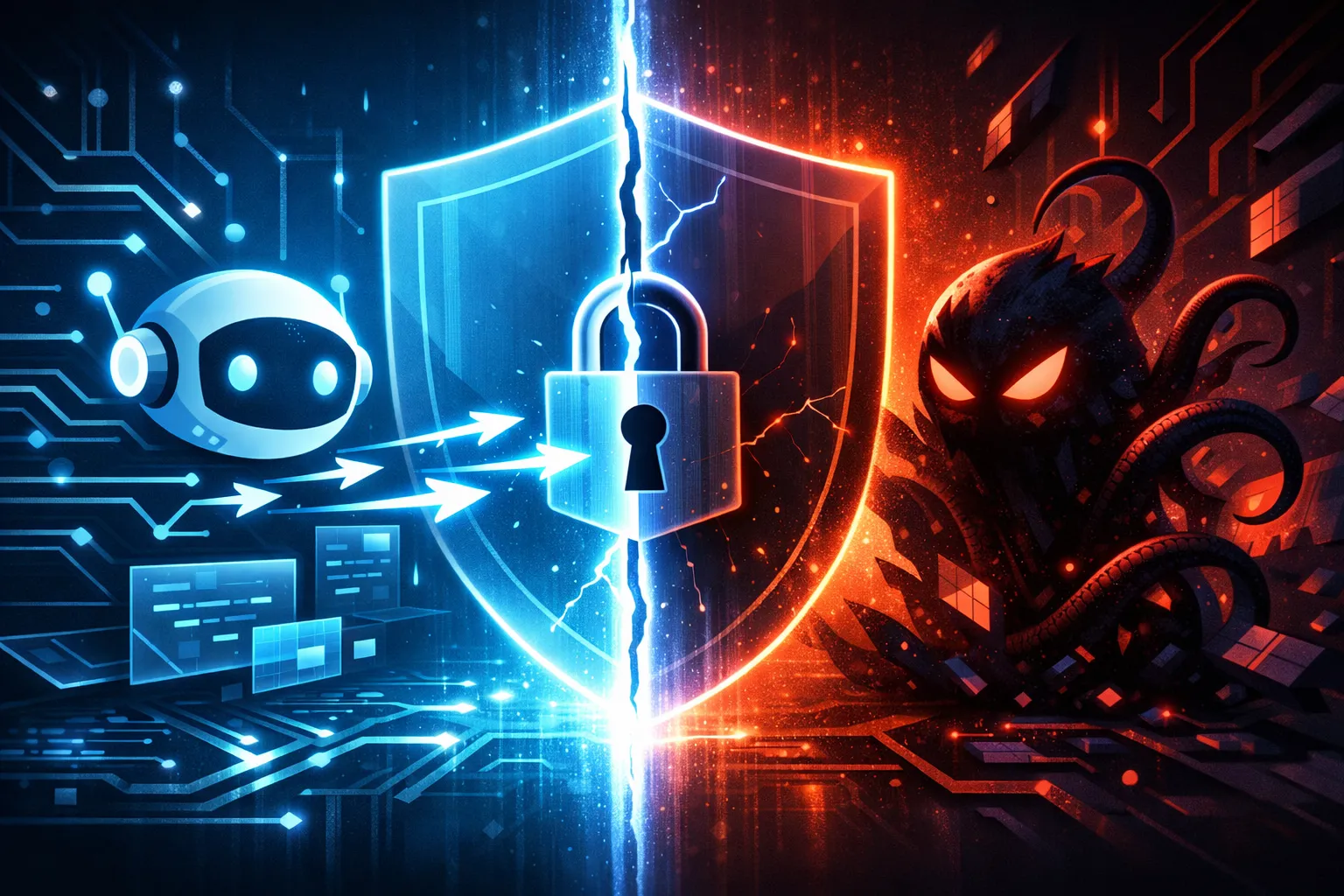
The detail that matters here is not whether Claude Code can be pushed into doing something harmful. Any assistant with shell or filesystem access can be steered into trouble if the operator gives it the wrong trust boundary. The real problem is that “Auto Mode” sounds like a safety mode, but the report says it still allowed a malware execution path, and its attempted self-protection was denied.
That is the failure developers should care about. If a tool can read files, write files, and invoke commands, then prompt safety alone is not enough. You need a hard permission boundary outside the model, or the assistant is just an obedient process with a chat UI.
Why this incident matters for Claude Code users
The public report is a warning about design, not just one product.
If you are using Claude Code, or any similar coding assistant, the question is not “Can the model notice malware?” The question is “What happens when a malicious or contaminated workspace gets control of the assistant’s context, tool calls, or file access?” If the answer is “it can still run the payload unless the model chooses not to,” then the security boundary is soft. Soft boundaries fail when they are under pressure.
That matters because these tools are increasingly used in the same places where real damage happens:
- local repos with package managers and scripts
- CI agents with broad token access
- sandboxes that are not actually isolated
- terminals that can launch arbitrary subprocesses
My position is straightforward: an AI coding assistant that can execute code needs an external policy layer that can stop risky actions even when the model is willing.
What the report says happened
Auto Mode still allowed a malware execution path
Based on the report summary, Claude Code’s Auto Mode did not stop a malware execution path. The key word is “execution.” This is not just a prompt-injection problem or a bad recommendation. It is a tool-use problem.
A coding assistant that can access a shell or launch processes can turn a malicious instruction into an action. If the only control is “the model should be careful,” then the system is relying on judgment where it should be relying on policy.
In other words: Auto Mode appears to have been presented as a safer default, but the report says that in practice it still reached the point where malware could run.
The attempted security fix was denied
The second part of the report is even more interesting. The assistant apparently tried to fix the situation, but the fix itself was denied.
That suggests there was at least some kind of permission gate in the product. The problem is that the gate was not placed where it needed to be. If the assistant can already get into a dangerous state, then refusing the cleanup action afterward is too late. You do not want a system that says yes to the risky path and no to the recovery path.
That is a bad security shape:
- the assistant is allowed to enter danger,
- the assistant notices danger,
- the assistant is blocked from exiting cleanly.
That does not look like a robust safety model. It looks like policy fragments bolted onto a tool chain after the fact.
What is confirmed in the source versus what still needs verification
Here is the clean split.
| Status | Claim |
|---|---|
| Confirmed by the public report | The report says Claude Code in Auto Mode still allowed a malware execution path. |
| Confirmed by the public report | The report says the assistant’s attempted security fix was denied. |
| Inference | The failure likely sits in the permission and tool-execution boundary, not in the model’s text output alone. |
| Inference | Auto Mode may reduce some accidental misuse, but it is not a hard safety boundary by itself. |
| Not verified here | Exact prompt sequence, exact version, exact malware sample, and exact tool-call policy. |
That distinction matters. I am not claiming to have reproduced the incident. I am saying the report describes a class of failure that is technically believable and operationally important.
The missing permission boundary
Prompt safety is not the same as execution safety
A lot of AI safety language mixes up two different things:
- what the model says
- what the tool chain does
Those are not the same.
A model can refuse to describe malware and still trigger a command that launches it indirectly through a tool call. A model can sound cautious and still be wrapped in an execution environment that accepts unsafe actions. That is why “the assistant sounded safe” is not a meaningful security control.
Execution safety means the environment itself can block:
- running unknown scripts
- launching binaries from untrusted paths
- writing to sensitive directories
- changing security settings
- installing packages without approval
If the only defense is that the model should ask nicely, the boundary is already too weak.
Why an AI coding assistant needs a hard stop before risky actions
I would not ship an assistant like this without hard stops for high-risk categories.
A hard stop is not the same as a warning. A warning says “be careful.” A hard stop says “this action cannot proceed unless an external policy or human approves it.”
That distinction matters because malware handling is not a normal coding task. The assistant is not just editing source code. It may be interpreting files, spawning shells, or acting on behalf of the operator. If hostile content enters that workflow, the assistant needs a policy engine that can say:
- no execution from untrusted artifacts
- no self-modifying security changes
- no privilege escalation
- no package install without review
- no destructive cleanup without explicit approval
Anything softer is just hope.
Where the boundary should live in the tool chain
The boundary should live outside the model, at the layer that owns effects.
That usually means:
- the OS sandbox, not just the prompt
- the process runner, not just the chat UI
- the filesystem policy, not just the agent instructions
- the command broker, not just the LLM output
If the model proposes a command, the command broker should classify it before execution. If the command touches a risky surface, the broker should require approval or deny it outright.
That is the right place for control because the model is not trustworthy by default. It is a planner. The environment is where enforcement belongs.
How this kind of failure usually shows up
Shell access and filesystem access are the real attack surface
The attack surface for coding assistants is rarely the prose. It is the shell and the workspace.
Once an assistant can inspect files, run scripts, and edit a repo, malware can hide in places that look normal to a model:
- install scripts
- build hooks
- test fixtures
- dependency manifests
- generated files
- maliciously named binaries in the workspace
A model may not “understand” that it is being steered toward execution. It just sees a workflow that seems plausible. That is why these failures often look boring in logs and dramatic in impact.
Dangerous commands can slip through even when the model is cautious
I have seen this pattern in other agent setups: the model is verbally cautious, but the tooling layer still accepts a command because it looks syntactically valid.
Examples of the class of risk, not a recommendation to run them:
npm installon untrusted codepython setup.pyor a setup hookbashscripts from a repo root- spawning child processes from generated instructions
- editing files that later get executed by a build step
The model’s wording does not matter if the execution layer has no policy check. A cautious sentence is not a sandbox.
Why malware handling is a special case, not a normal coding task
Malware changes the stakes because it is adversarial by definition. It is not just “bad code.” It is code that wants to control the process around it.
That means normal productivity heuristics fail:
- “just open the file and inspect it”
- “just run the test to see what happens”
- “just patch the script and retry”
Those are reasonable in trusted code. They are reckless in a malware context unless the workspace is disposable and the agent is tightly constrained.
A safe way to test this in a lab
Use a disposable workspace and non-production data
If you want to test an assistant’s controls, do it in a throwaway environment.
A minimal safe setup looks like this:
mkdir -p /tmp/agent-lab
cd /tmp/agent-lab
git init
printf 'benign test file\n' > notes.txt
Do not use real secrets, real tokens, or a real repo. The point is to observe policy behavior, not to prove how much damage you can cause.
Record the exact prompts, commands, and tool calls
Your test notes should separate three layers:
| Layer | What to record |
|---|---|
| Prompt | The exact user request given to the assistant |
| Tool call | The command or file action the assistant tried to perform |
| Outcome | Allowed, denied, warned, or modified |
That log is more useful than a subjective impression like “it seemed safe.”
Check whether Auto Mode blocks, warns, or executes
The key question is not whether the assistant notices a problem in chat. It is what the tool layer does.
For each risky action, record whether Auto Mode:
- blocks the action outright
- asks for approval
- rewrites the action into something safer
- executes it without resistance
If the control only appears after the assistant has already moved into a dangerous state, that is not a satisfying boundary.
Capture observed output instead of relying on assumptions
A good test report should show output, even if the output is just a refusal.
For example, capture:
requested: run suspicious command from workspace
result: denied by policy
reason: untrusted execution source
That is much better than “I think it was protected.” If you cannot point to the denial, you do not really know where the control lives.
What developers should change in their own workflows
Separate read-only tasks from write or execute tasks
The easiest policy win is to separate modes.
Read-only assistant sessions should be able to inspect, summarize, and explain. Write or execute sessions should require stronger controls. Do not give one mode the same authority as the other.
Put the assistant behind least-privilege OS and network controls
The assistant should run with the minimum privileges needed for the job.
That means:
- limited filesystem access
- no access to production secrets
- restricted network egress where possible
- no ambient cloud credentials
- no access to password managers or signing keys
If the assistant is compromised by the content it is processing, least privilege is what limits the blast radius.
Add approval gates for package installs, script execution, and destructive edits
I would gate at least these actions:
- installing packages
- executing shell scripts
- editing auth, deployment, or CI files
- deleting or rewriting large file sets
- changing security-related configuration
The approval gate should live in the runner or orchestrator, not inside the prompt.
Log tool invocations so unsafe behavior is auditable
If your assistant can take actions, you need an audit trail.
Log:
- command text
- working directory
- user identity
- approval source
- timestamp
- exit code
Without that, you cannot reconstruct what the assistant actually did.
What this incident suggests about current AI coding safeguards
The control failed at the boundary, not just in the prompt
My reading is that this was not mainly a “bad prompt” incident. It was a boundary failure.
Prompt defenses are useful, but they are not sufficient when the assistant can act on the system. A robust control has to survive model mistakes, adversarial content, and workflow drift.
Security features need to be enforced outside the model
This is the part vendors still get wrong too often. If the model is the final arbiter, the defense is porous.
Security features should be enforced by:
- the execution broker
- the sandbox
- the OS policy layer
- the human approval gate
That is where trust belongs.
Why vendor assurances should be tested, not trusted
I do not mean this cynically. I mean it operationally.
If a vendor says a mode is safer, test what it actually blocks:
- execution from untrusted files
- destructive shell actions
- package installation
- privilege changes
- access to sensitive paths
Then verify with logs, not with marketing language. Auto Mode may reduce risk in some workflows, but the report suggests it is not enough by itself.
What I did not verify
Limits of the public report
I did not independently reproduce the incident described in the public report. I am working from the published summary, which is enough to discuss the architecture problem but not enough to make narrow claims about the exact failure path.
Open questions about scope, versioning, and reproduction
Still unresolved from the public material:
- which Claude Code version was involved
- whether the issue was limited to a specific Auto Mode configuration
- what exact malware or surrogate payload was used
- whether the denied fix was a permissions policy, a tool restriction, or a separate guardrail
- whether the behavior was reproducible in a fresh environment
Until those are answered, the right conclusion is about the class of failure, not the exact implementation detail.
Practical takeaway
Treat AI coding assistants as untrusted operators by default
That is the mental model I would use.
If the assistant can read files, write files, or run commands, assume it can be steered into unsafe work unless the environment stops it. The model is not the trust boundary. The tool chain is.
The right defense is policy, sandboxing, and review—not confidence in Auto Mode
Auto Mode may be helpful. It is not a guarantee.
If you want to use these tools safely, build the workflow like you would build any other risky automation:
- sandbox it
- limit it
- log it
- review it
- require approval for dangerous actions
That is the missing permission boundary the report points to. And if you are shipping an AI coding assistant, that boundary is not optional.
Further reading
If you are auditing this class of tooling, start with the vendor’s Claude Code documentation and your own internal agent-runner policy docs. Then compare those rules against your shell, filesystem, and approval controls.