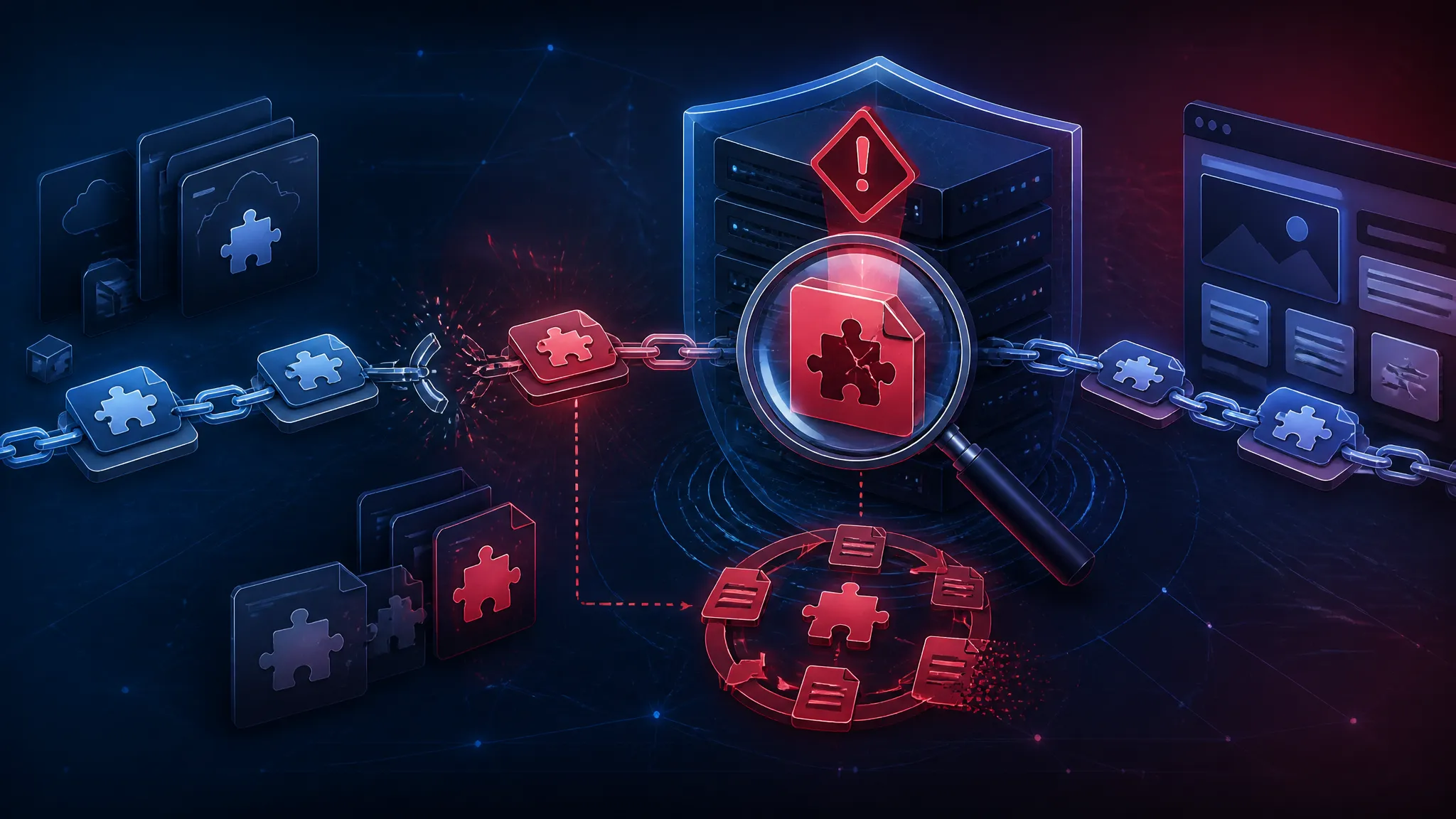
Rank Math PRO Backdoor: Persistence Mechanics and a Detection Checklist
Introduction
On 2026-10-19, SecurityWeek, Cyber Kendra, and BleepingComputer reported that the Rank Math PRO WordPress plugin had been compromised in a supply-chain attack and shipped a self-rebuilding backdoor. This post separates what those reports actually establish from inference, explains the WordPress persistence mechanics that make file deletion insufficient, and gives a detection checklist you can run before deciding whether to clean or rebuild.
Here is my position before the details. If the reporting is right about two things — the distribution channel was the vector, and the payload rebuilds itself — then file-level cleanup is the wrong primary response for most site owners. Rebuild from a known-good source, rotate every secret the site could reach, and treat the old filesystem as evidence instead of something to repair in place. The rest of this post is the reasoning behind that stance and a checklist you can actually run.
What the Public Reporting Establishes About the Rank Math PRO Compromise
I only had headline-level reporting and short snippets to work with, so I am going to be strict about the line between confirmed and not.
Confirmed by the reporting I reviewed:
- The affected product is the Rank Math PRO WordPress plugin (the paid tier, not necessarily the free WordPress.org plugin).
- The vector is described as a supply-chain compromise — malicious code reached sites through the plugin distribution path, not through an attacker exploiting a bug on each individual site.
- The payload is described as a backdoor that rebuilds itself.
- All three reports are dated 2026-10-19.
Not established in what I saw: affected version numbers, the exact injected file names, the persistence mechanism, any CVE identifier, the attacker's initial foothold in the vendor's build or release pipeline, the number of impacted sites, and whether the vendor has published a full advisory.
I am not going to invent any of those. Where the sections below name specific paths — wp-content/mu-plugins, object-cache.php, advanced-cache.php, auto_prepend_file — those are standard WordPress persistence locations, not claims about what this specific payload did. Read them as places to look, not as a published IOC list.
Why a Compromised Plugin Defeats Normal WordPress Vulnerability Triage
Normal WordPress vulnerability work is triage: a CVE drops, you read the affected range, you patch, you check whether the vulnerable endpoint was hit. The trust boundary is the plugin author's code versus the site's configuration.
A supply-chain compromise moves that boundary. The malicious code is signed off by the same update mechanism you rely on, arrives alongside every other customer's update, and executes with the same privileges as legitimate plugin code — full PHP in the web root, read/write on wp-config.php, database access, outbound HTTP.
That last part is what detection has to reckon with. A sprayed plugin vulnerability usually leaves a signature in the access log: a strange admin-ajax.php action, a traversal string, a POST you never sent. A backdoored update leaves almost nothing there, because the malicious code is now first-party. Your WAF sees normal traffic. Your file-integrity tool sees a plugin update it was told to expect.
Triage also assumes cleanup is bounded. It is not, when the payload is written to survive deletion.
How WordPress Backdoors Survive Cleanup: Drop-Ins, MU-Plugins, and WP-Cron
The mechanics below are general WordPress platform knowledge. They are why "delete the bad file and move on" is not a recovery plan.
Drop-Ins and Must-Use Plugins That Load Before Regular Plugins
WordPress auto-loads a handful of files by convention if they exist, with no plugin activation record:
| Path | Loaded when |
|---|---|
wp-content/object-cache.php | Before regular plugins, on every request |
wp-content/advanced-cache.php | When a persistent cache is enabled |
wp-content/db.php | Before the database connection is used |
wp-content/sunrise.php | Early in multisite bootstrap |
wp-content/mu-plugins/*.php | Always, no activation needed |
None of these show up on the Plugins screen. mu-plugins and drop-ins are the first place I look after any plugin incident, because they run earlier than the plugin that supposedly caused the problem.
ls -la wp-content/ | grep -E 'object-cache\.php|advanced-cache\.php|db\.php|sunrise\.php|maintenance\.php'
wp plugin list --status=must-use
On a site with no object cache configured, object-cache.php existing at all is a finding.
Bootstrap Hooks in wp-config.php and auto_prepend_file
wp-config.php runs on every request and is not covered by wp core verify-checksums, because it is a user file. A single require or include of a base64 blob near the top of that file is a complete, self-sufficient backdoor:
require_once ABSPATH . 'wp-content/uploads/2026/10/.cache.php';
You can get the same effect outside WordPress entirely. auto_prepend_file in .user.ini, .htaccess, or php.ini runs a PHP file before any application code, including wp-config.php:
grep -rn 'auto_prepend_file' .htaccess .user.ini wp/.user.ini 2>/dev/null
grep -nE '^\s*(require|include)' wp-config.php
On a normal site the second grep returns a very short list. Anything pointing into uploads/, wp-content/, or a dotfile directory deserves a closer look.
Database-Resident Persistence and Scheduled WP-Cron Events
The database is the persistence layer people clean last. Three places carry payloads well:
wp_optionswithautoload = 'yes'— long values are read on every request. A common trick is to stash encoded PHP in an option and have a file hookevalit, so deleting the file is not enough.wp_options.cron(the serializedcronoption) — a scheduled event whose callback is an anonymous function or a class that still resolves.- Rows in
wp_postsasrevisionor a custom post type — content that looks like data but getseval'd later.
Options survive plugin deletion, theme switches, and database imports. That is the point.
Reinfection Through Update and Activation Hooks
A payload that hooks upgrader_process_complete or an activation hook can rewrite the files it depends on immediately after any plugin or core update. If the malicious code loads from a drop-in or mu-plugin, WordPress's own updater will faithfully restore the plugin directory to a clean state — and then the resident code re-injects on the next request.
My guess is that this is what "self-rebuilding" most likely means in practice: a persistence hook that re-drops files or recreates database rows after deletion, not a boot-level rootkit. That is inference on my part. None of the reporting I saw described the mechanism, and I did not analyse the payload.
Reading the Self-Rebuilding Backdoor Claim Without Overreading It
Two failure modes appear once a headline says "self-rebuilding."
The first is underreading — assuming the attacker has to come back, so deleting files is enough. That is how a site gets reinfected three weeks later.
The second is overreading — assuming unremovable, and skipping cleanup entirely. A WordPress backdoor is not firmware. It is PHP and database rows, and both are replaceable. The practical conclusion is not "uncleanable." It is "do not try to clean; replace."
My recommendation stands: treat the filesystem, the database, and every credential the site can read as untrusted until proven otherwise, then rebuild.
Rank Math PRO Backdoor Detection Checklist for WordPress Site Owners
Start read-only. Take a snapshot or a filesystem-level backup before you modify anything, because deleting the payload destroys your ability to see how it persisted.
File Triage with WP-CLI, Core Checksums, and Recent-Write Scans
wp core verify-checksums
Expected output on an intact install:
Success: WordPress installation verifies against checksums.
A mismatch looks like:
Warning: File doesn't verify against checksum: wp-admin/includes/plugin.php
Error: WordPress installation doesn't verify against checksums.
One caveat matters here: core checksums cover WordPress core, not plugins. wp plugin verify-checksums <plugin> only works for plugins hosted on WordPress.org, and a premium plugin like Rank Math PRO is generally not in that checksum API — so expect that command to give you nothing useful. For premium plugins you need a vendor-supplied hash list, or your own baseline stored outside the web root. That is a gap worth fixing regardless of this incident.
Recent-write triage has caught more real incidents for me than any signature rule:
find wp-content -type f -name '*.php' -newermt '2026-10-19' -printf '%TY-%Tm-%Td %TH:%TM %p\n' | sort
Grep for the encoding primitives a backdoor usually needs:
grep -rlnE 'base64_decode|gzinflate|str_rot13|eval\s*\(|assert\s*\(' wp-content --include='*.php'
Some of that is normal in legitimate code — an encoding library, a minified bundle. What you want is a hit in a file whose timestamp is wrong or whose path does not belong.
Database, Autoloaded Options, and WP-Cron Inspection
wp db query "SELECT option_name, LENGTH(option_value) AS len FROM wp_options WHERE autoload='yes' ORDER BY len DESC LIMIT 20;"
wp cron event list --fields=hook,next_run_relative,recurrence
wp user list --role=administrator --fields=ID,user_login,user_email,user_registered
Read the cron list by hook name. An entry named wp_ajax_nopriv_... in the scheduler, or a hook whose name is pure noise, is not normal. Same for an administrator account with a registration date you do not remember.
Outbound Requests and Access Log Review for Beacon Traffic
grep -rnE 'wp_remote_post|wp_remote_get|curl_exec|fsockopen' wp-content/plugins --include='*.php' -l
awk '{print $1, $7}' access.log | grep -i 'rank-math' | sort | uniq -c | sort -rn | head
The outbound grep will be noisy on any real site. The stronger signal is on the network side: which hosts the PHP process actually connects to. If you have egress logging, or a host that offers it, turn it on — beacon traffic to a domain that appears nowhere in your code is the clearest single signal you will get.
Containment Order: Rebuild Before You Try to Clean
I would not start with the filesystem.
- Snapshot. Image the web root and dump the database. Do this before deleting anything.
- Rotate, in this order: WordPress salts (
wp config shuffle-salts), database password, hosting panel and SSH credentials, then every API key and token stored inwp-config.phpor a plugin settings page — payment gateways, SMTP, SEO service connections, CDN tokens. - Rebuild. New WordPress from official source, plugin versions pinned to a clean release, content imported from the dump after review.
- Re-check the rebuild with the commands above before pointing DNS back.
Rebuilding rather than cleaning comes down to economics. A careful in-place cleanup requires knowing the persistence mechanism, and nobody outside the vendor and the attackers currently does. A rebuild takes hours and has a verifiable end state.
What Plugin Maintainers and Hosts Should Change After a Supply-Chain Backdoor
The root problem is structural: WordPress has no code signature verification for plugin and theme update packages. Core files can be checked against api.wordpress.org checksums; premium plugins fetch a ZIP from a vendor server over HTTPS and unpack it with no signature check on the artifact. If an attacker can reach that server or the build pipeline behind it, every customer gets the payload and there is nothing on the site side to detect it.
Concrete changes maintainers should make:
- Publish signed release artifacts and have the updater verify the signature before unpacking.
- Publish a per-version SHA-256 manifest so site owners can verify a premium plugin the way
verify-checksumsverifies a WordPress.org one. - Scope build-pipeline credentials so a release job cannot push code it did not build from a tagged commit.
Hosts should push egress logging into customer-visible dashboards. Almost every site hit by this class of incident will learn about it from a beacon, not from a file scan.
Limits of This Detection Checklist and What I Did Not Test
I did not analyse the Rank Math PRO payload. I have not reproduced this incident, I do not have affected version numbers, and I have not seen a vendor advisory. The commands above are general-purpose WordPress triage; their output on a specific site depends on that site's setup, and empty output is not proof of a clean install — a payload loaded through auto_prepend_file sits above everything these checks look at.
The persistence table is standard platform behaviour, not a description of what this backdoor did. The "self-rebuilding" interpretation is explicitly inference.
What I am confident about: distribution-channel compromise of a plugin defeats per-site detection, and cleanup that leaves database rows and drop-ins in place is not cleanup.
Further Reading
- SecurityWeek — Rank Math PRO WordPress Plugin Compromised in Supply Chain Attack
- BleepingComputer — WordPress SEO plugin Rank Math compromised to backdoor websites
- Cyber Kendra — Rank Math Hacked in Supply Chain Attack, Shipped a Self-Rebuilding Backdoor
- WordPress developer docs — Must-Use Plugins
- WP-CLI —
wp core verify-checksums - WP-CLI —
wp plugin verify-checksums - PHP manual —
auto_prepend_file