How North Korea Backdoored 144 AI npm Packages in 88 Minutes—And What Your Dependency Audit Is Missing
Introduction
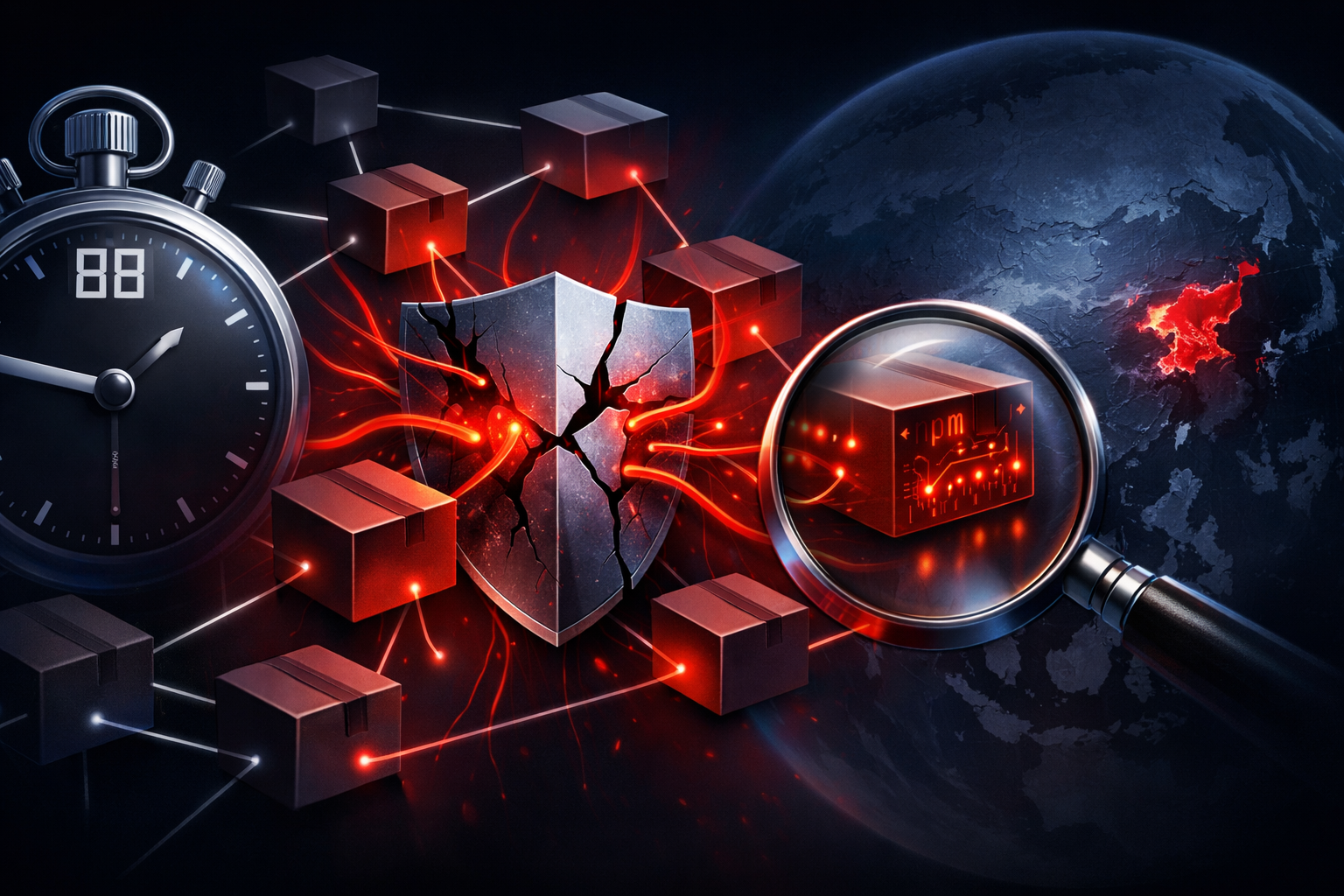
The report that caught my attention describes a supply-chain burst in npm where 144 AI-themed packages were published and backdoored in 88 minutes, and it attributes the campaign to North Korea. I am not treating that attribution as settled just because it showed up in a news write-up.
What stands out to me is the attack pattern. This is not the usual “an old library shipped a known CVE” story. It is a publication-time attack: make the package look plausible, get it installed quickly, and exploit the gap before anyone checks the metadata, maintainer history, or install behavior.
My position is straightforward: if your dependency review mostly means npm audit, you are missing this class of attack.
What the report says happened in 88 minutes
The package flood pattern
According to the report, the attackers pushed a large batch of packages in a short window: 144 AI-related npm packages in 88 minutes. That timing is the part that matters. A fast flood changes how detection works.
A single malicious package can be caught by a careful reviewer. A burst of dozens or hundreds makes the activity look normal to automated systems and rushed developers. The packages can differ only slightly in name, description, or dependency graph. That creates noise, and noise is exactly what attackers want.
The publishing pattern matters even more than the payload at first glance. If one account suddenly starts minting many packages around the same theme, in a narrow time window, that is a strong signal before you even inspect the code. In other words, the attack surface is as much the registry metadata as the JavaScript.
Why the AI angle matters
The AI label is not just decoration. Packages with names like “agent,” “LLM,” “prompt,” “chat,” or “model” get an automatic trust bump because they match what teams are searching for right now. People are moving fast, and “AI helper” packages often get added by developers who are under time pressure and not yet using a hardened dependency-review workflow.
That makes the theme useful for social reach. The malicious package does not need to be perfect. It only needs to be convincing enough for a first glance and get a few installs before someone inspects the tarball.
I would read the AI branding as an attention trap, not as a real technical feature.
What is confirmed, and what still needs primary-source verification
Confirmed facts from the public report
From the public report context I can safely say the following:
- the story is about npm
- the report says 144 AI-related packages were involved
- the reported timing was 88 minutes
- the packages were described as backdoored
- the report attributed the operation to North Korea
Those are the claims the report makes. That is not the same as independently verifying the incident details.
Claims I would not treat as settled without the original advisory
I would want the original advisory, investigation write-up, or registry-level evidence before treating these as confirmed:
- the exact backdoor behavior
- whether all 144 packages contained the same payload
- the initial access path used to publish them
- whether the attribution to North Korea rests on infrastructure, malware overlap, or something weaker
- the victim count or downstream impact
- whether the packages were malicious on first publish or were changed after an initial benign release
That distinction matters. News summaries are useful for triage, but they are not enough to build a threat model around.
Why dependency audits miss attacks like this
Audits look for known vulnerabilities, not malicious publication history
Traditional dependency audit tools are good at one thing: mapping installed packages to known advisories. That helps when a library has a CVE, a bad semver range, or a published security bulletin.
They are much less useful when the package itself is the attack. A freshly published malicious package may not have a CVE. It may have no advisory. It may be technically “healthy” from a vulnerability database perspective while still being a supply-chain threat.
That is the gap. An audit can tell you a package is not known-bad. It cannot tell you that the package was published 14 minutes ago by a maintainer with no history and then updated three more times in the same hour.
Here is the practical difference:
| Signal | npm audit catches it? | Better control |
|---|---|---|
| Known CVE in installed version | Usually yes | Vulnerability scanning |
| Suspicious new package publish | No | Metadata review and policy gates |
| Maintainer takeover | Usually no | Ownership and provenance checks |
| Malicious install script | Sometimes, indirectly | Tarball inspection and script blocking |
| Dependency confusion or typo-squat | Not reliably | Allowlists and package mirrors |
Maintainer compromise, new ownership, and install-script abuse
There are three common supply-chain moves that matter here.
First, maintainer compromise. If an attacker takes over an existing account, the package history looks trustworthy right up until the day it does not. Your scanner may still see an old, familiar name.
Second, new ownership or changed publishing behavior. A package can look legitimate because the metadata is valid, but the publishing pattern is not. Fast churn, sudden version bursts, or a change in maintainer list are often better indicators than package name alone.
Third, install-script abuse. In npm, preinstall, install, and postinstall scripts are dangerous because they run during installation. A tarball can look harmless at a glance and still execute code when the dependency is installed.
If you do not inspect the tarball and you allow install scripts by default, you are trusting the package author far more than most teams realize.
AI-themed packages can look legitimate long before they are trusted
A package name like ai-chat-utils or prompt-router can feel obviously relevant in a product team that wants to ship an AI feature this sprint. That relevance is part of the risk.
The package may not need reputation. It only needs to fit the search query. A developer skimming npm search results may not notice that the package was published yesterday, has a single maintainer, and has no real repository history.
That is why “looks legit” is not a security standard. Security teams need to ask: who published this, when, how often, and what runs on install?
A practical npm triage workflow you can run today
Check publish time, maintainer history, and version churn
Start with metadata before you install anything:
npm view <package-name> time --json
npm view <package-name> maintainers --json
npm view <package-name> versions --json
npm view <package-name> dist-tags --json
What I look for:
- a package published very recently
- a sudden cluster of versions in a short period
- maintainer changes that do not match the repo history
- odd dist-tags, especially if
latestmoves quickly
If you want a quick triage checklist, this is the minimum:
| Check | Why it matters | Red flag |
|---|---|---|
time | Shows publish history | New package with instant adoption |
maintainers | Shows who can publish | Single unknown maintainer |
versions | Shows churn | Many versions in minutes |
dist-tags | Shows what users get by default | latest flips rapidly |
Inspect package metadata before installing
Before any install, inspect the package surface:
npm view <package-name>@<version> repository --json
npm view <package-name>@<version> scripts --json
npm view <package-name>@<version> dependencies --json
npm view <package-name>@<version> dist --json
I am looking for three things:
- whether the repository actually exists
- whether the package defines install-time scripts
- whether the tarball points to something reasonable or suspicious
If the package has install scripts and no meaningful repository, I treat it as high risk until proven otherwise.
Diff the tarball and review install scripts
Never assume the published tarball matches the README. Pull it and inspect it first:
npm pack <package-name>@<version>
tar -tf <package-name>-<version>.tgz | sed -n '1,40p'
tar -xOf <package-name>-<version>.tgz package/package.json
Then review the manifest for lifecycle scripts, unusual entry points, and bundled files.
If you want to be stricter, install without scripts in a throwaway environment first:
npm install --ignore-scripts <package-name>@<version>
That does not remove all risk, but it does stop automatic execution while you inspect the content.
Verify what actually landed in your lockfile
A lot of teams say they “review dependencies,” but they really review package.json and skip the lockfile. That is a mistake.
The lockfile tells you what was actually resolved:
npm ci --ignore-scripts
npm ls --all --json > dependency-tree.json
Then compare:
- what changed in
package-lock.json - whether a new direct dependency appeared
- whether a transitive dependency changed unexpectedly
- whether the resolved version is one you intended to trust
The lockfile is not just reproducibility plumbing. It is your evidence trail.
What a strong defense layer should include
Policy controls for direct and transitive dependencies
If you are serious about this risk, policy has to sit above the package manager.
At minimum:
- require approval for new direct dependencies
- block unreviewed version jumps for high-risk packages
- pin critical dependencies instead of floating ranges
- review transitive additions in CI, not after merge
In a security-sensitive repository, I would rather reject a suspicious update than allow every install to succeed and hope npm audit complains later.
Provenance, signing, and registry trust signals
Provenance is the next layer. A package that can prove where and how it was built is more trustworthy than one that cannot.
Use registry trust signals where available:
- provenance attestations
- signed release metadata
- trusted publisher workflows
- verified maintainer identity
- reproducible build evidence when you can get it
This does not stop every malicious package, but it does raise the cost of impersonation and post-compromise publishing.
Internal allowlists and package mirrors for higher-risk environments
For production systems, especially in regulated or high-impact environments, I would not rely on the public registry as the only source of truth.
Use:
- an internal package mirror
- allowlists for approved packages
- quarantine for new dependencies
- staged promotion from dev to production
- alerting when a dependency appears for the first time
That gives you time to inspect metadata before code reaches a build agent or a production image.
What I would fix first in a real engineering team
Lockfile review and CI gates
First fix: make lockfile changes visible and reviewable.
I would add a CI gate that fails on unexpected dependency additions unless someone explicitly approves them. Not every dependency diff is malicious, but every dependency diff is a trust decision.
If a PR adds a new package, I want the review to answer:
- why is it needed
- who owns it
- when was it first published
- does it have install scripts
- does it come from a trusted publisher or known maintainer
Package provenance checks before promotion
Second fix: block promotion of packages without provenance or with weak metadata.
If a package is brand new, has a thin history, or comes from a maintainer with no prior relationship to your org, treat it as untrusted until a human reviews it.
The point is not to slow everything down. The point is to separate “installed in dev” from “approved for release.”
Alerting on suspicious dependency changes
Third fix: alert on behavior, not just vulnerabilities.
I would alert when:
- a new package appears in the tree
- an existing package changes ownership or maintainer
- publish velocity spikes
- an install script is introduced
- a package with an AI-themed name appears outside an approved list
That last point may sound blunt, but it is practical. Attackers like topical package names because they get attention. Your alerting should treat that as a context signal, not as a branding detail.
Conclusion
The real lesson here is not “watch out for North Korea” or “be careful with AI packages.” The real lesson is that dependency audits built around known vulnerabilities do not see publishing-time attacks well enough.
If a package can be published, renamed, churned, and installed before your scanner even has an opinion, then your defense needs to move earlier in the pipeline. Review the metadata. Inspect the tarball. Gate the lockfile. Demand provenance. And treat fast, themed package floods as a supply-chain risk, not as harmless ecosystem noise.
If you only remember one thing, remember this: npm audit is a vulnerability checker, not a trust model.