From SimpleHelp RCE to Data Theft: Technical Analysis of the CVE-2026-48558 Campaign and Its Payloads
What the public report says, and what it does not
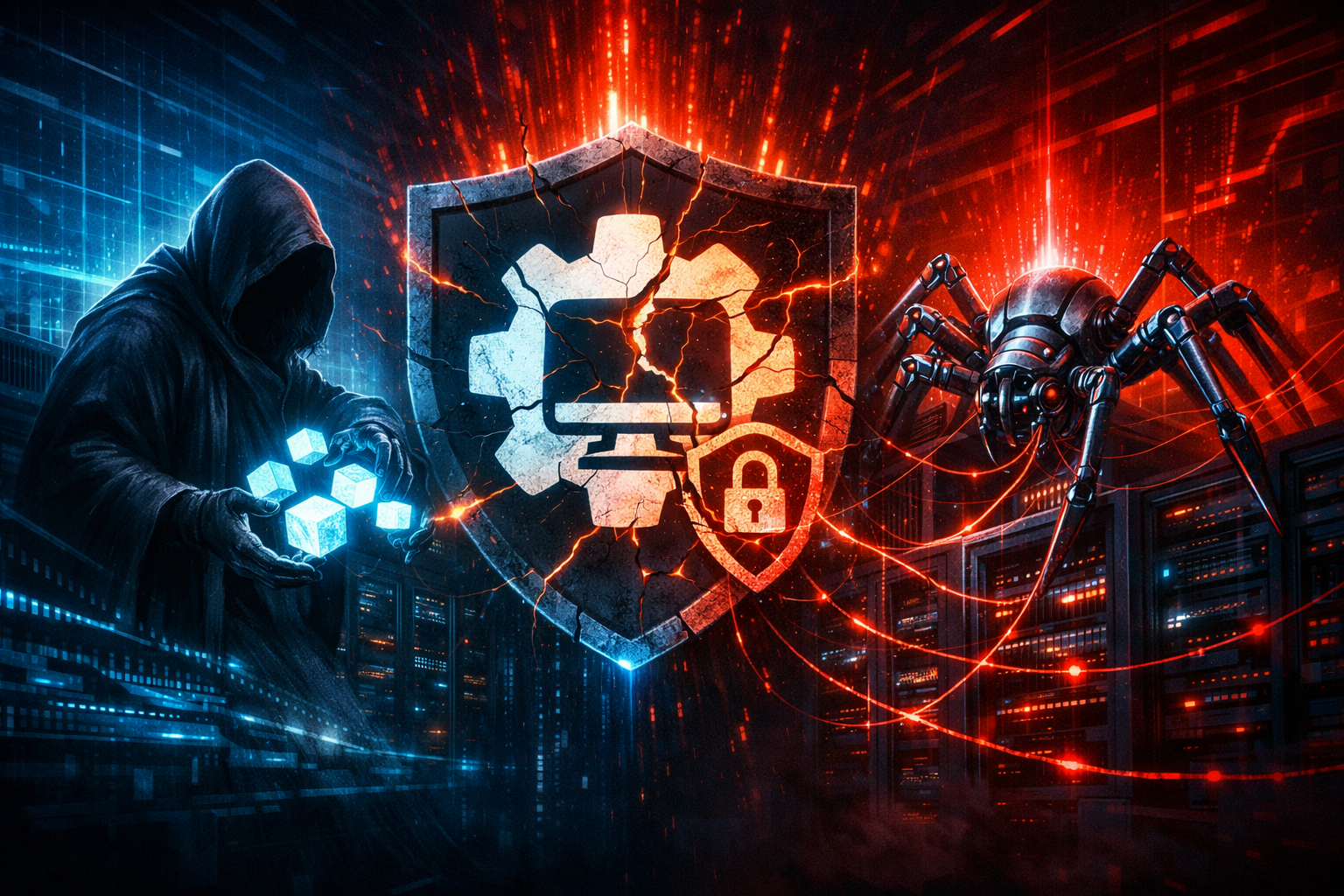
The public report I reviewed says attackers are exploiting SimpleHelp CVE-2026-48558 and using that access to deploy TaskWeaver and Djinn Stealer. That is the part worth paying attention to, because it turns this from a routine software bug into a post-compromise chain: remote access, payload staging, and data theft.
What the report snippet does not give me is a full vendor advisory, a verified affected-version matrix, or a step-by-step exploit write-up. So I am not going to treat those as known facts. The safest reading is:
- confirmed from the report: SimpleHelp is the initial foothold, and the payload names are TaskWeaver and Djinn Stealer
- not confirmed in the snippet: exact vulnerable versions, exploit mechanics, delivery method, and whether the payloads were pushed to servers, endpoints, or both
That distinction matters. If you run a support stack, you do not need perfect exploit telemetry to act. You need to recognize that compromise of a remote support plane can become trusted execution across multiple machines very quickly.
Confirmed points from the source material
- The campaign is tied to SimpleHelp
- The vulnerability identifier is CVE-2026-48558
- The report links the activity to TaskWeaver and Djinn Stealer
- The theme is not just exploitation, but follow-on payload deployment
Unverified details I would avoid overstating
- I would not claim the exact privilege level unless the vendor or report shows it
- I would not say the exploit is wormable without evidence
- I would not assume the payloads are unique to this campaign
- I would not infer the attacker’s motive beyond the obvious: access and theft
Why SimpleHelp is a useful foothold for attackers
Remote support tools sit on a trusted path
Remote support software is not just another app. It usually runs with broad privileges, network reach, and a long-standing trust relationship with admins and helpdesk staff. That makes it a high-value path for abuse.
If an attacker gets control of a remote support platform, they may inherit:
- a way to execute code on managed machines
- a path around normal user consent
- a channel that security tools often classify as legitimate remote administration
- a process that can blend in with everyday IT work
That is why compromises in this layer are so damaging. The attacker is not just breaking into one endpoint. They are getting access to the mechanism your organization already trusts to touch many endpoints.
Why an RCE in this layer changes the blast radius
A remote-code-execution issue in support software is usually more serious than the same issue in a random line-of-business tool. The difference is blast radius.
A weakness in a browser extension might expose one workstation. A weakness in a remote support server can expose:
- technician workstations
- customer endpoints
- internal admin workflows
- software distribution paths
- credential material used for maintenance
That is the real reason this kind of vulnerability gets abused quickly. The attacker does not need a clever second stage if the first stage already lands inside a privileged operations plane.
Reconstructing the likely attack chain
Initial access through CVE-2026-48558
Based on the report, the first step is exploitation of SimpleHelp through CVE-2026-48558. The exact mechanics are not confirmed in the snippet I saw, so the safest reconstruction is simple:
- attacker reaches an exposed SimpleHelp instance
- the vulnerability is triggered
- attacker gains a foothold in the support environment
That foothold is the important part. Once the attacker can make the support system do work on their behalf, they can often pivot from “security product” to “payload delivery service.”
Payload delivery and follow-on execution
The report says the attackers deployed TaskWeaver and Djinn Stealer after the SimpleHelp compromise. That suggests a chain like this:
- initial execution in the support layer
- staging of one or more payloads
- execution of a second-stage component
- theft-oriented activity on the target host or adjacent machines
I would expect to see artifacts such as:
- archive files staged in temp or app-data paths
- child processes spawned by the support service
- encoded command lines or script launchers
- network connections to unfamiliar infrastructure shortly after launch
That is inference, not a confirmed dump from the report. But it is the most plausible pattern for this class of campaign.
Where TaskWeaver and Djinn Stealer fit in the chain
The names suggest different roles.
TaskWeaver sounds like a staging or orchestration component. In campaigns like this, that often means one of three things:
- a loader that prepares the system for the final payload
- a script or automation layer that runs recon and setup tasks
- a wrapper that helps evade straightforward detections
Djinn Stealer sounds like the data-theft endpoint. I would treat it as an infostealer family until proven otherwise, which means I would look for:
- browser credential theft
- session token collection
- cookie and autofill access
- crypto-wallet or password-manager targeting
- exfiltration to remote infrastructure
I am keeping that interpretation cautious on purpose. The source snippet does not describe internals, and the name alone is not evidence.
What these payloads suggest about attacker intent
TaskWeaver as a staging or automation layer
If TaskWeaver is acting as a loader or orchestrator, the attacker is optimizing for speed and repeatability. That usually means the first payload is there to:
- confirm execution
- enumerate the host
- drop the next stage
- reduce friction for the operator
That points to a campaign designed for multiple targets, not a one-off break-in.
Djinn Stealer as the data-theft endpoint
A stealer changes the goal from access to harvest. Even if the initial compromise starts in support software, the final objective may be much simpler:
- collect credentials
- take browser sessions
- steal active tokens
- monetize identity and access
That matters because the impact is often larger than the first compromised machine. A single stolen browser profile can turn into SaaS access, VPN access, cloud console access, or helpdesk abuse.
Defensive checks for SimpleHelp deployments
Patch and version inventory first
Start with the boring work: inventory every SimpleHelp deployment you have, including forgotten test boxes and vendor-managed instances.
Use whatever inventory source you trust most: EDR, software management, package lists, or service discovery. If you need a quick local check on Windows, this is the sort of thing I would run:
Get-Service | Where-Object { $_.Name -match 'simplehelp' -or $_.DisplayName -match 'simplehelp' }

Get-ChildItem "C:\Program Files", "C:\Program Files (x86)" -Recurse -ErrorAction SilentlyContinue |
  Where-Object { $_.Name -match 'simplehelp' }
On Linux, I would check the service and install path:
systemctl list-units --type=service | grep -i simplehelp
ps -ef | grep -i simplehelp | grep -v grep
find /opt /usr/local /var -iname '*simplehelp*' 2>/dev/null
If you do not know the version, you are already behind. In this case, “unknown” is not a harmless metadata gap; it is exposure.
Hunt for unexpected child processes, archives, and outbound connections
A compromised support tool often leaves noisy behavior even when the exploit itself is opaque.
Look for:
- new
.zip,.7z,.rar, or.tmpfiles around the compromise window - child processes launched by the SimpleHelp service
- script hosts, shells, or archive tools that do not belong in normal support traffic
- outbound connections to storage, paste, file-sharing, or newly seen domains
A simple triage table helps:
| Signal | Why it matters | What to check |
|---|---|---|
Support service spawning cmd.exe, powershell.exe, bash, or sh | often indicates post-exploit execution | process tree and parent PID |
| Archive creation near the compromise window | common staging behavior | temp directories, downloads, desktop, admin shares |
| New outbound connections after support activity | possible exfil or second-stage fetch | DNS logs, proxy logs, EDR telemetry |
| Unusual logons on admin accounts | possible lateral movement | authentication logs and session history |
Review remote support usage against normal admin activity
Do not just ask whether SimpleHelp is installed. Ask whether the activity makes sense.
Questions I would want answered:
- Which admins normally use it?
- Which endpoints are usually touched through it?
- What times of day is it active?
- Does it normally reach the internet directly, or only via a proxy?
- Do the process names and command lines match your approved workflow?
If the answer is “we do not know,” then the platform needs tighter governance even before you know whether it is under attack.
Detection ideas you can actually test
Process tree and command-line anomalies
If you have Sysmon, you can start by looking for suspicious children of the support service.
Example hunt pattern:
Get-WinEvent -LogName "Microsoft-Windows-Sysmon/Operational" |
  Where-Object { $_.Id -eq 1 -and $_.Message -match 'simplehelp|cmd.exe|powershell.exe|wscript.exe|cscript.exe|7z|zip' } |
  Select-Object -First 20 | Format-List TimeCreated, Id, Message
You are not looking for a magic signature. You are looking for contextual weirdness:
- support service spawning shell interpreters
- encoded or obfuscated command lines
- archive tools running from temp paths
- scripts launched by a service account that normally does not do that
Network indicators to log and correlate
At minimum, correlate:
- DNS queries from the SimpleHelp host
- proxy logs for outbound downloads
- firewall logs for unusual egress
- connections to cloud storage or file-drop services after support sessions
Useful questions:
- Did the host reach a new domain immediately after a support session?
- Was the connection to a destination never seen in the last 30 days?
- Did the source process match the support service or a child process?
If you already have packet or proxy logs, the timeline is often more useful than a static IOC list.
Endpoint and identity signals that matter most
Identity is part of the detection story here. Remote support compromise is often followed by credential access, so I would watch:
- new logons by support or admin accounts outside normal windows
- token or session reuse from unusual source machines
- MFA prompts that line up with support activity but not user intent
- repeated access to password stores, browser profile directories, or vault APIs
Those signals do not prove compromise on their own, but they are very good at telling you where to look next.
Mitigation priorities and my take
The backend fix matters more than client-side trust
My view is simple: if SimpleHelp is the trust boundary, the fix belongs on the backend and in the operating model, not in user education or client-side “be careful” messaging.
A compromised remote support plane is not a phishing problem. It is an execution problem. You defend it by:
- patching quickly
- reducing exposure
- restricting who can use it
- logging aggressively
- assuming it can be abused as a staging channel
If a product can run code on managed systems, it should be treated like production infrastructure, not like a convenience app.
Containment steps if you suspect exposure
If you think you were exposed, I would do the following in order:
- isolate the SimpleHelp host from the network
- preserve logs, process data, and any staged files
- rotate credentials used by support and admin operators
- invalidate active sessions where possible
- review recent support activity and endpoint execution
- reimage or clean systems that show post-exploit behavior
- validate egress controls before restoring service
Do not restore service just because the UI is back. If the attacker had execution in the support tier, the support tier itself is part of the incident.
Conclusion
The main lesson here is not “another CVE happened.” It is that remote support software remains a high-leverage target because it sits on a trusted operational path. If the report is accurate, CVE-2026-48558 was not used as a dead-end bug; it was used as a delivery mechanism for staging and theft.
That is the kind of campaign I would prioritize immediately, because it can turn one exposed support box into broad credential and endpoint exposure very quickly. The first defensive move is boring but effective: inventory, patch, and hunt for post-exploit behavior instead of waiting for a perfect signature.