Dissecting the WhatsApp-Delivered Windows RAT: Infection Chain, Remote Access, and Developer Defenses
What the public report actually confirms
Source scope and why the details are still thin
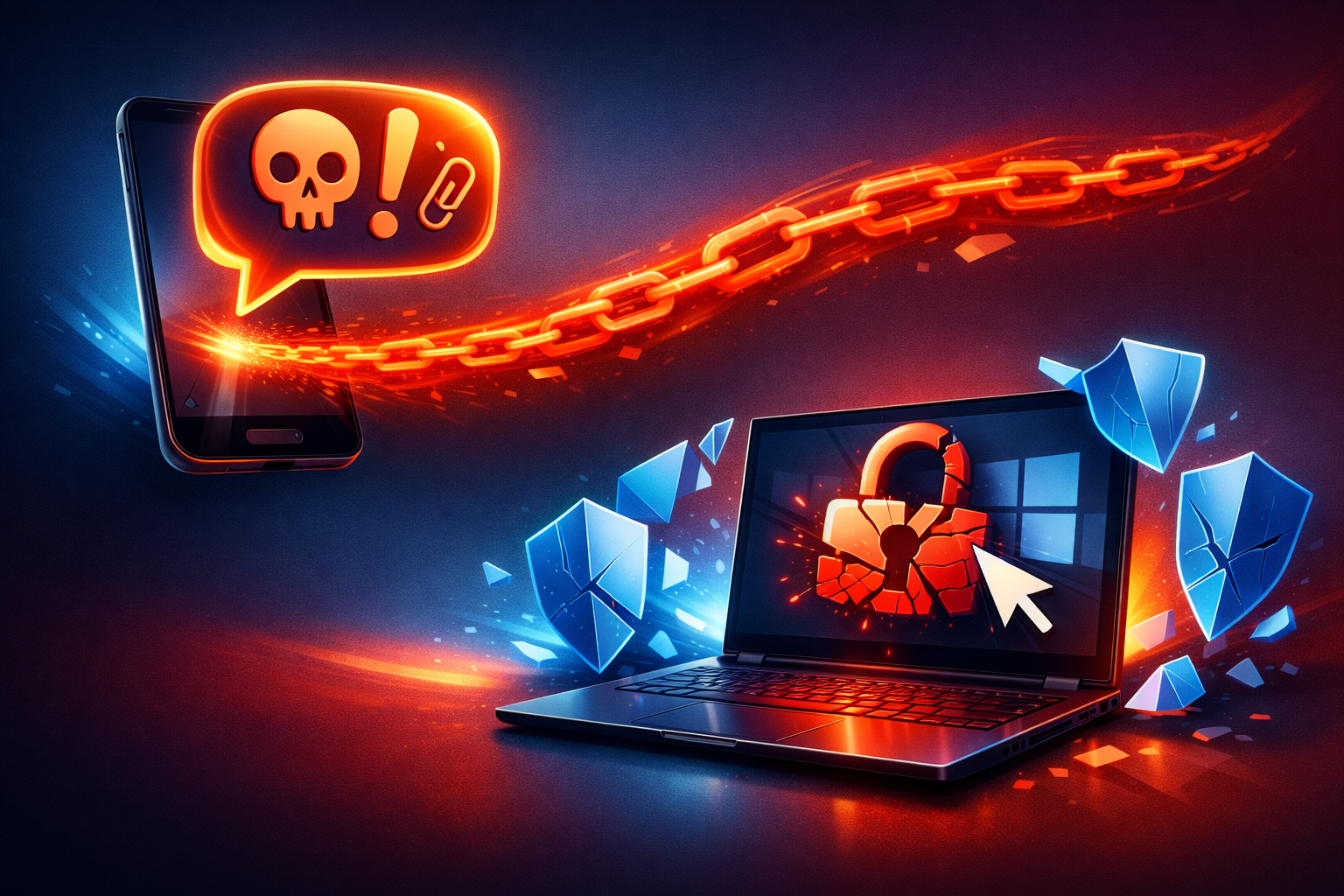
The public material I could verify is narrow: a CyberSecurityNews report, surfaced through Google News, says a WhatsApp-delivered malware campaign targets Windows systems and enables remote access. That is enough to treat it as a real campaign report, but not enough to name the sample, the exact dropper, the persistence method, or the operator infrastructure.
I am keeping confirmed claims separate from reconstruction below. The report is too thin to pretend we know the exact loader or payload family.
Confirmed facts: WhatsApp delivery, Windows target, remote access intent
What the source actually supports is simple:
- the initial delivery path is WhatsApp
- the target platform is Windows
- the payload is malware with remote-access intent
That last part matters. “Remote access” is not just a download-and-forget trojan. It means the attacker wants interactive control, which is a very different risk profile from a one-time credential grab.
Everything else in this post is either common RAT tradecraft or a defensive reconstruction that should be validated against a sample before you treat it as fact.
Why WhatsApp works as a malware delivery channel
Trust transfer from a known contact or group
WhatsApp works for attackers because it borrows trust from the social graph. People do not evaluate every file as if it came from a random internet domain. They look at the sender name, the group context, the recent conversation, and the tone of the message.
That trust transfer is the real exploit.
If a file arrives from a coworker, vendor, or group thread that already looks normal, the user’s mental model shifts from “phishing attempt” to “shared document.” The attacker does not need perfect branding or a convincing login page. They only need one moment where the recipient treats a file as routine.
File-forwarding habits and the gap between message content and file trust
A lot of people have learned to distrust links. Far fewer people distrust attachments or forwarded archives in chat apps.
That gap is where the attack lives:
- the message text can be bland or empty
- the filename can look harmless
- the file may be forwarded many times before it reaches the target
- the content that matters is what Windows does when the file is opened
In practice, the user trusts the chat, then the file, then the app that handles the file. That chain is weaker than most teams assume.
Why this bypasses some controls that developers expect to matter
Developers often expect the obvious controls to catch the problem:
- mail gateway filtering
- phishing URL scanning
- browser reputation checks
- web proxy logs
WhatsApp-delivered malware can slip around those expectations because the first hop is not a web click. It is a local file arriving through a messaging client. If the file is opened on a workstation with permissive script handling, archive handling, or weak application control, the attack can move from social trust to code execution without ever touching the controls people usually review first.
Reconstructing the infection chain
Initial lure and user execution step
The public report does not give enough detail to say exactly how the victim executes the payload. I would treat the first step as a user action: double-clicking a file, extracting an archive, opening a shortcut, or launching something that looks like a document or installer.
That is the key boundary. WhatsApp is only delivery. Execution happens when the user crosses from “received file” to “run this locally.”
Common handoff points: archive, shortcut, script, or installer
If I were investigating this campaign, I would look for one of four common handoff styles:
-
Archive wrapper
A.zipor similar container hides the real payload. The user extracts it and opens the inner file. -
Shortcut abuse
A.lnkor similarly misleading file launches a hidden executable or script. -
Script launcher
A.js,.vbs,.ps1, or.cmdfile uses built-in Windows tooling to start the next stage. -
Installer disguise
A binary is packaged to look like a document utility, update, or codec.
The report does not confirm which one was used. I would not assume a specific handoff without a sample hash, filename, or endpoint telemetry.
Persistence, privilege gain, and the point where the RAT becomes useful
A RAT becomes useful to the attacker only after it survives the first user action.
Common persistence points on Windows include:
- scheduled tasks
- Run or RunOnce registry keys
- Startup folder entries
- services
- user-writable directories that masquerade as support software
Privilege gain is a separate question. Some RATs can do plenty as a standard user, especially if the victim is already logged into browser profiles, cloud consoles, or code tools. That is why “no admin rights” is not the same thing as “low impact.”
Remote command-and-control and operator interaction
Once the implant phones home, the attacker can usually:
- issue commands
- browse files
- upload or download data
- capture screenshots
- enumerate the host
- move to other accounts or systems
The transport itself may be ordinary. I would not assume anything exotic here. Simple outbound HTTPS to a low-reputation domain or IP is often enough. For defenders, the real question is not “is the protocol strange?” but “is this workstation talking to something it has no business talking to?”
What a Windows RAT changes for the attacker
Interactive control versus simple data theft
A RAT is more flexible than a one-shot infostealer. It gives the operator a live foothold.
That means the attacker can adapt in real time. If one technique fails, they can try another. If the endpoint is unlocked, they can work faster. If the user later signs into a privileged service, the operator may get a better prize without reinfecting anything.
That is why RATs are more dangerous than many teams first assume. They are not just a file theft problem. They are a remote operator problem.
Screen, keystroke, credential, and file-access risks
A Windows RAT can expose:
- screenshots and active windows
- keystrokes or clipboard content
- browser sessions and cookies
- saved passwords or tokens
- local files and synced folders
- developer secrets in
.env, config files, SSH agents, or package manager caches
For a developer workstation, the worst-case result is often not one stolen document. It is access to the identity layer around the workstation: GitHub sessions, cloud consoles, CI tokens, SSH keys, and password manager state.
Likely impact on developer workstations and source code environments
My position is simple: a RAT on a developer machine is a source-code and identity event, not just an endpoint event.
Even if the malware never touches production servers directly, a developer workstation can hold:
- repository credentials
- cloud credentials
- access to staging and admin panels
- internal documentation
- signed release keys
- browser sessions already trusted by SSO
That is why the impact can spread far beyond the original host.
What I would verify before treating the report as fully characterized
File type, execution method, and persistence mechanism
The report is not detailed enough to answer basic forensic questions. Before I would call the campaign fully characterized, I would want:
- the file type received over WhatsApp
- the exact user action that launched it
- the parent/child process chain
- the persistence mechanism
- the command-and-control pattern
Without those, you have a headline, not a full technical profile.
Whether the campaign uses signed binaries, LOLBins, or staged payloads
I would also want to know whether the attacker relies on:
- signed binaries
- living-off-the-land binaries, or LOLBins
- a staged payload chain
- PowerShell, WMI, or script host abuse
- a direct executable drop
Those details matter because they change the defense. A signed-binary abuse problem looks different from a script-host problem, even if the end result is still a RAT.
What is inferred versus what is directly observed in the source
Here is the clean split:
| Claim | Status |
|---|---|
| WhatsApp is the delivery channel | Confirmed by the report |
| Windows systems are the target | Confirmed by the report |
| The malware enables remote access | Confirmed by the report |
| The file is an archive / shortcut / script / installer | Inferred, not confirmed |
| Persistence uses a scheduled task / Run key / service | Inferred, not confirmed |
| Screen, keystroke, or browser theft is present | Possible, but unconfirmed |
If the source does not show a hash, a filename, or endpoint telemetry, I treat the rest as hypothesis.
Defensive checks developers can apply immediately
Restrict executable content in chat apps and synced folders
Start with the boring control: do not allow chat-delivered files to execute from user-writable paths without scrutiny.
Practical checks:
- block execution from Downloads, temp, and chat sync folders where possible
- use application control, such as WDAC or AppLocker, for developer endpoints
- keep archives from auto-executing content through file associations
- treat forwarded files in chat as untrusted until manually verified
The goal is not to ban WhatsApp. The goal is to make “received file” a file-handling event, not a code-execution event.
Lock down Windows script hosts, PowerShell, and archive handling
If your environment does not need loose script execution, reduce it.
Useful hardening targets include:
- Windows Script Host
- PowerShell execution policy and logging
- macro execution in Office, if applicable
- archive extraction locations and file type associations
- child-process creation from chat clients
For developer machines, I would especially watch for chat clients spawning cmd.exe, powershell.exe, wscript.exe, mshta.exe, or an archive utility.
Use standard-user accounts and least privilege on workstations
Standard-user accounts will not stop every RAT, but they do reduce blast radius.
They help when the malware tries to:
- install system services
- modify protected registry keys
- tamper with security tooling
- write into privileged locations
Least privilege is not enough by itself. It is still worth doing because it forces the attacker to work harder.
Keep browser, chat client, and endpoint protection updates current
This is the least interesting advice and still necessary.
Update:
- the chat client
- the browser
- endpoint protection
- Windows itself
If the campaign later turns out to use a browser token theft path, a client-side exploit, or a loader vulnerability, stale software becomes part of the problem.
Detection and triage ideas for security teams
Look for suspicious child processes from chat clients and document viewers
A good hunt starts with process ancestry.
If the chat client starts a script host, shell, or installer, that is worth review. The same is true if a document viewer launches a process that should not be there.
A simple PowerShell starting point:
Get-CimInstance Win32_Process |
  Where-Object {
    $_.ParentProcessId -and $_.Name -in @('cmd.exe','powershell.exe','wscript.exe','cscript.exe','mshta.exe')
  } |
  Select-Object Name, ProcessId, ParentProcessId, CommandLine
That is not a full hunt, but it gives you a clean way to look for the sort of execution chain RAT loaders like to hide inside.
Hunt for unusual outbound connections, especially to rare domains or IPs
On the network side, look for:
- new outbound destinations from user workstations
- rare domains
- direct IP connections
- long-lived HTTPS sessions from chat clients or their child processes
A RAT does not need a flashy beacon pattern to be visible. A workstation that never spoke to a given domain before and suddenly starts doing so deserves attention.
Review Defender, Sysmon, and Windows event logs for persistence clues
If you have Sysmon, Windows Defender, or similar telemetry, check for:
- new scheduled tasks
- autorun modifications
- new services
- file drops in user-writable paths
- suspicious command lines at process start
- unsigned binaries launched from temp or archive extraction paths
If you do not have those logs, this is the campaign class that usually pushes teams to add them.
Build a safe triage workflow for samples before detonation
Do not detonate a chat-delivered sample on a real workstation.
A safe triage loop looks like this:
- copy the file to an isolated VM
- hash it before opening anything
- check signature and basic metadata
- disable shared clipboard and shared folders
- use fake credentials and test accounts
- capture process and network traces
- snapshot before execution
A quick metadata check is often enough to decide whether you need deeper analysis:
Get-Item .\sample.bin | Select-Object Name, Length, CreationTime, LastWriteTime
Get-FileHash .\sample.bin -Algorithm SHA256
Get-AuthenticodeSignature .\sample.bin
If the hash is new, the signature is absent, and the file came from an untrusted chat path, treat it as hostile until proven otherwise.
Response plan if a workstation is suspected
Isolate the host, preserve evidence, and rotate exposed credentials
If you suspect execution, the first move is containment:
- isolate the workstation from the network
- preserve memory and disk evidence if your process supports it
- rotate credentials used on that host
- revoke active browser or SSO sessions where possible
Do not spend the first hour arguing about the malware family. Spend it preventing the next hour from becoming a larger compromise.
Check for lateral movement, browser session theft, and code repository exposure
A developer laptop deserves a wider review than a normal endpoint.
Check whether the user had access to:
- GitHub, GitLab, or Bitbucket
- cloud consoles
- package registries
- SSH jump hosts
- internal admin panels
- password managers or browser-based SSO
Then look for signs of lateral movement, because a RAT is often a stepping stone, not the final objective.
Decide when to reimage instead of trying to clean in place
My bias is conservative: if the malware executed and you cannot prove the host stayed contained, reimage it.
Cleaning in place is slower than teams expect and easier to get wrong than people admit. For a developer workstation with secret-bearing tools, a reimage plus credential rotation is often the cleaner outcome.
Conclusion: the real risk is user trust, not the chat app itself
Clear position on the incident: a practical Windows endpoint risk, not just a messaging problem
My read on this report is straightforward: this is a practical Windows endpoint compromise story that happens to start in WhatsApp. The app is the conveyor, not the root flaw.
The attacker is betting on trust, file handling habits, and weak execution boundaries on the workstation. That is why the campaign matters to developers. Your workstation is not just a laptop; it is a bundle of credentials, sessions, repositories, and tools that make a RAT much more valuable.
The developer lesson: treat chat-delivered files as untrusted until verified
The useful habit is simple:
- trust the sender identity less than the file type
- trust the file type less than the execution path
- trust the execution path less than the logs
If a file arrives through chat, treat it like any other untrusted payload until you have verified what it is, how it runs, and what it can reach. That is the defense that survives the next “new malware via WhatsApp” headline.