Dissecting the Shai-Hulud Worm: How a Single npm Package Escalates to Cloud Takeover
Why this worm matters in a developer pipeline
Shai-Hulud is a useful example of how far a worm can go once it reaches npm install. It does not need a fancy exploit chain. It starts in a place many teams still trust too much, then looks for secrets on developer laptops, CI workers, and build containers. From there, it can reuse those credentials against GitHub, AWS, and Kubernetes.
That is what makes this class of attack ugly. The package is only the entry point. The real damage comes from connected trust: package managers can run code, CI jobs can see tokens, and cloud tooling often reuses credentials across systems.
How npm becomes the first foothold
Package install lifecycle as the execution point
The install step is where the worm gets execution because npm packages can run lifecycle scripts. If a malicious dependency ships code in preinstall, install, or postinstall, that code runs during routine setup.
That matters even when the package looks harmless at rest. The suspicious behavior may only show up when the dependency is installed in a real environment with access to a shell, file system, and environment variables.
A simple risk check is to ask:
- does this package run install-time scripts?
- did the lockfile suddenly change to a new maintainer or version?
- does the package pull in a transitive dependency nobody on the team reviewed?
Install-time execution is a privilege boundary. If a package can run code during install, it can also read whatever the current user or CI job can read.
What the worm tries to steal from local machines
Based on current reporting, the goal is credential harvesting across common developer artifacts. That usually means scanning for:
- npm auth tokens
- GitHub personal access tokens and CLI auth state
- AWS access keys, session tokens, and config files
- kubeconfig files and cluster credentials
- CI variables and local
.envfiles
This is not subtle. The worm’s value comes from volume. One infected workstation with cloud access is often enough to turn a package mistake into a multi-account incident.
The lateral movement path across GitHub, AWS, and Kubernetes
Secret discovery in CI/CD and developer workstations
Once the malware gets execution, it can search predictable places:
| Target | Typical locations | Why it matters |
|---|---|---|
| GitHub | CLI config, PATs, .git/config | repo write access, workflow abuse |
| AWS | ~/.aws/credentials, env vars, metadata tokens | API access across accounts and roles |
| Kubernetes | ~/.kube/config, mounted service account tokens | cluster-admin paths, namespace pivoting |
| CI/CD | env vars, runner cache, secret mounts | pipeline compromise, artifact poisoning |
In practice, I look for two behaviors: enumeration and export. Enumeration is reading the files. Export is sending them out or staging them for later use.
Why cloud credentials make the blast radius worse
A stolen npm token is annoying. A stolen AWS session token or GitHub workflow token can become infrastructure control.
The blast radius grows because these systems are chained together:
- GitHub tokens can alter source or automation
- AWS credentials can access storage, compute, and secrets managers
- Kubernetes credentials can deploy pods, mount service accounts, or read namespace secrets
Once those systems connect, a worm does not need to break in again. It just follows the trust the pipeline already gave it.
What to test in your own environments
Safe checks for npm dependency risk
Start with boring but useful checks:
- Inspect package install scripts before release.
- Scan lockfiles for unexpected version jumps.
- Review new dependencies added only to support a transitive package.
- Run installs in a throwaway environment and watch for file reads or network calls.
A quick manual review command set:
npm view <package> scripts
npm pack --dry-run
npm audit --production
The point is not to treat npm audit as a magic shield. The point is to see whether a package is trying to do more than ship code.
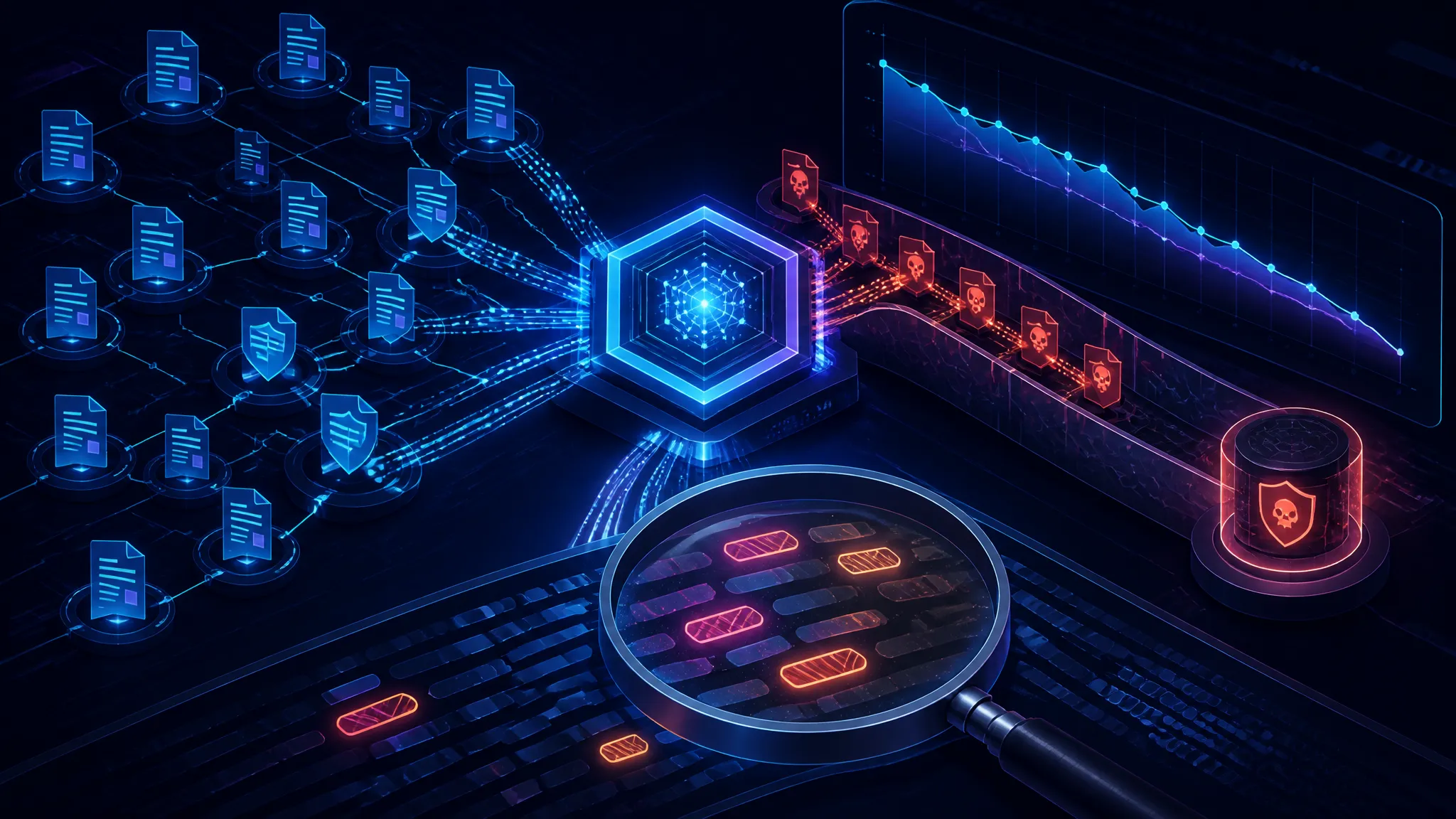
Detecting unusual token use and outbound behavior
If a package is malicious, you often see the signal before the alert. Watch for:
- install jobs making outbound connections to unfamiliar hosts
- CI runners reading files outside the project directory
- token use from a new IP, runner, or repo
- GitHub token activity that does not match normal release timing
A good test is to instrument the install phase in a staging runner and compare file access patterns to a clean baseline.
Container, kubeconfig, and cloud key exposure
This worm also reminds me to check where secrets leak inside containers. Common mistakes include:
- mounting kubeconfigs into build images
- placing long-lived AWS keys in environment variables
- copying developer home directories into CI containers
- reusing the same credentials across build and deploy jobs
If a build container can read a developer’s home directory or service account token, the package no longer needs local compromise. It already has what it needs.
Defensive controls that actually help
Narrowing install-time execution
The fastest hardening move is to reduce what can run during install:
- prefer locked, reviewed dependencies
- avoid running package installs as a privileged user
- block lifecycle scripts where the workflow allows it
- separate dependency fetch from build execution
If your pipeline cannot tolerate install-time scripts, treat that as a design constraint and enforce it consistently.
Rotating credentials and scoping tokens
Long-lived tokens are the worm’s favorite upgrade path. Limit damage by:
- using short-lived cloud credentials
- scoping GitHub tokens to the minimum repo and permission set
- rotating any secret that may have been present on an infected machine
- separating human and CI credentials
After a suspected package compromise, rotate the runner identity first. If that runner had access to cloud or repo tokens, assume the secret set is tainted.
Pipeline monitoring and anomaly detection
You do not need perfect detection. You need enough signal to notice when install behavior changes.
Useful alerts include:
- package install jobs with unexpected network destinations
- CI steps reading kubeconfig, cloud credential files, or SSH material
- GitHub token usage from a new workload identity
- AWS API calls from nonstandard build hosts
The best detections are boring: file access, process spawn, outbound DNS, and token use. Those are usually enough to show the worm’s path.
A practical response checklist
- Freeze dependency updates for affected pipelines.
- Identify machines and runners that installed the suspicious package.
- Rotate GitHub, AWS, npm, and Kubernetes credentials exposed on those systems.
- Revoke long-lived tokens and replace them with short-lived identities.
- Review recent package installs, build logs, and outbound traffic.
- Check for unexpected repo changes, workflow edits, or new cloud resources.
- Rebuild compromised runners from clean images.
- Audit whether install scripts are allowed where they should not be.
Conclusion
Shai-Hulud is a reminder that supply-chain malware does not need a dramatic exploit. It just needs one executable package and a developer environment that can see too much.
If your npm installs can read cloud credentials, your build machines are already part of the attack surface. The useful question is not whether the package looked trustworthy. It is what secrets the install step could reach, and how quickly you would notice if it started talking to the wrong place.