Detecting Dependency Hijacking: Practical Checks Inspired by the Mastra Incident
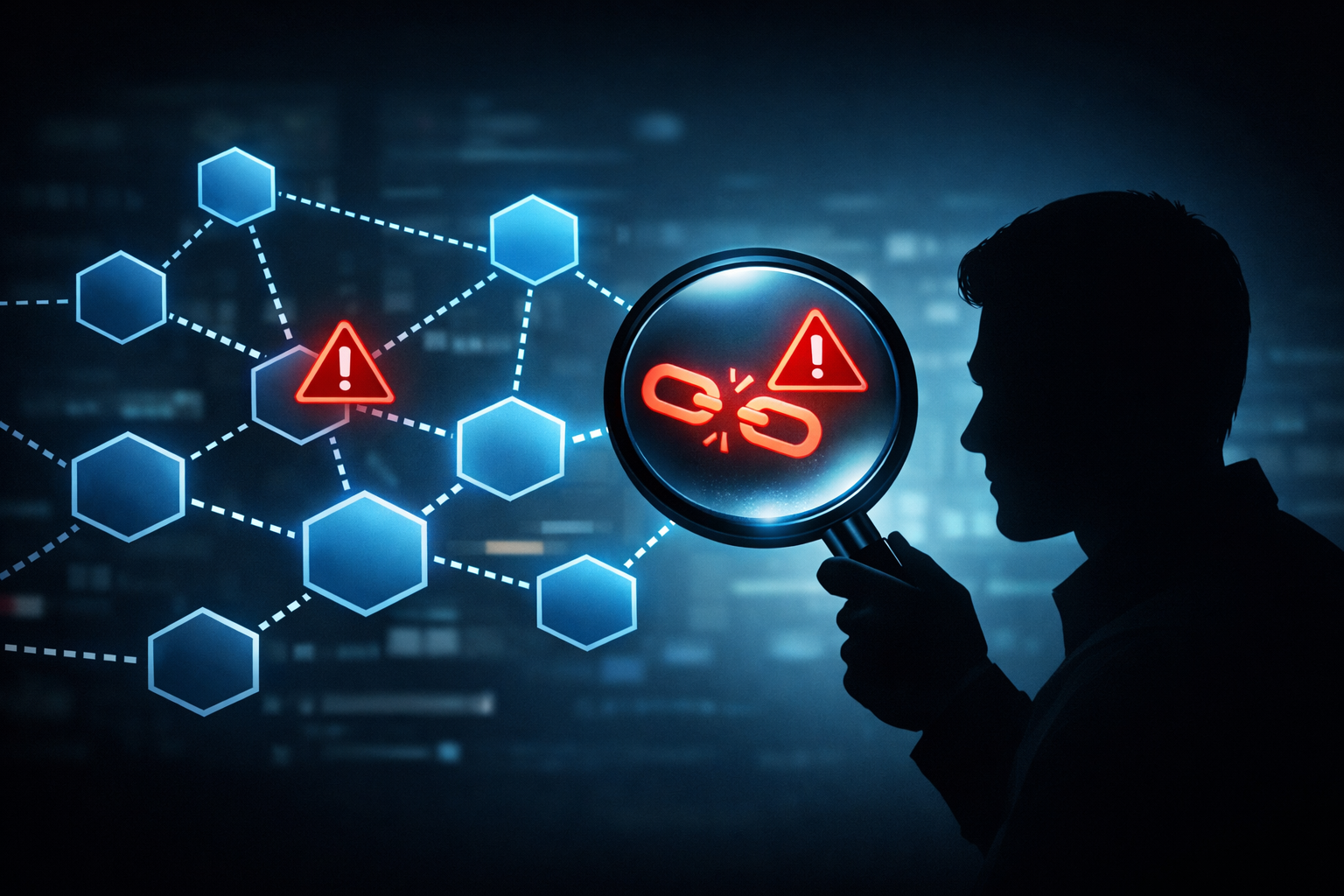
The Mastra report is useful even if the public record is still incomplete. A supply-chain incident does not need perfect attribution to teach defenders something practical. If the report says a dependency was compromised and later blamed on a nation-state group, the real question is simpler: what would have caught the bad update before it reached CI, production, or an agent workflow?
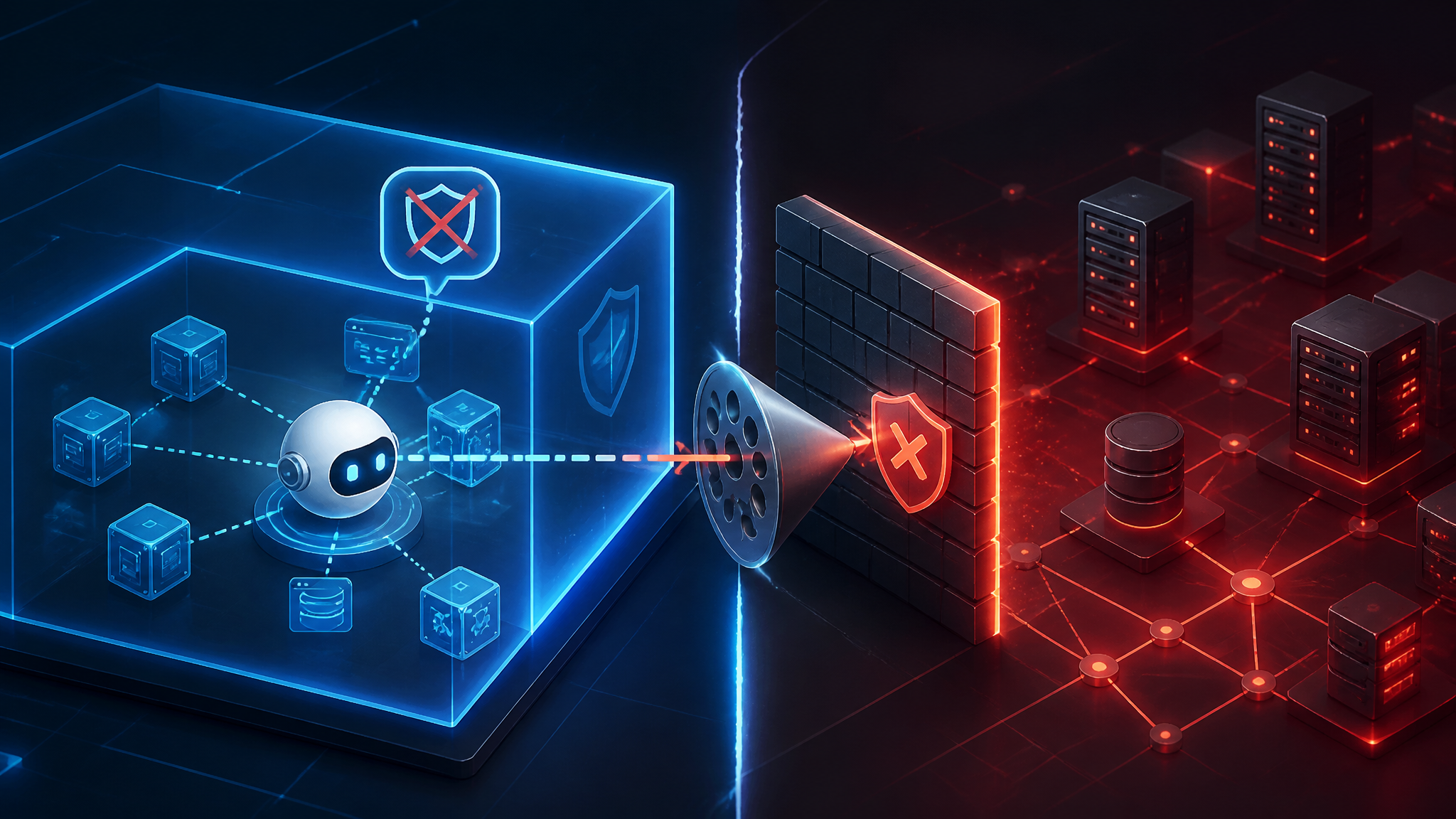
My view is direct: treat dependency updates as untrusted until you verify the tarball, the publisher history, and the install surface. Changelogs are not enough. Ownership changes, new scripts, and transitive drift matter more than the release notes wrapped around them.
What the Mastra report actually establishes
Separate confirmed reporting from attribution claims
The confirmed part from the source material here is the reporting itself: SecurityWeek published a piece saying North Korean hackers were blamed for a Mastra npm supply-chain attack. That is an attribution claim in a news report, not the same thing as a forensic root-cause analysis.
What I would treat as confirmed from the public report alone:
- a JavaScript package ecosystem event was involved
- Mastra was the named target or affected project
- the incident was described as an npm supply-chain attack
- attribution to North Korean hackers was reported by SecurityWeek
What I would not treat as confirmed unless the original advisory or a technical write-up says it:
- the exact intrusion path
- which account or token was abused
- whether maintainer compromise, token theft, or publish-chain abuse was used
- the full package list affected
- the exact payload behavior
That distinction matters. In supply-chain work, attribution is useful for threat intel, but it should not change the defensive controls you apply.
Why this is still a useful incident to study even with limited public detail
Even with incomplete facts, the incident is a good reminder that npm risk usually shows up in boring places:
- a package suddenly starts shipping install-time code
- a trusted maintainer identity changes hands
- a dependency gets an unexpected major bump
- a transitive package starts reaching the network
- a lockfile changes outside a review window
Those are the signals I care about. The attacker’s label is secondary.
How dependency hijacking usually happens in npm
Package maintainer compromise versus token theft versus publish-chain abuse
In npm, “dependency hijacking” usually means one of three things:
-
Maintainer account compromise
The attacker gets into the publisher account and pushes a malicious version under a legitimate package name. -
Token theft
A publish token leaks from CI, logs, a developer machine, or a compromised workstation. The attacker uses it to publish as the real maintainer. -
Publish-chain abuse
The attacker abuses the release process itself: a compromised GitHub Action, a poisoned build step, a malicious dependency in the package’s own release tooling, or a script that runs before publication.
From the consumer side, the outcome can look identical: the next npm install pulls code the team never meant to ship.
Where JavaScript projects are most exposed: install scripts, transitive deps, and broad version ranges
JavaScript projects are especially exposed because the dependency graph is wide and dynamic.
The biggest risk areas are:
- install scripts like
preinstall,install, andpostinstall - transitive dependencies that the app team never reviewed directly
- broad version ranges such as
^1.0.0orlatestin places where reproducibility matters - packages that run in build or agent contexts with access to tokens, secrets, or developer credentials
The attack is rarely “the package contained malware” in a dramatic sense. More often it is “the package gained a small piece of code that runs automatically in a trusted pipeline.”
The checks I would run before trusting a dependency update
Inspect publisher history, release cadence, and ownership changes
I start with the account and release pattern, not the code.
Questions I ask:
- Did the package change owners recently?
- Was there a sudden burst of releases after a long quiet period?
- Did a maintainer with little history suddenly publish a major version?
- Did the package move from one organization to another?
- Did the release cadence become irregular right before the suspicious version?
Those are not proofs of compromise, but they are strong review triggers.
Diff the tarball, not just the changelog
Changelogs are easy to manipulate or omit. The tarball is what gets installed.
I want to compare:
- file list
- package size
- minified versus readable source
- new binaries or generated artifacts
- changes in
package.json - changes in entry points
- presence of shell scripts, hidden files, or bundled payloads
A “small bugfix release” can still sneak in a new postinstall hook.
Look for new postinstall hooks, network calls, and obfuscated code
The first things I scan for in a suspicious update are:
preinstall,install,postinstall,preparechild_process,exec,spawn,powershell,curl,wget- outbound requests to unfamiliar hosts
- base64 blobs, packed JavaScript, or eval-heavy code
- code that only runs in CI, on Linux, or only when a certain environment variable exists
If a package suddenly needs to reach out to the network during install, that deserves a human review.
Verify whether the update widens reach through transitive dependencies
A package does not need to be directly malicious to expand the attack surface.
I check whether the update:
- adds new transitive packages
- loosens peer dependency constraints
- pulls in an extra runtime dependency with install scripts
- changes a devDependency into a runtime dependency
- increases the number of packages that run during install
The dangerous part is often not the top-level package itself. It is the newly introduced subtree.
Reproducible npm commands that surface suspicious changes
Compare package metadata with npm view and npm pack
Start with metadata, then inspect the tarball.
npm view <package> version dist.tarball maintainers time scripts
npm pack <package>
What I look for:
- unexpected maintainers
- a release timestamp that does not match the package’s normal cadence
scriptsfields that appeared recently- a tarball URL that changed ownership patterns or release behavior
A useful habit is to capture metadata before updating so you can diff it later.
Extract and scan tarballs for install scripts and unexpected files
After packing, inspect the contents directly.
mkdir -p /tmp/pkg-audit && cd /tmp/pkg-audit
npm pack <package>
tar -xzf *.tgz
find package -maxdepth 2 -type f | sort
cat package/package.json
Then scan for the usual red flags:
grep -RIn --exclude-dir=node_modules \
  -E 'preinstall|postinstall|child_process|exec\(|spawn\(|fetch\(|https?://' \
  package
A normal package usually has a boring file tree and a small scripts section. A suspicious one often does not.
Use lockfile and provenance checks to spot unreviewed drift
The lockfile is the control surface that tells you what was actually installed.
I check for:
- unexpected lockfile diffs
- version jumps outside the allowed range
- packages that changed without a corresponding review
- provenance data, if your registry and tooling support it
If your pipeline supports package provenance or signed attestations, use them. If it does not, treat that gap as a risk, not a convenience.
npm audit --production
npm ls --all
git diff -- package-lock.json npm-shrinkwrap.json
npm audit is not a hijack detector by itself, but it is still useful for finding dependency churn that deserves a closer look.
What a good CI gate looks like for dependency risk
Pin versions, fail on unexpected install scripts, and alert on maintainer churn
My baseline recommendation is simple:
- pin exact versions for critical packages
- fail CI if a new dependency introduces install-time scripts
- alert when a package changes maintainer set or ownership
- require review for dependency updates that touch build or release tooling
This is not about blocking all automation. It is about making silent trust expansion hard.
Add allowlists for critical packages and block surprise major jumps
For sensitive codebases, I would maintain an allowlist for packages that can execute during install or build.
I would also block:
- surprise major-version jumps
- unreviewed additions to packages with network access
- new dependencies that are not covered by the existing threat model
If a package suddenly adds behavior that can run outside the app’s normal code path, the update should not auto-merge.
Keep security review separate from routine dependency updates
One mistake I see often is mixing routine upgrades with security review.
Do not do that.
Have one fast path for routine semver-safe updates and a separate, manual path for:
- registry or ownership changes
- lockfile drift in critical paths
- install-script changes
- transitive dependency expansion
- packages used in auth, build, signing, or CI contexts
That separation makes the review decision visible.
Why attribution should not change the defensive playbook
The attacker identity matters for threat intel, not for the local controls you need
Whether the attacker is a criminal group, a nation-state team, or a solo operator, the local controls are the same:
- inspect the package before trusting it
- minimize install-time execution
- pin and verify what you deploy
- watch for ownership and publisher changes
- separate routine updates from security review
Attribution may help with broader monitoring and incident correlation. It does not change the code review you should do on Monday morning.
The same checks help against credential theft, typosquatting, and insider abuse
That is why I like these controls: they are reusable.
The same tarball diffing and metadata checks help against:
- stolen maintainer credentials
- typosquatted packages
- compromised CI tokens
- insider abuse
- malicious dependencies added during a rushed release
You do not need a different defense for every attacker label. You need a tighter trust boundary around package publication.
What I would fix first in a real JavaScript codebase
High-risk packages and the signals that make them deserve manual review
If I were triaging a real codebase, I would review these first:
- authentication and session libraries
- build and release tooling
- packages with install scripts
- packages that read environment variables or secrets
- packages with broad transitive trees
- packages maintained by a single person with no backup maintainer
If one of those packages changes ownership, adds a script, or ships a sudden major release, I would stop and inspect the tarball before updating.
A short incident-response checklist for suspected hijacked dependencies
If you suspect a bad dependency landed in your environment:
- Freeze further dependency updates.
- Identify the exact package version that was installed.
- Compare the tarball against the previous known-good release.
- Check lockfiles, CI logs, and install logs for execution paths.
- Rotate any secrets that may have been present during install or build.
- Rebuild from a clean environment.
- Review whether downstream artifacts were published or deployed from the compromised build.
That is the sequence I would use. Attribution can come later.
Conclusion: treat npm updates as untrusted until verified
The Mastra report is a useful reminder because it points at a very ordinary failure mode: trusted package publication can be turned into an attack path. Whether the blamed actor was really the one who did it matters less for day-to-day defense than the mechanics of how the bad code would have entered the pipeline.
My rule is simple: do not trust the changelog first. Trust the tarball, the metadata, and the install surface only after you have checked them.