Defending Active Directory Service Accounts Against Automated Kerberoasting: A Lab-Driven Guide
Why this Kerberoasting report matters now
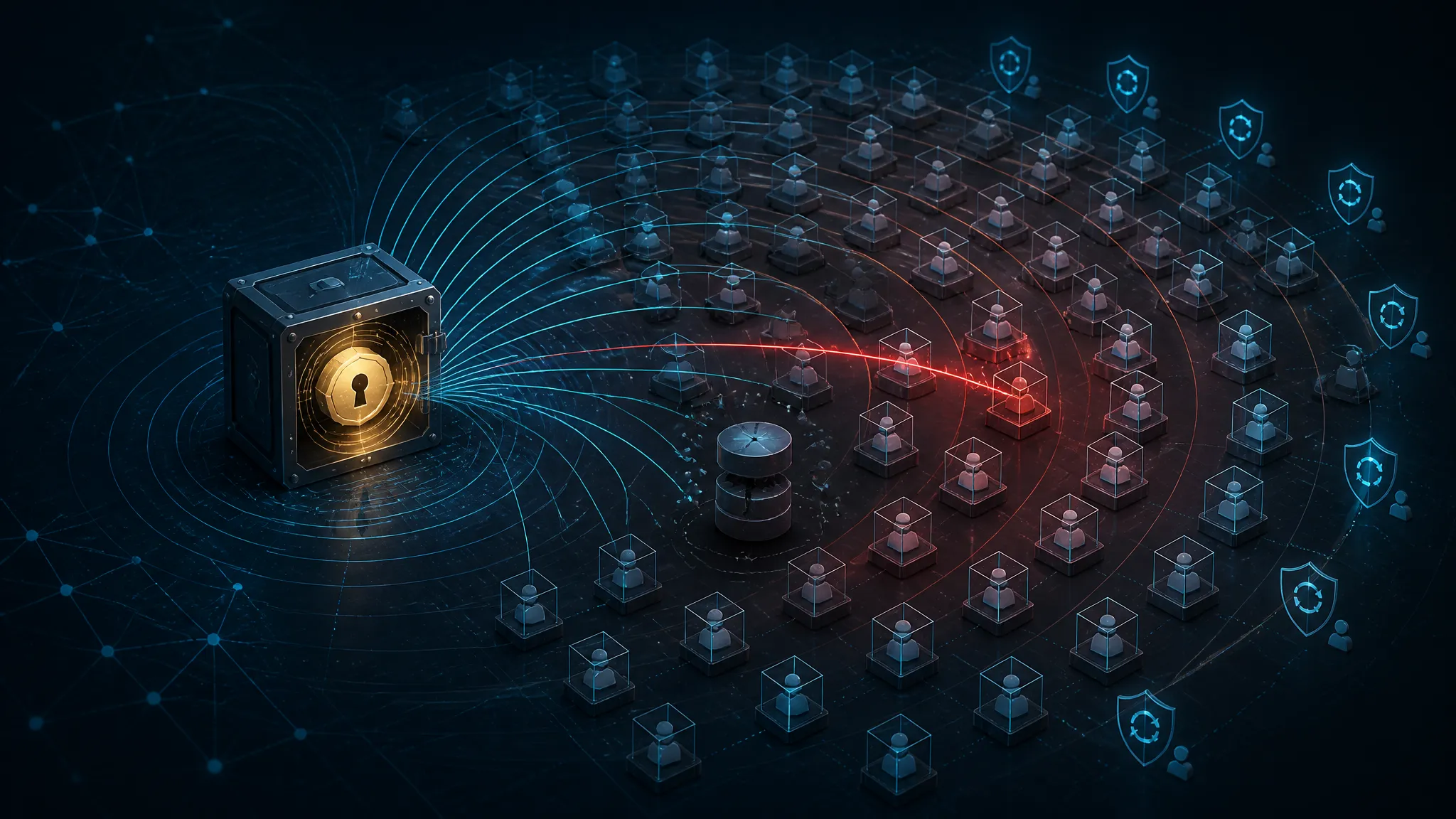
The new reporting is not saying Kerberos suddenly broke. The useful takeaway is narrower: attackers are using AI tools to automate Active Directory abuse and reduce the effort needed to avoid EDR. That matters because Kerberoasting was already a scale problem. Automation just lowers the cost of running it across many domains, SPNs, and service accounts in one pass.
I do not read the report as a new protocol flaw. I read it as a sign that older tradecraft is getting easier to operationalize. If a low-skill operator can ask a model to chain reconnaissance, ticket requests, and cleanup, defenders should expect faster iteration, less manual error, and more attempts from more source hosts.
What the current reporting says about AI-assisted automation
The report is light on technical detail, but the claim itself is familiar: AI is being used to speed up Active Directory abuse and help attackers stay out of endpoint tooling. That does not mean the model is doing anything magical. Usually it means the operator is offloading routine work:
- finding service accounts and SPNs
- deciding which hosts are worth probing
- formatting commands and scripts
- changing behavior after telemetry triggers an alert
That is still human-driven abuse. It is just lower-friction abuse.
Why the real risk is scale, not a new Kerberos flaw
Kerberoasting works because a service ticket can be requested for an SPN-bound account and then cracked offline if the password is weak enough or the attacker has enough compute. None of that requires the target host to be compromised first. None of it requires LSASS access. The attack surface is directory metadata, ticket issuance, and password quality.
The risk is scale:
- one noisy operator used to test a few accounts
- now a script, model, or bot can enumerate many
- the targets are often service accounts with unclear ownership
- weak passwords tend to survive for years
If your detection only looks for obvious malware, you will miss the quieter version of abuse.
What defenders should ignore: hype, and what they should keep: the tradecraft
Ignore the marketing language around AI. Keep the tradecraft:
- service accounts are high-value assets
- SPNs are discoverable
- tickets can be requested without touching a target endpoint
- offline cracking turns password policy into the real control plane
- EDR alone is not the primary control here
That is where the work is.
Kerberoasting mechanics from SPN to offline crack
How a service principal name turns into a ticket request
In Active Directory, an SPN identifies a service instance that Kerberos can issue tickets to. From a defender’s point of view, the important part is that the request is directory-driven, not host-driven.
A request flow looks like this:
- A client identifies an SPN, such as a SQL or HTTP service bound to a domain account.
- The client asks the KDC for a service ticket for that SPN.
- The KDC returns a ticket encrypted in a way tied to the service account.
- The attacker saves the ticket material and works on it offline.
The ticket request is the signal. The cracking happens somewhere else.
Why the ticket can be captured without touching LSASS
This is one reason Kerberoasting stays relevant. You do not need to dump a process on the target server. You do not need local admin on the service host. You are talking to the directory and the KDC.
That changes the defender’s problem:
- host EDR may never see the service account used interactively
- the victim server may never log a failed login
- suspicious activity can originate from a workstation that otherwise looks normal
- the attack can happen from a compromised user context, not a privileged one
If you only hunt on endpoint compromise, you are looking in the wrong place.
RC4, AES, and why encryption type still changes defender odds
Kerberoasting is not “fixed” by modern encryption, but encryption type still matters.
- RC4 is easier for attackers to work with and is the classic weak point in older AD environments.
- AES raises the bar, but does not remove offline cracking if the password is weak.
- Mixed environments often leave a long tail of old service accounts that still negotiate weaker settings.
The practical defender takeaway is simple: encryption type is a risk signal, not a guarantee. If a service account has a weak password, a strong hash format does not make it safe.
Why service-account password entropy is the real target
Kerberoasting succeeds when the service account is weak enough to crack offline. So the target is not Kerberos. The target is the password, and often the operational mess around it.
The accounts that get hit hardest tend to share traits:
- long-lived passwords
- shared ownership
- no clear rotation process
- legacy apps that break on change
- broad group membership
- unnecessary interactive logon rights
If you fix those, you make the attack much less profitable.
Build a safe lab that looks like a real enterprise slice
Minimal setup: domain controller, one workstation, one app host, one test service account
You do not need a huge lab to learn from this. I usually build the smallest environment that still shows the real failure modes:
- one domain controller
- one Windows workstation for the test user
- one application host that runs a service under a domain account
- one dedicated test service account with an SPN
Keep the service account separate from anything important. Give it a known password. Do not reuse production credentials. If you want the lab to resemble a real enterprise, make the account look ordinary: a service principal, not a privileged admin object.
The point is to validate telemetry and hardening, not to simulate a live breach.
Logging to enable before testing: domain events, PowerShell, Sysmon, and SIEM ingestion
Before you test anything, make sure you can actually see what happened. Minimum telemetry:
- Domain controller security logs
- especially service ticket events
- PowerShell logging
- script block logging and module logging if your environment supports it
- Sysmon
- process creation, network connections, and suspicious parent-child chains
- SIEM ingestion
- confirm timestamps, field mappings, and hostnames survive the pipeline
If the log source exists but your SIEM drops the service name or encryption type, you do not really have visibility.
A quick validation step on the DC is to confirm you can see recent service-ticket activity:
Get-WinEvent -FilterHashtable @{ LogName = 'Security'; Id = 4769 } |
  Select-Object -First 5 TimeCreated, Id, ProviderName
That does not detect abuse by itself. It just proves the event stream is alive.
What to snapshot, what to isolate, and what not to simulate in production
Snapshot the lab VM state before changing anything. Isolate the network. Document the service account, SPN, and host role you assigned. Then keep the following out of production:
- ticket-request testing against real service accounts
- password-cracking demonstrations against live corporate dumps
- any simulation that can spill into shared AD objects
- any “quick test” on a production DC
A safe lab is the difference between learning and accidentally creating an incident.
Map service-account exposure the way an attacker would
Find SPNs and tie them back to owners, hosts, and business services
The first defensive pass is inventory. You need to know which accounts have SPNs, what hosts they support, and who owns them. This is where many teams discover that nobody really owns the account, or that ownership lives in a wiki page from three org changes ago.
A useful audit query in PowerShell looks like this:
Get-ADUser -Filter { ServicePrincipalName -like "*" } -Properties ServicePrincipalName, PasswordLastSet, Enabled, MemberOf, DoesNotRequirePreAuth |
  Select-Object SamAccountName, Enabled, PasswordLastSet, ServicePrincipalName
Add owner metadata if your directory stores it. If it does not, that is a cleanup item, not a surprise.
Spot stale accounts, orphaned SPNs, and shared passwords
The highest-value cleanup often comes from the obvious junk:
- accounts with SPNs but no known application owner
- accounts last changed years ago
- SPNs that no longer map to a live host
- shared passwords across multiple services
- disabled accounts that still carry useful metadata
A service account that nobody can explain is already a risk, even before you look at its password strength.
Identify accounts with interactive logon rights, broad group membership, or legacy encryption
I treat these as multiplier flags:
- interactive logon allowed
- local admin on many hosts
- domain admin or similarly broad groups
- delegation rights added for convenience
- legacy encryption settings that were never revisited
Those settings do not create Kerberoasting, but they make the post-crack outcome worse. If an attacker cracks one service account and it can log into desktops, jump hosts, and admin tools, you have turned a password issue into a lateral-movement problem.
Use a small inventory table to separate high-risk accounts from low-risk ones
| Account | SPN present | Interactive logon | Group scope | Password age | Encryption posture | Risk |
|---|---|---|---|---|---|---|
svc-sql-prod | Yes | No | App-only | 30 days | AES preferred | Lower |
svc-legacy-iis | Yes | Yes | Local admin | 900+ days | Mixed / legacy | High |
svc-batch-reports | Yes | No | Shared between apps | 400 days | Unknown | Medium |
svc-orphaned-app | Yes | Unknown | Unknown | 2+ years | Legacy | High |
This kind of table is more useful than a generic “service accounts reviewed” checkbox.
Harden service accounts without breaking applications
Move to gMSA where the application stack supports it
Group Managed Service Accounts are the first place I look when an app can support them. They remove a lot of the manual password rotation burden and shrink the chance that one person will reuse a password for convenience.
But do not force migration blindly. Validate:
- the application supports gMSA
- the host OS version is compatible
- the service identity can read the managed password
- the rollout has a rollback plan
If you cannot migrate yet, that is fine. Mark it as a candidate and track it.
Remove unnecessary SPNs and stop treating service credentials like shared admin secrets
I have seen environments where the same account was used for service auth, scheduled tasks, and ad hoc admin work. That is a design smell.
Do this instead:
- keep service accounts scoped to a single service or app tier
- remove stale SPNs
- avoid sharing the same account across unrelated systems
- do not use the account for human logons
Every extra purpose attached to a service account increases the blast radius if it gets cracked.
Enforce long random passwords, rotation discipline, and non-interactive logon settings
If you cannot use a managed service account yet, make the password unpleasant to crack:
- long random passwords
- no human memory involved
- documented rotation windows
- rotation tested in staging before prod
- no interactive logon rights
The password does not have to be memorable. It has to survive offline guessing long enough to stop the attack from being worth it.
Reduce delegation blast radius and review every exception
Delegation often becomes a hidden privilege path. Review constrained delegation, unconstrained delegation, and any exceptions that were added “temporarily” and then survived for years.
Questions I ask:
- Does this account really need delegation?
- Can the delegation target be narrowed?
- Is there a service-specific alternative?
- What breaks if we remove the exception?
If nobody can answer, the exception probably needs a closer look.
Detection engineering for automated Kerberoasting
Baseline normal TGS request volume by user, host, subnet, and time window
Automation shows up as shape, not just count. Build a baseline around:
- user principal
- source host
- source subnet
- time of day
- number of distinct SPNs requested
- ratio of service-ticket requests to normal work patterns
A single app server requesting many tickets for its own dependencies may be normal. A workstation that suddenly asks for a broad set of SPNs is not.
Alert on bursts of service-ticket requests across many SPNs
The strongest generic signal is a burst pattern:
- one client
- many service-ticket requests
- short time window
- unusual variety of services
This is the kind of behavior automation makes easier. It is also easy to explain to an analyst, which matters when you need a quick triage.
A simple SIEM idea in KQL-style form:
SecurityEvent
| where EventID == 4769
| summarize TicketCount = count(), DistinctSPNs = dcount(ServiceName) by Account, Computer, bin(TimeGenerated, 15m)
| where DistinctSPNs > 10 or TicketCount > 50
Tune the thresholds to your environment. Do not assume the defaults are correct.
Watch for unusual client hosts, new source workstations, and low-priv users touching high-value SPNs
Context matters more than volume alone. I pay close attention when:
- a new workstation starts issuing ticket requests
- a low-priv account touches high-value service accounts
- the source host is not in the expected app subnet
- the request pattern comes from a machine that never talks to that service normally
That is how you separate routine app traffic from somebody hunting SPNs.
Use encryption-type shifts as a signal, not a standalone verdict
If a service account that normally negotiates one cipher suddenly shows a different pattern, treat it as a lead. Do not alert solely on encryption type unless you have a very stable environment and a lot of history.
Good use of cipher data:
- correlate with a burst of requests
- correlate with an unusual source host
- correlate with a newly observed user
- correlate with a service account that is already high risk
Bad use of cipher data:
- one field, one alert, no context
Turn raw alerts into a triage checklist with identity, host, and app context
My triage checklist is short:
- Which account requested the tickets?
- Which host did it come from?
- Is that host expected to talk to these SPNs?
- Does the account have a legitimate business role here?
- Is the volume pattern normal for the time window?
- Do we see any host-side evidence of enumeration tooling?
- Is this a known admin or deployment workflow?
If you cannot answer those questions quickly, the alert is not mature enough yet.
Lab validation and tuning
Run a controlled enumeration test and confirm which events appear
Once the lab is built, run a controlled enumeration exercise from the test workstation. Keep it benign and isolated. Your goal is to learn which events appear, not to optimize an attack path.
You should expect to see:
- directory activity on the DC
- service ticket issuance events
- source host information
- the targeted service names
- possibly PowerShell or process telemetry if you used scripted enumeration
If you do not see the events you expected, fix the logging before tuning the alert logic.
Compare pre-hardening and post-hardening telemetry side by side
This is one of the best lab exercises. Compare the same request pattern before and after:
- moving one service to gMSA
- removing an unnecessary SPN
- tightening logon rights
- rotating a weak password to a random one
- disabling legacy encryption where the app still works
The comparison tells you what changed operationally, not just theoretically.
Measure false positives from legitimate app startup, scheduled jobs, and account discovery tools
Common benign sources of noise:
- application boot storms after maintenance
- scheduled tasks that touch many services
- deployment systems discovering dependencies
- monitoring tools that query services repeatedly
- migration scripts during change windows
If you do not label those workflows, the alert will be noisy and nobody will trust it.
Record which detections are noisy, which are high-confidence, and which need enrichment
A simple classification table helps a lot:
| Detection | Typical noise | Confidence | Needs enrichment |
|---|---|---|---|
| Burst of many SPNs from one workstation | App startup | Medium | Yes |
| Low-priv user touching high-value service accounts | Some admin tools | High | Yes |
| New source host requesting tickets | Imaging / onboarding | Medium | Yes |
| Service account with legacy cipher pattern and unusual volume | Low | High | Yes |
| Single ticket request | High normality | Low | No |
The goal is not perfection. The goal is to keep the signal useful enough that analysts can act on it.
Where EDR helps, and where it does not
Endpoint clues that can expose enumeration tooling or suspicious automation
EDR can help when the attacker uses obvious tooling or scripts. Useful clues include:
- suspicious command-line patterns
- unexpected PowerShell activity
- rapid directory queries from a workstation
- unusual child-process chains
- execution from odd user contexts
That said, a careful operator can keep endpoint telemetry quiet. That is why EDR is support, not the main control.
Why directory telemetry and SIEM rules remain the primary signal for Kerberoasting
Kerberoasting is a directory and KDC behavior problem first. The best signal usually comes from the DC, not the endpoint. If your SIEM sees the request shape, the source host, and the account context, you are already in much better shape than a host-only defense.
Combine host evidence with AD event data before escalating
The strongest escalations include both:
- AD events showing unusual ticket requests
- endpoint evidence showing the process or user action that caused it
That combination keeps you from chasing every legitimate app spike and also keeps you from dismissing real abuse as background noise.
Rollout order for defenders
Fast wins in the first 24 hours: inventory, disable obvious legacy settings, add baseline alerts
If I had one day, I would do this:
- inventory all SPN-bearing accounts
- identify the oldest and least-owned ones
- find accounts with interactive logon rights
- flag legacy encryption cases
- enable or validate 4769 ingestion
- add a simple burst alert
That is enough to improve visibility immediately.
Medium-term cleanup: password resets, SPN ownership review, and gMSA migration candidates
Next, clean up the structural debt:
- reset weak or stale service passwords
- assign clear owners
- retire orphaned SPNs
- choose gMSA migration candidates
- review delegation exceptions one by one
This is where the real risk reduction happens.
Long-term governance: new service onboarding, change control, and detection maintenance
Make service-account security part of the onboarding path:
- require ownership
- require SPN justification
- require password and rotation policy
- require a logon-rights review
- require a detection test after go-live
Then keep the detections maintained. A stale alert is almost as bad as no alert.
Conclusion
Keep service accounts boring, observable, and hard to crack
Kerberoasting is old tradecraft, but it still works because service-account hygiene is often messy. The reporting about AI-assisted automation does not change the mechanics. It changes the scale and speed at which the mechanics can be abused.
Your defense should make service accounts boring:
- owned
- scoped
- rotated
- logged
- monitored
- moved to gMSA when possible
The practical goal is not to stop every ticket request, but to make abuse noisy and expensive
You are not trying to outlaw Kerberos traffic. You are trying to make malicious ticket requests stand out, make weak service accounts rare, and make offline cracking a poor return on effort.
That is a realistic goal. It is also the one that holds up when the attacker has better automation than last year.
Further Reading
Official Kerberos and service-account documentation
Microsoft event references for ticket-request telemetry
Detection guidance for identity and directory abuse
Share this post
More posts
Why Hooking WriteProcessMemory Is Not Injection Detection: A Primitive-by-Primitive Teardown

Auditing DeepSeek V4 Flash for Token Budget Exhaustion and Instruction Drift