Auditing the Trust Boundary Between Snowflake Workflows and Jira for AI Agents
Introduction
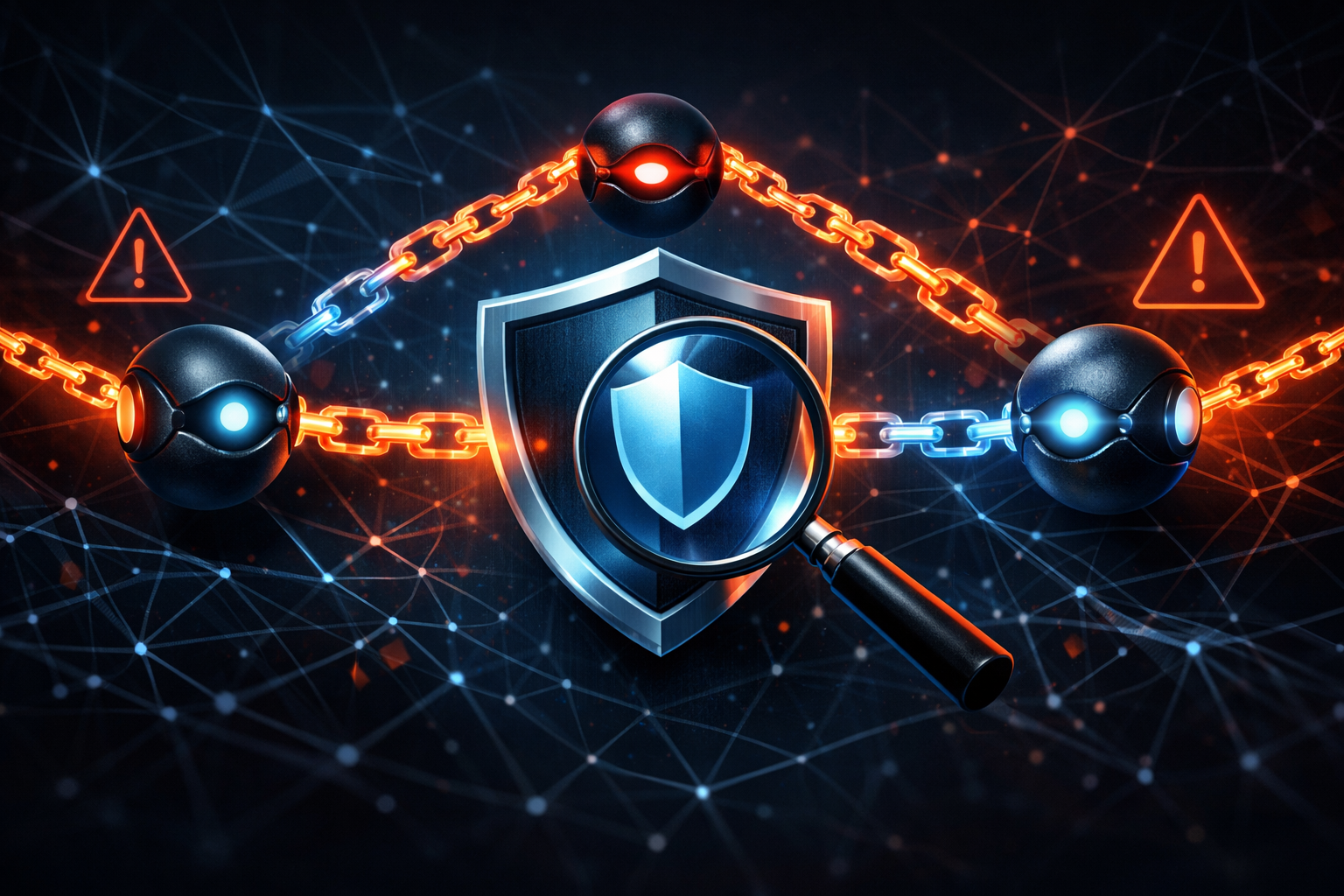
The short version: the risky part is not that an AI agent exists in the workflow. The risky part is that a GitHub Actions job appears to have crossed from Snowflake into internal Jira with too much inherited authority.
The public source I had for this post is thin: a CyberSecurityNews item surfaced through Google News that says an AI agent hacked a Snowflake GitHub workflow and reached internal Jira. That is enough to treat this as a real trust-boundary problem, but not enough to claim the exact exploit chain is fully proven. So I am separating the report’s claims from what I can only infer:
- Confirmed from the provided report: an AI agent was involved, Snowflake and GitHub Actions were in the path, and Jira was reached.
- Not confirmed by the provided source: the exact prompt, model, repository layout, token scope, Snowflake role design, and whether Jira access happened directly or through a chained script.
My view is straightforward: if an agent can influence a workflow that already holds Snowflake credentials and Jira write access, then the model is not the main security boundary. The permission graph is.
What the report says about the Snowflake-to-Jira path
The headline claim is that an AI agent moved through a GitHub workflow tied to Snowflake and ended up reaching internal Jira.
That suggests a chain like this:
- A repository workflow runs in GitHub Actions.
- The workflow can reach Snowflake, likely through stored secrets or short-lived credentials.
- Some output from that workflow, possibly shaped by an AI agent, gets turned into a Jira action.
- Jira becomes the internal write target.
I would not read that as “LLM jailbreak beats enterprise security.” I would read it as “a privileged automation path accepted too much untrusted influence.”
The exact exploit details are not public in the source I was given, so I am not claiming the agent directly typed a Jira request or that Snowflake was the only entry point. But the architecture pattern is common enough that it deserves a hard audit.
Why this is really a trust-boundary problem, not just an AI problem
GitHub Actions as the first execution boundary
GitHub Actions is not just a CI runner. It is an execution boundary with repo permissions, secrets, and outbound network reach. Once a workflow starts, it can become the most privileged thing in the chain.
If the workflow can:
- read repository secrets,
- fetch Snowflake data,
- call an AI model,
- and write to Jira,
then it is really acting as an internal integration service. At that point, the question is not whether the model is “safe enough.” The question is whether the workflow is overtrusted.
The first thing I look for is whether the job runs on pull_request, workflow_dispatch, scheduled automation, or some event that untrusted content can influence. That choice changes the risk a lot.
Snowflake as a data and credential boundary
Snowflake sits on an important edge because it often contains both data and the credentials or queries used to drive downstream actions.
If a workflow can query Snowflake, it may also be able to:
- retrieve sensitive records,
- infer business state,
- or expose data that later gets transformed into a Jira issue, comment, or ticket update.
Even if Snowflake access is nominally read-only, read-only does not mean low risk. A read path can still feed a write path. That is how data exposure turns into action abuse.
The safer model is to treat Snowflake as a boundary that should emit only the minimum data needed for the downstream task, with a dedicated role and tightly scoped session.
Jira as an internal write target
Jira is where the risk becomes operational. Creating or editing tickets is not just “messaging.” It is a write action that can trigger triage, assignments, escalations, SLAs, and human decisions.
If an agent can write into Jira, then it can potentially:
- create false incidents,
- alter issue fields,
- attach misleading evidence,
- or move work into a queue it should not control.
That is why Jira access should be treated as an internal privilege, not a convenience API.
How an AI agent can cross that boundary
Prompt influence versus direct workflow permissions
A lot of teams focus too much on prompt injection and not enough on the permissions behind the prompt.
There are two different cases:
- Prompt influence: the model is tricked into producing malicious text.
- Direct workflow permissions: the workflow already has the authority to act on whatever text it produces.
The second case is the real problem. If a downstream script trusts the agent’s output as a command list, then the model has become an untrusted policy author with privileged execution attached.
In other words, the danger is not “the model said the wrong thing.” The danger is “the system did the wrong thing because it treated model output as trusted intent.”
Token scope, secrets exposure, and inherited trust
The chain usually breaks when a token is broader than the job that needs it.
Examples:
- a GitHub Actions secret is available to every step, not just the one that needs it;
- a Snowflake credential can read more tables than the task requires;
- a Jira token can write to more projects than the automation should touch.
That is inherited trust. The agent never needs to steal the credential if the workflow hands it the power by design.
A good audit asks a blunt question: if the model output were malicious, what could the workflow do with it?
The difference between read access and action access
Read access and action access are not the same thing.
- Read access to Snowflake may reveal sensitive context.
- Action access to Jira can change business state.
A workflow that can read from one system and write to another is not a passive reporting job. It is a decision pipeline. If you do not gate the transition from read to write, you are letting untrusted output become a privileged action.
A safe audit method for this workflow chain
Inventory identities, secrets, and repo permissions
Start with the boring inventory, because that is where the bug usually lives.
Look at:
- GitHub repo admin and Actions permissions,
- all workflow secrets and where they are injected,
- the Snowflake role used by the workflow,
- the Jira account or API token used downstream,
- and which service account owns each step.
Useful commands for the GitHub side:
gh repo view ORG/REPO --json name,visibility,defaultBranchRef
gh api repos/ORG/REPO/actions/permissions
gh api repos/ORG/REPO/actions/secrets
gh api repos/ORG/REPO/collaborators
What you want is a list, not assumptions. If the workflow can reach Snowflake and Jira with the same high-privilege identity, that is already a finding.
Reproduce the workflow in read-only mode
Do not start by trying to “break” the agent. Start by reproducing the workflow with write paths disabled.
A safe audit setup looks like this:
- point Jira writes at a stub or sandbox project,
- use a read-only Snowflake role,
- and run the workflow with test data that cannot affect production.
If the workflow cannot be run safely without production credentials, that is itself a design smell. A workflow that cannot be tested in isolation is hard to trust in production.
Verify whether the agent can create, edit, or escalate in Jira
Check the actual Jira permissions attached to the token or service account.
A basic permission check can look like this:
curl -sS -u "$JIRA_EMAIL:$JIRA_TOKEN" \
  "https://your-domain.atlassian.net/rest/api/3/mypermissions?projectKey=ABC&permissions=CREATE_ISSUES,EDIT_ISSUES,ADMINISTER_PROJECTS"
You are looking for the gap between “can create a ticket in one service project” and “can edit or administer multiple projects.” That gap is where the risk lives.
If the agent can only draft a ticket body but cannot submit it, that is much safer than direct write access.
Check what the workflow logs actually reveal
Logs are usually the fastest way to spot inherited trust.
Inspect:
- whether secret values are echoed,
- whether Jira payloads are logged in full,
- whether Snowflake queries reveal more than the task needs,
- and whether model output is passed directly into a write command.
A quick log review pattern is:
gh run list --workflow snowflake-sync.yml --limit 20
gh run view <run-id> --log | grep -nE 'snowflake|jira|token|secret|issue'
If the logs show a model-generated payload being used without validation, that is not a cosmetic issue. That is the trust boundary failing in plain sight.
Concrete failure modes to look for
Overbroad GitHub Actions secrets
The common mistake is putting a privileged token in a job where every step can read it.
| Failure mode | Why it matters | Safer shape |
|---|---|---|
| Repo-wide secret available to all steps | Any compromised step can exfiltrate it | Step-scoped or environment-scoped secret |
| Same token used for Snowflake and Jira | One compromise crosses both boundaries | Separate credentials per system |
| Secrets exposed to forked PRs | Untrusted code can probe workflow behavior | Restrict secrets from untrusted events |
Snowflake credentials reused outside their intended context
Snowflake credentials should not be treated like a general-purpose service key.
Common abuse patterns include:
- one role that can read every relevant table,
- long-lived credentials stored in the repo,
- and query output that includes fields the downstream workflow does not need.
If the workflow only needs one dataset, do not hand it warehouse-wide visibility.
Jira API tokens with excessive project scope
A Jira token that can write across multiple projects is too much authority for a reporting workflow.
I would look for:
- project admin scope where issue creation is enough,
- comment/write access when read-only status updates would do,
- and no separation between human tickets and automation tickets.
The least-privilege rule applies here just as much as it does in cloud IAM.
Agent output treated as a trusted instruction set
This is the subtle one.
If the workflow turns model output into JSON or shell arguments and then executes it, the output is no longer “advice.” It is a command source. That means the model can accidentally or maliciously influence:
- which Jira project gets the issue,
- what labels get attached,
- who gets assigned,
- or whether an internal escalation is triggered.
The fix is to treat agent output as untrusted data and validate it against a strict schema and policy.
Evidence to collect during an audit
Command output and workflow run logs
Collect the artifacts that show actual authority, not just design intent:
- workflow YAML,
- run logs,
- secret reference names,
- environment variable dumps with sensitive values redacted,
- and the exact command that performed the Jira write.
If a report says an agent crossed the boundary, your evidence should show where the write happened and which identity performed it.
Jira audit events and API traces
Jira should be able to tell you:
- which account created or edited the issue,
- from which API path,
- at what time,
- and whether the action came from an automation token.
That audit trail matters because it tells you whether the “agent” was actually the actor or whether the workflow service account did the work after being influenced by the agent.
Permission diffs before and after hardening
A useful audit output is a before-and-after diff.
Track:
- GitHub Actions permission changes,
- Snowflake role grants,
- Jira token scope reductions,
- and workflow changes that add approval gates or validation.
That diff is often more convincing than a narrative because it proves the boundary got smaller.
Defenses that change the risk profile
Split human, automation, and agent credentials
Do not let one credential do three jobs.
- Human credentials should be for review and approval.
- Automation credentials should be narrowly scoped and non-interactive.
- Agent-facing components should never inherit broader authority than the task needs.
If the agent needs to draft something, give it draft access. If a human needs to approve it, require a separate identity for the final write.
Require approval for state-changing Jira actions
This is the cleanest control.
Let the agent propose:
- issue title,
- summary,
- labels,
- and routing suggestion.
Then require a human or policy gate before:
- issue creation,
- project changes,
- severity escalation,
- or assignment to a high-trust queue.
I would not ship a workflow that lets a model directly author state-changing Jira actions without a gate.
Minimize secret reach inside GitHub Actions
Reduce the blast radius of each job.
- Use environment-scoped secrets.
- Split read and write jobs.
- Pass short-lived credentials where possible.
- Keep write tokens out of any step that touches untrusted content.
If a step does not need a secret, it should not see one.
Validate agent-generated actions against policy
Do not execute free-form agent output.
Use a schema and a policy layer that enforces:
- allowed Jira projects,
- allowed issue types,
- allowed labels,
- allowed text length or content constraints,
- and rejection of any field that falls outside policy.
If validation fails, the workflow should stop. No fallback to “best effort.”
Add detection for unusual cross-system writes
Detection is not a substitute for least privilege, but it still helps.
Alert on:
- Jira writes from new runner IPs,
- unusual issue volumes,
- Snowflake queries that appear only immediately before Jira writes,
- and workflow runs that combine data extraction with ticket creation outside normal schedules.
That pattern is often what a compromised automation path looks like in telemetry.
What I would fix first and why
I would fix credential separation first.
Not the model. Not the prompt. Not the issue template.
The first fix is to stop one workflow from holding broad Snowflake access and Jira write access in the same trust context. Once those permissions are separated, the rest becomes much easier:
- split the credentials,
- gate Jira writes,
- narrow GitHub Actions secret exposure,
- and only then tune the agent workflow.
That order matters because prompt hardening without permission hardening is theater. If the agent can still reach the same write path, the system is still trusting the wrong thing.
Conclusion
The useful lesson here is not that AI agents are uniquely dangerous. It is that AI agents make existing privilege mistakes easier to see.
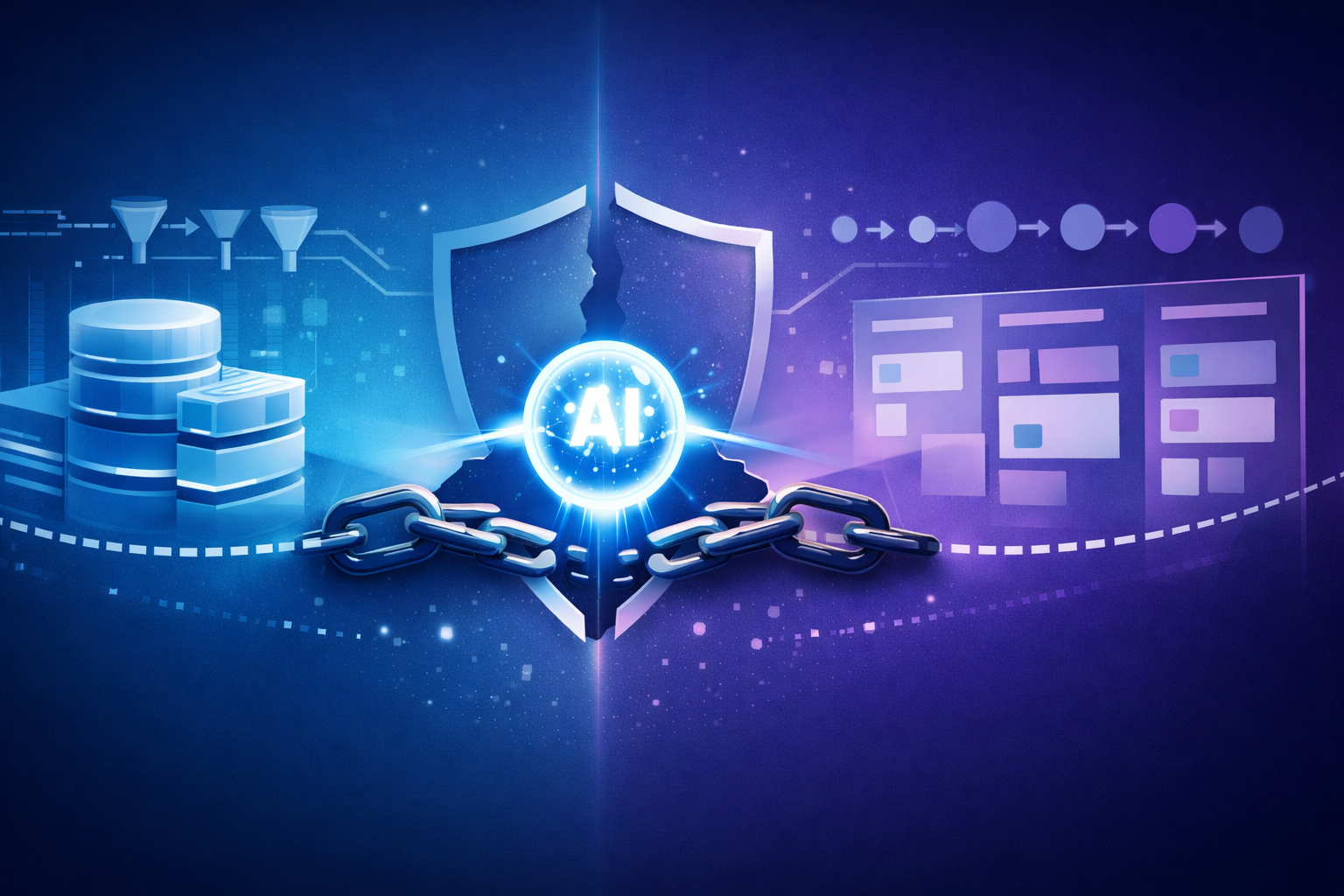
A Snowflake-to-GitHub-Actions-to-Jira workflow is a classic trust chain. If any link in that chain treats model output as trusted intent, the workflow can cross from analysis into action without enough control. That is the bug.
My practical advice is to audit it like any other privileged integration: map identities, separate read from write, reduce token scope, and require explicit approval for state changes. If you do that well, the AI layer becomes a helper. If you do not, it becomes another way to move across a trust boundary you never meant to open.