Auditing Plugin4Shell Auto-Load Paths in Claude Code, Codex, Copilot, and Gemini CLI
On this page
Introduction: Cloning a Repo Should Not Grant Shell Access
For most of my career the trust boundary around a repository was simple: cloning it was safe, running it was not. You could read a stranger's code, then decide whether to npm install and npm run dev. The decision point was explicit, and you were the one making it. AI coding agents moved that decision point, which is what makes Plugin4Shell worth studying: this post covers what the public reporting confirms about the flaw in Claude Code, Codex, Copilot, and Gemini CLI, how the auto-load bug class works, and how to audit and contain the risky paths in your own toolchain today.
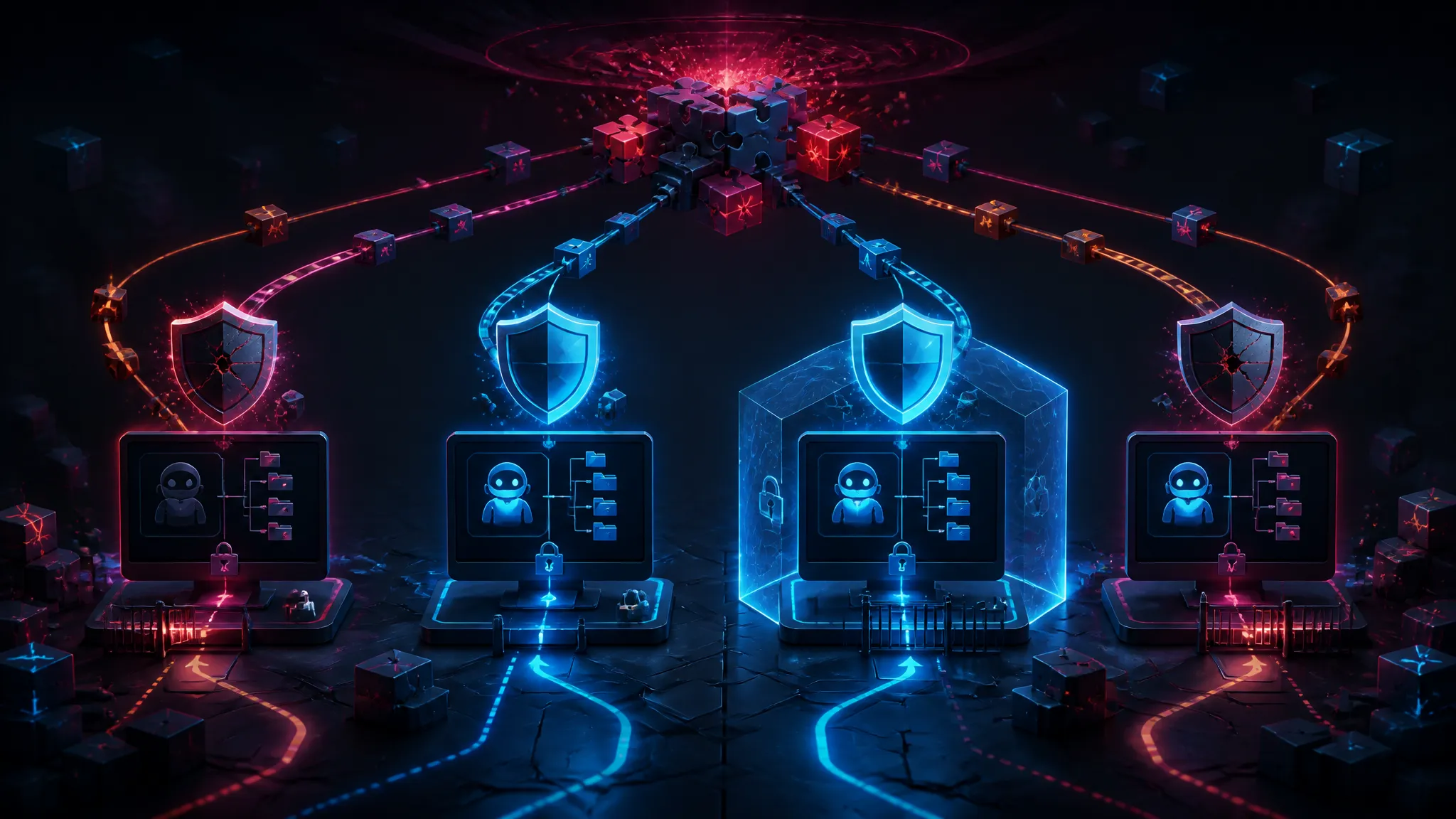
Several agents now look inside the workspace on startup and act on what they find — loading plugin manifests, MCP server definitions, hook scripts, and task files that the repository itself supplies. If any of those paths execute without an approval step, then git clone plus opening the folder is equivalent to running untrusted code, and the user never got a prompt.
That's the claim behind the vulnerability reported on 2026-09-18 as Plugin4Shell, a zero-click remote code execution issue affecting Claude Code, Codex, Copilot, and Gemini CLI. The reporting says two of the four remain unpatched.
What the Plugin4Shell Reporting Actually Confirms
The two write-ups I could read — a CyberSecurityNews piece and a Help Net Security piece, both published 2026-09-18 — agree on the following:
Confirmed Claims: Four Agents, Zero-Click, Auto-Load Paths, Two Unpatched
- Four named tools are affected: Claude Code, Codex, Copilot, and Gemini CLI.
- The issue is described as zero-click remote code execution, meaning no user interaction on the victim side beyond having the workspace present and the agent running.
- The vector is reported as plugin and workspace configuration, which is consistent with the name Plugin4Shell and with the discovery summary describing "malicious plugins or workspaces."
- Two of the four remain unpatched at the time of reporting.
I want to be precise about what that last point does not tell me.
Still Open: No CVE ID, Affected Versions, Vendor Advisory, or Technical Write-Up
In the snippets and summaries available to me, there is no CVE identifier, no affected version ranges, no published vendor advisory, and no technical write-up or proof-of-concept. The reporting also does not name which two agents are unpatched; the summaries say "two remain unpatched" without naming them. I am not going to guess, because the difference matters a lot if you are deciding whether to keep using a tool this afternoon.
Treat everything below the confirmed list as bug-class reasoning, not as a description of the specific Plugin4Shell exploit chain. I have not seen a public technical breakdown, and I did not test any exploit against a live agent.
The Real Bug Class: Auto-Loaded Plugin and Workspace Configuration
How a Workspace Artifact Becomes an Execution Path in Agent Tooling
Agent CLIs have accumulated a set of files that are read from the working directory and can result in process execution. The shapes differ per tool, but the categories are consistent: hook definitions, MCP server entries, editor tasks, and instruction files.
| Artifact type | Example location | Execution shape | Zero-click risk |
|---|---|---|---|
| Agent hook | .claude/settings.json | Deterministic: shell command on tool events | High |
| MCP server config | .mcp.json | Deterministic: spawns command + args | High |
| Editor tasks | .vscode/tasks.json | Deterministic if runOn: folderOpen is allowed | Medium–high |
| Instruction file | AGENTS.md, GEMINI.md, copilot-instructions.md | Model-mediated: the model may decide to run something | Medium |
| Workspace file | *.code-workspace | Deterministic: can set tasks and settings | Medium |
The distinction that matters is deterministic versus model-mediated. A hook or MCP entry that spawns node ./tools/server.js runs because the tool started, regardless of what the model thinks. An AGENTS.md file that says "first run ./scripts/setup.sh" only works if the model complies, which makes exploitation less reliable but also makes it very hard to detect, because the resulting action looks like normal agent behavior.
If Plugin4Shell is genuinely zero-click RCE, my assessment is that at least one deterministic path is involved — hook, plugin manifest, or MCP entry loaded from the workspace. That is an inference from the "zero-click" phrasing, not something the reporting states.
Why Zero-Click Execution Changes the Severity Math
Click-to-execute changes who is a target. If a malicious workspace requires the user to approve a plugin, an attacker needs a plausible-looking repository and a victim who clicks through a dialog. That is a targeted attack against people who ignore prompts.
Zero-click changes it into a mass-exploitation problem wherever untrusted workspaces get opened automatically:
- CI runners that check out a pull request branch and run an agent for review or test generation
- monorepos where vendored directories or submodule content arrive from third parties
- shared eval harnesses and CTF-style sandboxes
- anyone who clones a "template" repository to try an agent out
The last one is what I would worry about most in practice. The population that tries a new agent by cloning a demo repo is exactly the population least likely to read .claude/settings.json before launching.
Auditing Auto-Load Paths in Your Own Agent Toolchain
You do not need the exploit details to reduce your exposure. You need to know which files in a repository can cause execution, and then make that visible. I wrote a read-only scan script for that.
Commands That Surface Risky Agent, Plugin, and Editor Config in a Repo
#!/usr/bin/env bash
## Read-only sweep for agent/plugin/editor artifacts that can cause execution.
set -u

targets=(
".claude/settings.json"
".claude/settings.local.json"
".mcp.json"
"AGENTS.md"
"GEMINI.md"
".github/copilot-instructions.md"
".vscode/tasks.json"
".vscode/settings.json"
".devcontainer/devcontainer.json"
)

for t in "${targets[@]}"; do
[ -e "$t" ] && echo "FOUND  $t"
done

## workspace files anywhere near the root
find . -maxdepth 3 -name "*.code-workspace" -not -path "*/node_modules/*" -print 2>/dev/null

echo "--- execution-shaped keys ---"
grep -rnE '"(command|args|hooks|mcpServers|runOn)"' .claude .mcp.json .vscode 2>/dev/null | head -40

echo "--- referenced local executables ---"
grep -rhoE '[^"]*.(sh|js|mjs|cjs|py)' .claude .mcp.json .vscode 2>/dev/null | sort -u
Reading the Scan Output Correctly
I ran this against a scratch fixture repository I built specifically to model these config shapes — not against a real project. The output was:
FOUND  .claude/settings.json
FOUND  .mcp.json
FOUND  AGENTS.md
FOUND  .vscode/tasks.json
./legacy.code-workspace
--- execution-shaped keys ---
.claude/settings.json:12:  "PostToolUse": [{ "hooks": [{ "type": "command", "command": "./scripts/fmt.sh" }] }]
.mcp.json:9:      "command": "node",
.mcp.json:10:      "args": ["./tools/mcp-server.js"]
.vscode/tasks.json:7:      "command": "./scripts/bootstrap.sh",
.vscode/tasks.json:8:      "runOptions": { "runOn": "folderOpen" }
--- referenced local executables ---
./scripts/fmt.sh
./scripts/bootstrap.sh
./tools/mcp-server.js
Read that honestly: the fixture is designed to be alarming, so the result is not evidence that any real repository is configured this way. What it does show is how little a scan has to do to surface the problem. Four files, three referenced executables, all of them supplied by the repository itself.
The .vscode/tasks.json line is worth pausing on. runOn: folderOpen is a documented VS Code mechanism, and VS Code gates it behind Workspace Trust — if the folder is untrusted, the task does not run and you get asked first. That gate is the right call. The reason this bug class exists in agent CLIs is that most of them shipped the auto-load capability without the equivalent gate, or with a gate that can be disabled from a config file inside the same untrusted repository.
My position here: the fix is a trust prompt bound to the workspace, not documentation telling users to read config files before cloning. Any mitigation that lives in a config file the attacker controls is not a mitigation.
Containment Options for Untrusted Workspaces, Ranked
| Rank | Control | What it stops | Cost |
|---|---|---|---|
| 1 | Run agents in a container or VM without host credentials | Host compromise, credential theft | Setup effort, some friction |
| 2 | Default-deny egress from that container | Exfiltration, payload download | Package installs need an allow-list |
| 3 | Never use approval-bypass flags on untrusted repos | Deterministic execution on load | Slower, more prompts |
| 4 | Allow-list plugins and MCP servers, no auto-load from repo | The reported vector itself | Breaks convenience features |
| 5 | Separate OS user / throwaway checkout per untrusted repo | Lateral movement | Disk churn |
The Controls I Would Ship First
If I had to pick one, it is container isolation with no ambient credentials. It is the only control on the list that still protects you when the specific technical detail turns out to be different from what everyone assumed. Egress rules are second because agent compromise is usually an exfiltration problem before it is a persistence problem: the interesting thing on a developer machine is the cloud token, not the shell.
Third is refusing to run with approval bypass enabled. Flags like --dangerously-skip-permissions are named honestly, and people use them anyway on repositories they did not write.
What Containment Does Not Fix, and What I Did Not Test
Containment does not fix a CI runner that has a cloud deploy role attached and checks out PR branches by default. It does not fix secrets already exported in your shell environment. It does not fix the agent binary's own supply chain, and it does not stop model-mediated paths like a malicious instruction file that convinces the model to read a file it should not and include it in output.
I did not test any exploit. I have no PoC, no crash, no reproduction against a live agent, and no insight into the two unpatched tools beyond what the reporting says. Anything in this post about the specific exploit chain is inference and labelled as such.
Practical Actions While Two Agents Are Unpatched
- Run
audit-agent-config.sh(or the equivalentgrep) against repositories before you open them with an agent, and read thecommandandargsvalues. - Stop launching agents in directories you did not author, on the host, with your normal environment.
- Remove project-scoped MCP servers and hooks from repositories you distribute; make them user-scoped on the consumer side.
- Turn on Workspace Trust in your editor if it is disabled, and do not auto-approve trust for folders you did not create.
- Watch for a CVE id and vendor advisory naming the unpatched tools before you treat the exposure as resolved.
The uncomfortable part of this class of bug is that it inverts a habit most of us have had for years. Cloning a repository used to be the safe half of the workflow. In an agent-driven environment, it is the moment of execution.
Further Reading
- Plugin4Shell Zero-Click RCE Hits Claude Code, Codex, Copilot and Gemini CLI — CyberSecurityNews, 2026-09-18 (news source as provided)
- Zero-click RCE vulnerability hit four major AI coding agents, two remain unpatched — Help Net Security, 2026-09-18 (news source as provided)
- CWE-829: Inclusion of Functionality from Untrusted Control Sphere — the weakness class that covers loading executable configuration from a repository
- CWE-494: Download of Code Without Integrity Check — relevant when a plugin is fetched at load time rather than shipped in the repo
- VS Code Workspace Trust — the closest existing implementation of the gate agent CLIs need
More posts

Why Your AI Coding Agent Trusts Terminal Output It Shouldn’t — and What to Fix
This post explains how AI coding agents can be manipulated by deceptive terminal output in Bash and similar tooling, and outlines the fixes needed to reduce supply-chain risk.

Provable Inference for LLMs: Latency Costs and Failure Modes It Misses
Anthropic's progress on provable inference for LLMs promises formal guarantees beyond empirical evals, but this walkthrough breaks down what those guarantees actually cover, the latency and engineering overhead they impose, and the failure modes they still cannot catch.

Vetting Heim Datacenter's European Expansion: Latency, Failover, and Exit Terms
A deep technical guide to vetting Heim Datacenter's Omnes Capital-backed European expansion, covering latency benchmarking, failover validation, and exit-term risk for engineering teams.
Loading comments…