AsyncRAT Delivery via TryCloudflare Tunnels: A Practical Detection Playbook for Developers
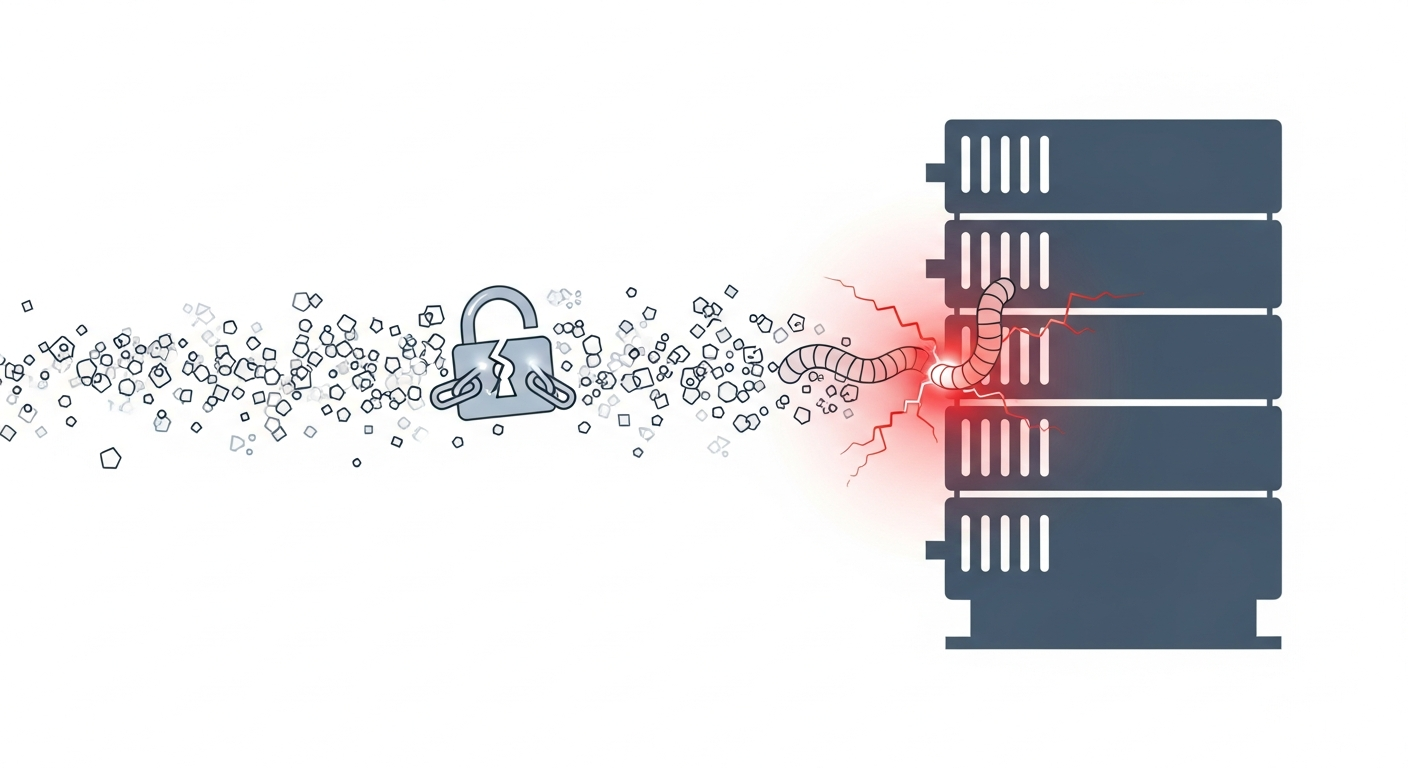
I would not file this away as “yet another RAT campaign that used a cloud service.” The useful lesson is that the delivery chain is built from ordinary-looking transport layers: a file host up front, then a disposable tunnel behind it. The report says the attackers used Dropbox URLs and TryCloudflare tunnels to deliver AsyncRAT. That means the control point is not a single domain block. It is the handoff between services, plus the endpoint behavior that follows.
If you only block dropbox.com or trycloudflare.com on their own, you will miss the chain. Correlate the first download, the tunnel hop, and the child process tree.
What this delivery chain looks like in practice
In the field, this often looks like a user click, a short-lived download, and then a second network hop that changes the trust boundary without changing the browser session very much. The report describes Dropbox as the first delivery point and TryCloudflare as the second-stage transport before AsyncRAT lands.
My working model is:
- A lure drives the victim to a Dropbox-hosted file.
- The file is downloaded and executed, or it drops a second component.
- That component reaches out through a TryCloudflare tunnel.
- The tunnel serves the payload or the next-stage loader.
- AsyncRAT starts after the handoff.
That is the likely flow, not the entire confirmed chain. The source summary does not tell us the exact file extension, loader family, or child process sequence. I would not bake those details into detections unless you have your own telemetry confirming them.
Why Dropbox and TryCloudflare make a useful abuse path
Dropbox as the first-stage file host and reputation shield
Dropbox works for attackers because it looks normal. Security teams already trust it for collaboration, and many browsers, proxies, and mail gateways treat it as a routine business service. A shared link is often enough to slip a payload past simple reputation checks.
The first-stage host does not need to be malicious in a technical sense. It only has to carry content that looks harmless long enough for a user to download it. That is why “allowed cloud storage” is a weak trust signal by itself.
TryCloudflare tunnels as disposable infrastructure
TryCloudflare gives the second stage a fresh HTTPS endpoint without the attacker having to keep a traditional VPS online for long. The tunnel hostname is often new, short-lived, and not obviously tied to the attacker’s real infrastructure. That makes blocklists age badly.
The important detail is not that Cloudflare is involved. It is that a tunnel hides the origin and collapses the distance between a hostile server and a user’s browser. For defenders, that means DNS and proxy logs may show a service that looks familiar, while the content behind it is fully attacker-controlled.
Reconstructing the likely infection flow
User lure, download, and initial execution
The report does not give a full lure description, so I would treat the initial step as unconfirmed beyond “a user is directed to a Dropbox URL.” In campaigns like this, the lure usually tries to get the user to open a file locally rather than view content in the browser.
Common first-stage patterns include:
- archive files that contain a script or shortcut
- documents that prompt the user to enable something they should not
- installers or self-extracting packages that drop a second payload
That list is inference based on how this delivery style normally works. It is not confirmed by the report.
Tunnel-backed second stage and handoff to AsyncRAT
The reported TryCloudflare usage matters because it suggests the attacker did not want the first-stage file to carry everything. Instead, the first stage likely fetched a second component from the tunnel, or the tunnel served the final payload after the user crossed the first boundary.
From a detection standpoint, that is where the campaign becomes real: the browser download alone is just a content event, but the tunnel-backed handoff is usually the point where execution starts to matter. If the endpoint then spawns a script host, archive extractor, or other living-off-the-land binary, the signal is much stronger.
What is confirmed by the report versus what is inferred
| Item | Status |
|---|---|
| Dropbox URLs were used as part of the delivery chain | Confirmed by the report |
| TryCloudflare tunnels were used to deliver the payload chain | Confirmed by the report |
| The malware family involved was AsyncRAT | Confirmed by the report |
| The exact file type from Dropbox | Not confirmed in the provided summary |
| The exact loader or dropper process tree | Not confirmed in the provided summary |
| A browser-to-LOLBin execution path is likely | Inferred, but not confirmed |
That separation matters. If you blur confirmed facts and guesses, your detections will get too narrow or too noisy.
What to watch in telemetry and logs
Browser, proxy, and DNS indicators
The best signal is often the sequence, not either host alone.
| Layer | Signal | Why it matters |
|---|---|---|
| DNS / proxy | Dropbox URL followed by trycloudflare.com in the same user session | Shows a staging handoff |
| Browser | A download event immediately before the tunnel hop | Suggests the user opened something locally |
| Proxy / TLS | A short-lived HTTPS session to a fresh tunnel hostname | Common with disposable infrastructure |
| Referrer / user-agent | Same browser context across both hops | Helps tie the chain together |
If your logging only keeps destination domains, you will miss context. Keep enough metadata to correlate user, source IP, timestamp, and URL path.
Endpoint process trees and suspicious child processes
On the endpoint, I would look for the browser or mail client spawning something it should not. The exact child process depends on the lure, but the risky patterns are familiar:
browser.exe -> powershell.exebrowser.exe -> cmd.exebrowser.exe -> mshta.exebrowser.exe -> wscript.exeorcscript.exebrowser.exe -> rundll32.exearchive.exe -> script.exeorshell.exe
Not every malicious chain uses a LOLBin. Some will use a normal-looking executable name. Still, if the browser session is the entry point and a script host appears right after a suspicious download, that is worth triage.
Network patterns that stand out when a tunnel is involved
When a tunnel is in play, I look for:
- a new domain that did not exist in yesterday’s allowlists
- TLS traffic to a hostname with no broader corporate history
- a download followed by a second HTTPS connection within minutes
- periodic beaconing after the handoff
- one host talking to a tunnel, then immediately to unrelated external IPs
A tunnel does not prove malware. It does, however, reduce the value of simple IP reputation checks because the origin is hidden behind a service that is otherwise legitimate.
Detection rules developers and defenders can actually use
Alert on Dropbox-to-tunnel chaining rather than either domain alone
A practical rule is to alert when the same user, host, or session touches Dropbox and then reaches a TryCloudflare hostname in a short window. That is much more useful than a raw block on either service.
Here is a minimal log-correlation script for JSONL proxy events:
import fs from "node:fs";

const windowMs = 30 * 60 * 1000;
const events = fs
.readFileSync(0, "utf8")
.trim()
.split(/\n+/)
.filter(Boolean)
.map((line) => JSON.parse(line));

const firstHop = new Map();

for (const e of events) {
let host = "";
try {
  host = new URL(e.url).hostname;
} catch {
  continue;
}

const key = `${e.user ?? "unknown"}|${e.src_ip ?? "unknown"}`;
const ts = Date.parse(e.ts);

if (/^(?:.+\.)?dropboxusercontent\.com$/i.test(host) || /^(?:.+\.)?dropbox\.com$/i.test(host)) {
  firstHop.set(key, ts);
  continue;
}

if (/^(?:.+\.)?trycloudflare\.com$/i.test(host)) {
  const t0 = firstHop.get(key);
  if (t0 && ts - t0 <= windowMs) {
    console.log(JSON.stringify({
      rule: "dropbox_to_trycloudflare_chain",
      key,
      dropboxSeenAt: new Date(t0).toISOString(),
      tunnelSeenAt: e.ts,
      url: e.url
    }));
  }
}
}
A hit should look like this shape:
{"rule":"dropbox_to_trycloudflare_chain","key":"jdoe|10.0.8.24","dropboxSeenAt":"2026-07-02T10:14:03.000Z","tunnelSeenAt":"2026-07-02T10:15:11.000Z","url":"https://abc123.trycloudflare.com/update"}
That is the sort of alert I would actually want to triage.
Build allowlist exceptions carefully for legitimate Cloudflare use
Do not create a blanket exception for all Cloudflare tunnel traffic just because some teams use it for remote access or demos. Allowlisting should stay narrow:
- specific enterprise-owned hostnames
- authenticated paths where possible
- known source subnets or device groups
- clear business justification and expiry dates
If you need to allow a legitimate tunnel, document the owner and the expected endpoint behavior. Wildcard allowlists such as *.trycloudflare.com erase too much signal.
Add endpoint detections for archive, script, and LOLBin abuse
On endpoints, tune detections around suspicious child processes spawned after downloads.
Useful rules include:
- browser spawning script hosts
- Office or PDF readers spawning shell interpreters
- archive tools launching scripts or binaries
- unsigned executables starting from user-writable paths
- a new process reaching out to the network soon after download completion
If your EDR supports it, pair process creation with file origin. The file path plus the parent process is often more useful than the hash alone.
Safe validation steps for a lab environment
Reproduce the network path with benign downloads and dummy content
You do not need malware to test the control path. Use harmless content and a sanctioned test tunnel or internal reverse proxy.
A safe lab setup can be as simple as this:
mkdir -p /tmp/hackyjs-lab
printf 'benign test file\n' > /tmp/hackyjs-lab/test.txt
python3 -m http.server 8080 --directory /tmp/hackyjs-lab
If your environment allows it, expose that local server through an approved tunnel for the test window only. The goal is to validate that your proxy, DNS, and EDR stack can correlate a download followed by a tunnel hop.
What you want to see is:
- the first download is logged
- the tunnel destination is logged
- the two events correlate on the same host or user
- the alert fires before any unknown binary is executed
Check that controls block the chain without relying on malware detonation
Do not detonate real samples just to prove a detection works. Validate the control path with benign files and dummy content instead.
A good test passes even when the content is harmless. If your defense only works after malware execution, it is already too late. The control should stop or flag the staging chain before the endpoint runs anything untrusted.
What this incident changes in your threat model
Reputation-based trust is not enough for file delivery decisions
The main lesson is that brand reputation is not trust. Dropbox is a file transport. TryCloudflare is a transport layer. Neither one tells you whether the content is safe.
If your policy says “cloud storage is allowed,” that is not a security decision. It is only a routing decision. You still need content inspection, download correlation, and endpoint controls that can tell the difference between a normal business file and a staged payload.
Tunnels and commodity storage services should be treated as high-risk staging infrastructure
I would classify both services as high-risk staging infrastructure, even though they are legitimate products. That does not mean block them outright. It means treat them as higher-scrutiny paths:
- stricter monitoring
- shorter alert windows
- tighter allowlists
- stronger process-spawn rules
- more aggressive review of first-time destinations
That is the part that changes the threat model. The attacker no longer needs bespoke hosting to blend in. They can hide inside services your users already trust.
Defensive checklist and conclusion
Immediate actions to prioritize this week
- Add correlation alerts for Dropbox-to-tunnel chaining.
- Review any broad Cloudflare or Dropbox allowlists.
- Turn on or tighten logging for DNS, proxy, and URL paths.
- Alert on browser-initiated script or LOLBin execution after suspicious downloads.
- Test a benign tunnel and dummy download path in a lab.
- Make sure analysts can see the full sequence, not just the final domain.
My opinion is blunt: this is not a “block one malware domain” problem. It is a visibility and correlation problem. If your controls can tie the first download to the second hop and then to endpoint execution, you will catch a lot more than this one campaign.