Anatomy of a Self-Propagating npm and PyPI Worm That Hijacked Agent Memory
On 2026-09-25, CryptoRank and forkast.news ran the same headline: the first supply-chain worm aimed at AI agent memory infrastructure had planted malicious packages on both npm and PyPI. The reports are short, there is no CVE, no package list, and no vendor advisory I could locate — I won't pretend otherwise. My position up front: the category is a real trust-boundary shift worth acting on today, and the specific incident is currently headline-level. Nobody who has not seen the packages should be turning it into an IOC list.
Below is an anatomy of how a self-propagating npm and PyPI worm actually spreads, where agent memory and config sit on disk, and the audit steps you can run right now that don't depend on this story being confirmed.
What the public reports claim — and what they do not establish
Two newsrooms, same evening, published about fifteen minutes apart. Weak independence at best: both summaries cycle through the same framing — "first," "self-propagating," "agent memory infrastructure," "npm and PyPI" — and stop there. Neither outlet runs a registry or publishes security research, so I read them as secondary coverage, not evidence.
| Confirmed by the reports | Not established |
|---|---|
| Malicious packages appeared on npm and PyPI | No CVE identifier published |
| The payload is described as a self-propagating worm | No package names, scopes, or maintainer accounts named |
| The stated target is AI agent memory infrastructure | No affected version ranges |
| Both reports are dated 2026-09-25 (20:20Z and 20:35Z) | No IOCs: no hashes, no domains, no file paths |
| No primary advisory located (GitHub Advisory, npm/PyPI bulletin, or vendor post) | |
| No published analysis of the worm's actual code |
Everything below that describes worm mechanics is the general mechanism class, not a description of this worm's code. I have not seen the reported packages, and I will not guess at their names or versions.
How a self-propagating npm and PyPI registry worm actually spreads
The install-time loop
A registry worm is not exotic. It needs three things any normal dependency already has: code that runs at install time, access to credentials, and a publish path back to the registry.
The entry point is a lifecycle script. On npm that means postinstall; on Python it is a setup.py, a build backend hook, or a .pth file that runs when the interpreter starts.
{
  "name": "some-package",
  "version": "1.4.2",
  "scripts": {
    "postinstall": "node ./scripts/setup.js"
  }
}
The script runs with your privileges, not a sandbox's. From there the loop is mechanical:
- Read the environment and the usual dotfiles —
NPM_TOKEN,PYPI_API_TOKEN,GITHUB_TOKEN, CI secrets, cloud credentials. - Use whatever publish credential it found to push a new, tainted version under a maintainer identity it now controls.
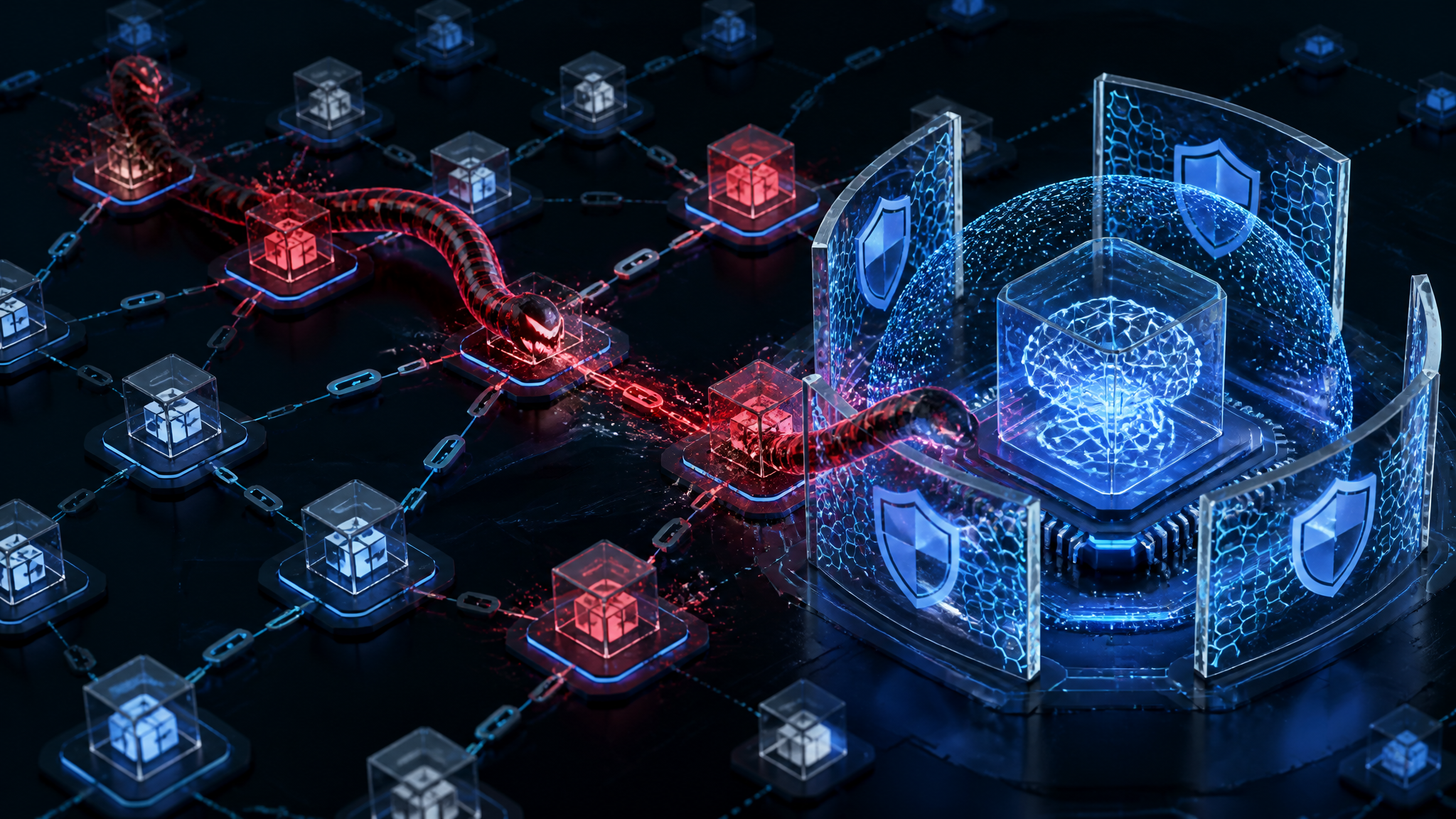
- The next developer or CI runner installs that version, and the loop runs again.
No exploit, no zero-day. The whole attack is "the credential was in the environment and the code runs anyway."
Why "worm" changes the blast radius
A single malicious package is a bounded event: it gets reported, yanked, and the ecosystem moves on. A worm has three properties that break that cycle:
- No interaction after the first install. Every subsequent victim is created by automation — a CI job, a
docker build, a fresh clone. - It inherits reputation. The second-order payload ships from a maintainer account people already trust, with a real commit history and real download counts.
- It multiplies response latency. By the time the first report lands, the credential may already have been fanned out to several packages, and each one has to be found.
Rotation is the part teams underestimate. Revoking one token does not un-publish anything.
Why agent memory is a qualitatively different target
Memory writes are persistence, not one-shot prompt injection
Prompt injection is a per-request problem: hostile text arrives, the model is steered, the session ends. Agent memory is different, because the agent writes to it and reads it back later.
If an install-time script appends one entry to a memory store or note file, that entry can influence tool selection in future sessions with no hostile input present at request time. The poisoned state outlives the page, the conversation, and the process. Persistence in the real sense — the same reason a dropped cron job matters more than a reflected XSS.
I would rank severity as high and current mitigations as weak: most agent frameworks read memory back without provenance, so a single bad write is treated as if the user had authored it.
Where agent memory and config actually live
These paths are high-value write targets because they are almost never reviewed and rarely covered by file integrity checks. An install script that can write to your project directory usually reaches most of them.
| Location | Why it matters |
|---|---|
| Vector stores and embedding caches (local Chroma, FAISS, LanceDB, pgvector data dirs) | Poisoned entries survive re-embedding and get retrieved by similarity, not by name |
Memory/note files (MEMORY.md, agent scratch dirs, journal files) | Plain text, human-readable, frequently auto-loaded into the system prompt |
MCP and tool config (~/.config/mcp, claude_desktop_config.json, project .mcp.json) | Defines which tools exist and what they can reach |
| Conversation and session logs | Read back as context in many agent setups |
Local env files (.env, .npmrc, ~/.pypirc) | Both the exfil source and a persistence location |
An install hook does not need to understand your agent. It needs write access to a directory the agent trusts.
Auditing your dependency tree for install-time worm patterns
These commands find the pattern. They will not tell you whether you were hit by this specific worm, because the packages are not publicly named. Run them anyway — spotting the shape is what makes the next one survivable.
Step 1: enumerate lifecycle scripts and what they execute
## npm 8.16+ supports attribute selectors in npm query
npm query ":attr(scripts, [postinstall])" | jq -r '.[].name'

## or straight from the lockfile, which is the source of truth for CI
jq -r '.packages | to_entries[]
       | select(.value.hasInstallScript == true)
       | .key' package-lock.json
On a small service repo, a clean tree still has a handful of legitimate hooks. The shape looks like this:
node_modules/sharp
node_modules/esbuild
node_modules/protobufjs
Then print what they actually run:
jq -r '.packages | to_entries[]
       | select(.value.hasInstallScript == true)
       | "\(.key)/package.json"' package-lock.json \
  | while read -r f; do jq -c '{name, scripts}' "$f"; done
{"name":"esbuild","scripts":{"postinstall":"node install.js"}}
{"name":"protobufjs","scripts":{"postinstall":"node scripts/postinstall"}}
{"name":"some-internal-tool","scripts":{"postinstall":"node ./scripts/telemetry.js"}}
The first two are expected native/binary setup. The third is the interesting case: a hook naming a script unrelated to the package's documented build step. Read it — including when the package is internal, because that is exactly the reputation the worm inherits.
For Python, install scripts are less visible but just as real:
python - <<'PY'

for d in md.distributions():
    files = d.files or []
    for f in files:
        if str(f).endswith(".pth"):
            print(d.metadata["Name"], "->", f)
PY
.pth files are executed by site at interpreter startup. A .pth line beginning with import is code execution outside any install step.
Step 2: verify lockfile integrity and provenance
$ npm ci --ignore-scripts
added 412 packages in 3s

$ npm audit signatures
audited 412 packages in 1s

389 packages have verified registry signatures
23 packages have missing or unverified signatures
Counts are trimmed from my own tree and the exact wording varies by npm version — run it against your tree and check your npm docs rather than trusting my transcript line-for-line.
On the Python side, hash-pinning is the available control:
pip install --require-hashes --only-binary=:all: -r requirements.txt
Be clear about what this buys you: --require-hashes stops a substituted artifact from being installed. It does not stop code execution, because an sdist build runs the build backend before any hash can be checked. --only-binary=:all: is what removes that path. If you use uv, uv lock --check fails when the lockfile and pyproject.toml disagree, which catches a hand-edited lockfile.
For attestations, PyPA ships the pypi-attestations verifier and npm has registry signatures plus provenance. Verify the current flag syntax against the docs before wiring it into CI.
Step 3: check what install-time code could reach
Print the names of secrets in the environment, never the values:
env | grep -Eio '^[A-Z0-9_]*(TOKEN|KEY|SECRET|PASSWORD)[A-Z0-9_]*' | sort -u
GITHUB_TOKEN
NPM_TOKEN
OPENAI_API_KEY
PYPI_API_TOKEN
Then ask which of them can publish, and whether install-time code can write to the paths from the table above:
for p in ~/.npmrc ~/.pypirc ~/.config/pip ~/.claude ~/.config/mcp ~/.cache/uv; do
  [ -e "$p" ] && ls -ld "$p"
done
drwx------  5 me  staff  160 Sep 20 09:14 /Users/me/.claude
-rw-------  1 me  staff   91 Sep 12 11:02 /Users/me/.npmrc
drwxr-xr-x  4 me  staff  128 Sep 22 18:40 /Users/me/.config/mcp
Any line here that is group- or world-writable is a problem independent of this worm. For egress, the practical test is a baseline diff: run npm ci --ignore-scripts and capture connections, then run the same install with scripts enabled inside a throwaway container with a registry allowlist. Anything reaching a host that is not your registry is worth explaining.
Defensive controls ranked by what they actually block
| Control | Stage it breaks | Real gap |
|---|---|---|
Short-lived OIDC trusted publishing (npm/PyPI) | The republish step | Requires per-package migration; a compromised CI workflow still publishes |
npm ci --ignore-scripts, pip --only-binary=:all: | The first execution | Breaks legitimate native builds; .pth files still fire at interpreter start |
| Registry signatures and attestations | Artifact substitution | Traditional token publishing carries no attestation to verify |
Hash pinning (--require-hashes, lockfile checks) | Substituted versions | Does not address a legitimately published tainted version |
| No publish credentials on dev machines | The harvest step | Hard to enforce; shared CI secrets are the common exception |
| Treating agent memory as untrusted input | Persistence | Almost nothing implements provenance checks on memory reads today |
If I could only fix one thing, it is the long-lived publish token. Delete it from developer laptops and from CI, and move to trusted publishing. Nothing else removes the worm's defining property: without a token it cannot republish, and the incident degrades into a normal malicious package with a bounded blast radius. --ignore-scripts is the right thing to do today on your machine, but it protects you and nobody downstream.
Where I think supply-chain defense is aimed at the wrong layer
Three things I would push back on:
Agent memory is treated as application data when it is a trust boundary. Memory stores are written from untrusted sources and read back with the same authority as user instructions. This is a confused-deputy design, and it will produce more incidents than this one regardless of how the current story resolves.
"We pin our dependencies" does nothing here. Pinning protects against version drift. It cannot protect against a maintainer account that publishes a new version you then upgrade to, and it definitely cannot protect against a build step that runs in your own environment with your own credentials. Teams that treat pinning as their supply-chain answer are unguarded at the exact point this attack uses.
Registry scanning will not catch behavior that only fires at install time on a developer laptop. Static analysis of a published tarball sees a script; it cannot see the credential it will read or the republish it will attempt. Install-time isolation is the control that matters, and it lives in the client, not the registry.
Limits of this analysis
What I confirmed is narrow: two reports exist, both dated 2026-09-25, both making the same claim. Everything here about worm mechanics describes the general pattern, not the reported packages.
What I did not test: the packages themselves (not publicly named), any claim about which agent frameworks were affected, and whether "self-propagating" has been independently verified by a registry or vendor. I also did not locate a primary advisory — if one exists and I missed it, the confirmed/unknown table above should be rewritten around it.
If you only run one check today, make it this one, on every lockfile you own:
npm query ":attr(scripts, [postinstall])" | jq -r '.[].name' | sort
Diff it against the list you had last week. A new lifecycle script in a dependency you did not upgrade is the signal this class of attack leaves on your side of the wire.
Further Reading
Both of these are secondary news coverage of the same event, not primary sources. If a registry advisory, vendor bulletin, or the removed packages themselves become available, they should replace these links.
- CryptoRank, The First Supply-Chain Worm Targeting AI Agent Memory Infrastructure Just Hit npm and PyPI (2026-09-25) — aggregator link
- forkast.news, same headline (2026-09-25) — aggregator link
- npm query attribute selectors — official docs for the lifecycle-script enumeration command
- npm audit signatures — official docs for registry signature verification
- PyPI trusted publishers — official docs for removing long-lived publish tokens
- pypi-attestations — PyPA verifier for published attestations